
_E_m_i - Minecraft Skins & Skin History
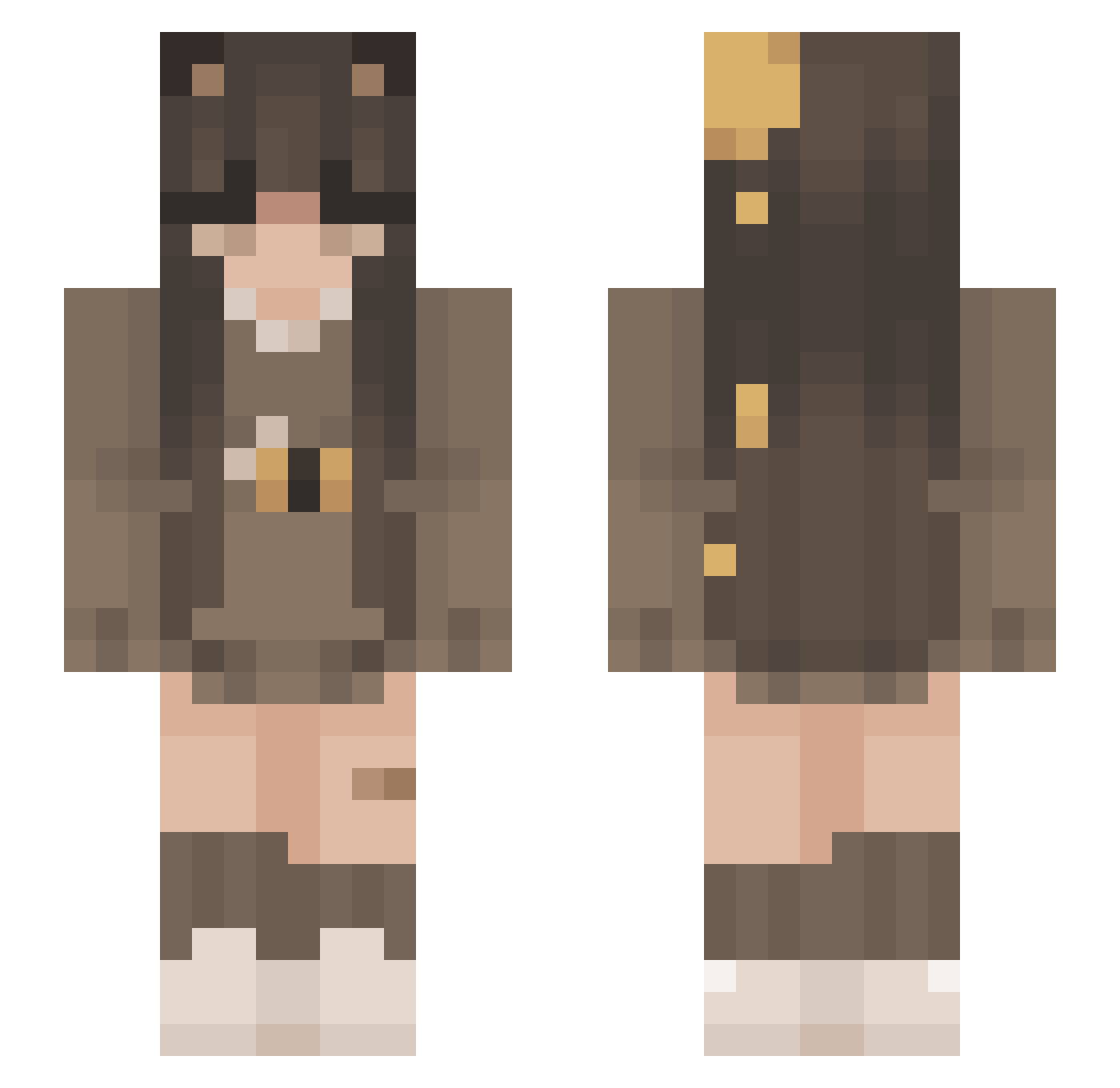
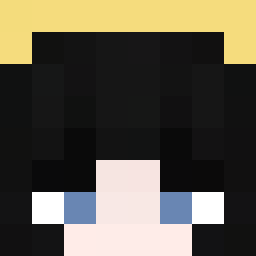
Current Minecraft skin of the player _E_m_i, loaded from the official Mojang API. Rotate the 3D model with your mouse or finger, then download the skin as a PNG file and use it in Minecraft: Bedrock Edition or Java Edition for free. When _E_m_i changes their skin, this page updates automatically and the old skin stays in the history below.
Other players with this skin (240)
_E_m_i was the 85th player we have seen with this skin, first spotted on 02.09.2026. The same skin was seen on these players. Open a nickname to see their current skin and skin history.
 ItzbotJess millietron Sky_Laura Hunleff Sandrusia1999 renatinha_sz ILikeEgs SaturnBurst K1WIS brii1i Meichan96 Naacita HisStars1123 livrhys BreadCatFan5773 piarrz bbbOnka brianmunoz1209 abeehive giovani00799 dearbecky kkyrelle EstherLR dortmund1
 Maki_Kore EarthlyAurora
 tsr3_0 Cheesy_Puffies nyb430 swagkayla Sk8ingMiya random124324 Nyracord ssqv xGabasimp Stroopp _Madziusia_ Burza304 yourMooni Hummeluv insectivore
 Ziiaa_ iamtreebot
 Deniice4 pl6m Fox_sar nachowasherepoo oasisfrosty SweetShxneNina taikkutsu asango StepFathers LoloAsleep Mysticalroseee Isanamii Addrian_21 letjungkook chiaracks Expire538 PollyBearCx
More Bee Minecraft skins
How to install the _E_m_i skin
- Press the Download button above to save the skin as a PNG file.
- Minecraft: Bedrock Edition (PE): open the Dressing Room from the main menu (or tap your character → Edit Character), go to Classic Skins → Owned, press the + (new skin) button, choose the downloaded PNG and pick the Slim (Alex) model. Works on PC and mobile; consoles cannot import custom skins.
- Minecraft: Java Edition: open the Minecraft Launcher, go to the Skins tab, click New Skin, load the PNG, pick the Slim (Alex) model and press Save & Use. You can also upload it at minecraft.net → Profile → Change Skin.
The skin does not show up after import - what should I do?
Restart Minecraft and open the Dressing Room again - imported skins sometimes appear only after a restart. Also make sure you selected the imported skin and picked the Slim (Alex) model.
Which model should I choose, Classic or Slim?
This skin is designed for the Slim (Alex) model. If you pick the wrong model, the arms of the skin will look stretched or squeezed.
Is the skin of _E_m_i free to download?
Yes. Press Download, save the PNG file and use it in Minecraft: Bedrock Edition or Java Edition - no payment or registration needed. The skin also works on multiplayer servers and Realms.
More skins
Looking for more? Go back to all Minecraft skins and check the top skins of the week, month and all time, or find any player's skin by nickname.