
_CatLike_ - Minecraft Skins & Skin History
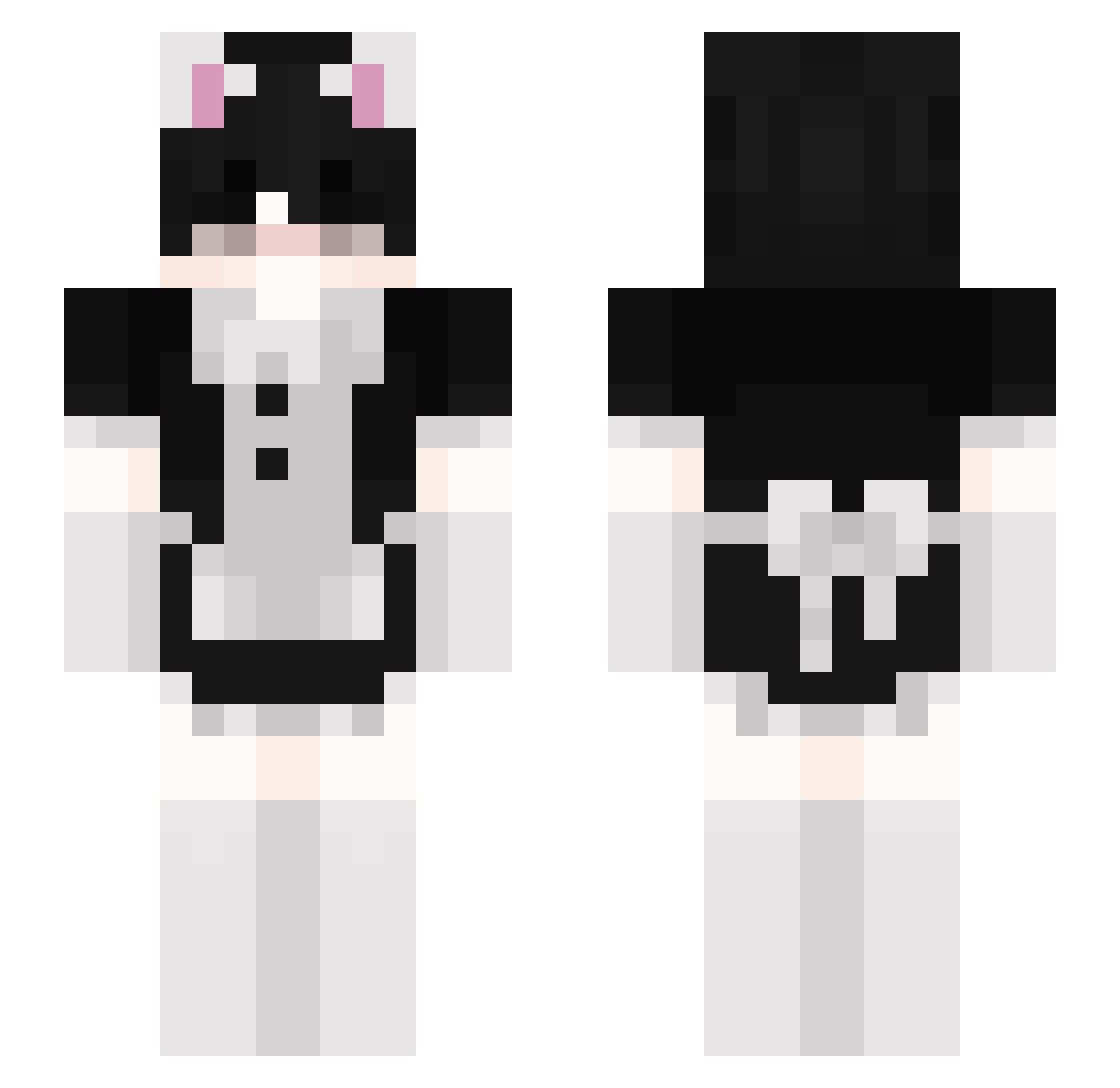
Current Minecraft skin of the player _CatLike_, loaded from the official Mojang API. Rotate the 3D model with your mouse or finger, then download the skin as a PNG file and use it in Minecraft: Bedrock Edition or Java Edition for free. When _CatLike_ changes their skin, this page updates automatically and the old skin stays in the history below.
Other players with this skin (155)
_CatLike_ was the 122nd player we have seen with this skin, first spotted on 18.10.2026. The same skin was seen on these players. Open a nickname to see their current skin and skin history.
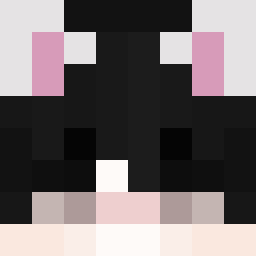 rayzreiss scartlazarus Valley___ Jordan_So encw nickthegh0st Loof5555 kae_exe matus1ta Nikssuzu Justi0909 Edweirdo12345 Troskaa Soda__Pop BananaNester pro_eboy ItzChuotTeNan Leon32259 kurogutz cascravat Aydin_Yanckevich baqkua Diamond_Man02 smellody solaceuwu witt_a8 Justize uisamuel noah_fp gavhriel_ KingCrown9 hollyyear _Naruu Sweetbootcheeks VampireLady il0v3h3nt4i nPan_JP530 PanStyropian25 TTV_ashwithuke Theironhammer10 lionardo_12 AhmetTurkann33 fzxckq sekkiboo GeeRam kedigamer ninaaxii UsagiKiiroi Little_Magic Blue_Bam kioshio Gachi_Traker LmsNier zEinfachYuma Sekai1307 castrocial enfpboyi babetoggled Idreamfreedom Misiek543
More Maid Minecraft skins
How to install the _CatLike_ skin
- Press the Download button above to save the skin as a PNG file.
- Minecraft: Bedrock Edition (PE): open the Dressing Room from the main menu (or tap your character → Edit Character), go to Classic Skins → Owned, press the + (new skin) button, choose the downloaded PNG and pick the Slim (Alex) model. Works on PC and mobile; consoles cannot import custom skins.
- Minecraft: Java Edition: open the Minecraft Launcher, go to the Skins tab, click New Skin, load the PNG, pick the Slim (Alex) model and press Save & Use. You can also upload it at minecraft.net → Profile → Change Skin.
The skin does not show up after import - what should I do?
Restart Minecraft and open the Dressing Room again - imported skins sometimes appear only after a restart. Also make sure you selected the imported skin and picked the Slim (Alex) model.
Which model should I choose, Classic or Slim?
This skin is designed for the Slim (Alex) model. If you pick the wrong model, the arms of the skin will look stretched or squeezed.
Is the skin of _CatLike_ free to download?
Yes. Press Download, save the PNG file and use it in Minecraft: Bedrock Edition or Java Edition - no payment or registration needed. The skin also works on multiplayer servers and Realms.
More skins
Looking for more? Go back to all Minecraft skins and check the top skins of the week, month and all time, or find any player's skin by nickname.