
Zpancake - Minecraft Skins & Skin History
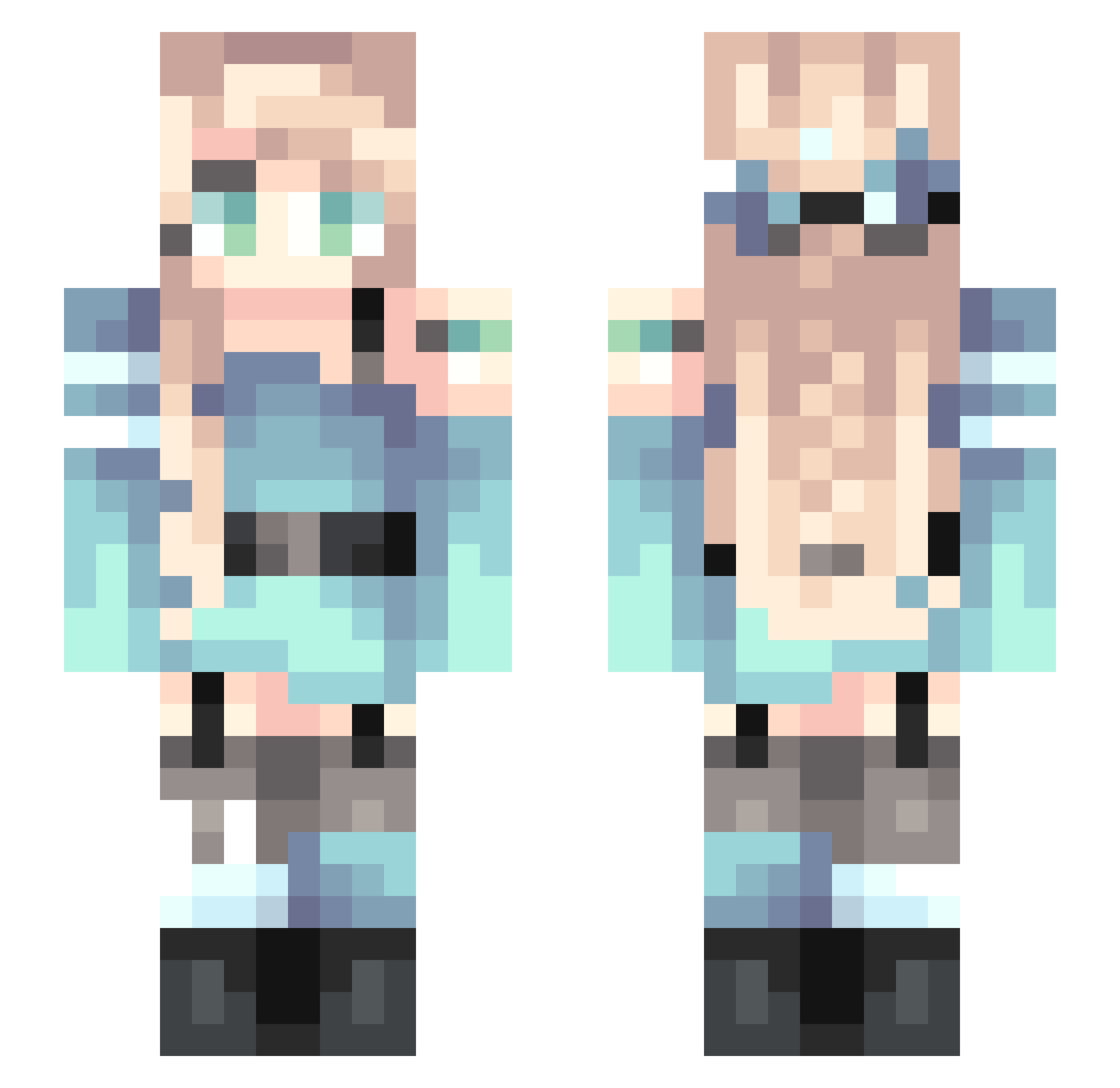
Current Minecraft skin of the player Zpancake, loaded from the official Mojang API. Rotate the 3D model with your mouse or finger, then download the skin as a PNG file and use it in Minecraft: Bedrock Edition or Java Edition for free. When Zpancake changes their skin, this page updates automatically and the old skin stays in the history below.
Other players with this skin (255)
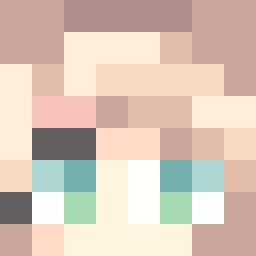
Zpancake was the 114th player we have seen with this skin, first spotted on 13.09.2026. The same skin was seen on these players. Open a nickname to see their current skin and skin history.
 scarada Oceanwave_w_ mana0807 Shiny_Gift SuperChenV Lady_Leto _a_smol_bean_ XiaoGong333 uYoYu joyfulo Aquateeny MorriganOfCrows Lenyue Estrelladelcielo HIRMIC Coldy_J Mercuriest MintIsland joseph_0 520emx Manta_Kay mospeada its_alyy Starrysky0_0 Snugglestar py86 yushengna VoidMagnet_ Silica_Rose koishi_114514 Sk1ttle_ch4n eggznchez Jennasys midPHoneix Inermiss sunmeric ES2147 GLENWOOD Hamilun Ssaega polaris0618 PoopFlinger_ CnYanXi111 enachangg NC2020 QingDengYa TigerFairy002 QklBM chriscraft8 Ji_star moranchenxi AINA818 PZpegasus remeng nakomata963 LI_CHE_ RooRooBecky zjsxx MOMOlin123 candiinka
More Braid Minecraft skins
How to install the Zpancake skin
- Press the Download button above to save the skin as a PNG file.
- Minecraft: Bedrock Edition (PE): open the Dressing Room from the main menu (or tap your character → Edit Character), go to Classic Skins → Owned, press the + (new skin) button, choose the downloaded PNG and pick the Slim (Alex) model. Works on PC and mobile; consoles cannot import custom skins.
- Minecraft: Java Edition: open the Minecraft Launcher, go to the Skins tab, click New Skin, load the PNG, pick the Slim (Alex) model and press Save & Use. You can also upload it at minecraft.net → Profile → Change Skin.
The skin does not show up after import - what should I do?
Restart Minecraft and open the Dressing Room again - imported skins sometimes appear only after a restart. Also make sure you selected the imported skin and picked the Slim (Alex) model.
Which model should I choose, Classic or Slim?
This skin is designed for the Slim (Alex) model. If you pick the wrong model, the arms of the skin will look stretched or squeezed.
Is the skin of Zpancake free to download?
Yes. Press Download, save the PNG file and use it in Minecraft: Bedrock Edition or Java Edition - no payment or registration needed. The skin also works on multiplayer servers and Realms.
More skins
Looking for more? Go back to all Minecraft skins and check the top skins of the week, month and all time, or find any player's skin by nickname.