
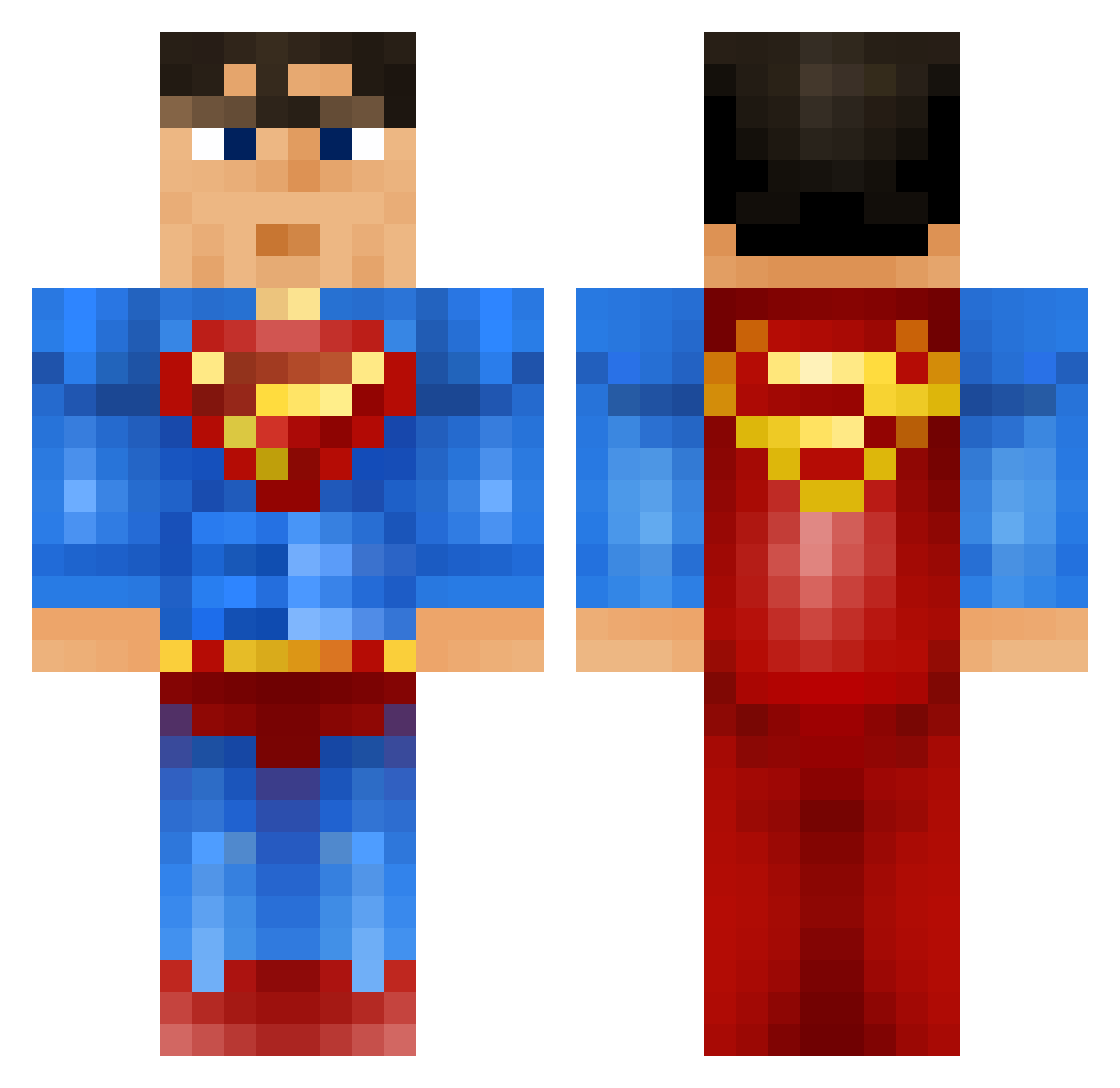
Current Minecraft skin of the player ZiggsDestroyer, loaded from the official Mojang API. Rotate the 3D model with your mouse or finger, then download the skin as a PNG file and use it in Minecraft: Bedrock Edition or Java Edition for free. When ZiggsDestroyer changes their skin, this page updates automatically and the old skin stays in the history below.
Other players with this skin (740)
ZiggsDestroyer was the 183rd player we have seen with this skin, first spotted on 16.08.2026. The same skin was seen on these players. Open a nickname to see their current skin and skin history.
 ghostryda Hoechlbeard Mehriona JaronTheBaron Coolj90 SourPatchGuy WilliamBoY2112 SmallKidBigWorld houcine0161 NumeroUno 1Skootz nicknolson Flauschi42 fabregas888 Salvaxed kom_jeremy Smouzi123 Curious_Sam natedog19345 samar08 boi_of_steel vif0u wavyreed Solmagan vegardflekstad nicolem12 RojinX _Mich3al_ originalxbanga Gingerbreadett xxDurandalxx The_Buginator TheGamingSupermn Retrosniper30 GurraNeander77 jackdee11 LeopoldFire lakrisrod Twiix9 JessyJames dondon2012 SoggyWeetBix06 analrammer1 LionChicken ltpssmc22 Luke__lad __appa_ CLARKK3NT MATJE04 DeepakCherian einaragust juss1ck FranzSchuh omar_2309 bunnners Apsouille MiguelHancho TKRosenkrantz alifan Ziabra
More Superman Minecraft skins
How to install the ZiggsDestroyer skin
- Press the Download button above to save the skin as a PNG file.
- Minecraft: Bedrock Edition (PE): open the Dressing Room from the main menu (or tap your character → Edit Character), go to Classic Skins → Owned, press the + (new skin) button, choose the downloaded PNG and pick the Classic (Steve) model. Works on PC and mobile; consoles cannot import custom skins.
- Minecraft: Java Edition: open the Minecraft Launcher, go to the Skins tab, click New Skin, load the PNG, pick the Classic (Steve) model and press Save & Use. You can also upload it at minecraft.net → Profile → Change Skin.
The skin does not show up after import - what should I do?
Restart Minecraft and open the Dressing Room again - imported skins sometimes appear only after a restart. Also make sure you selected the imported skin and picked the Classic (Steve) model.
Which model should I choose, Classic or Slim?
This skin is designed for the Classic (Steve) model. If you pick the wrong model, the arms of the skin will look stretched or squeezed.
Is the skin of ZiggsDestroyer free to download?
Yes. Press Download, save the PNG file and use it in Minecraft: Bedrock Edition or Java Edition - no payment or registration needed. The skin also works on multiplayer servers and Realms.
More skins
Looking for more? Go back to all Minecraft skins and check the top skins of the week, month and all time, or find any player's skin by nickname.