
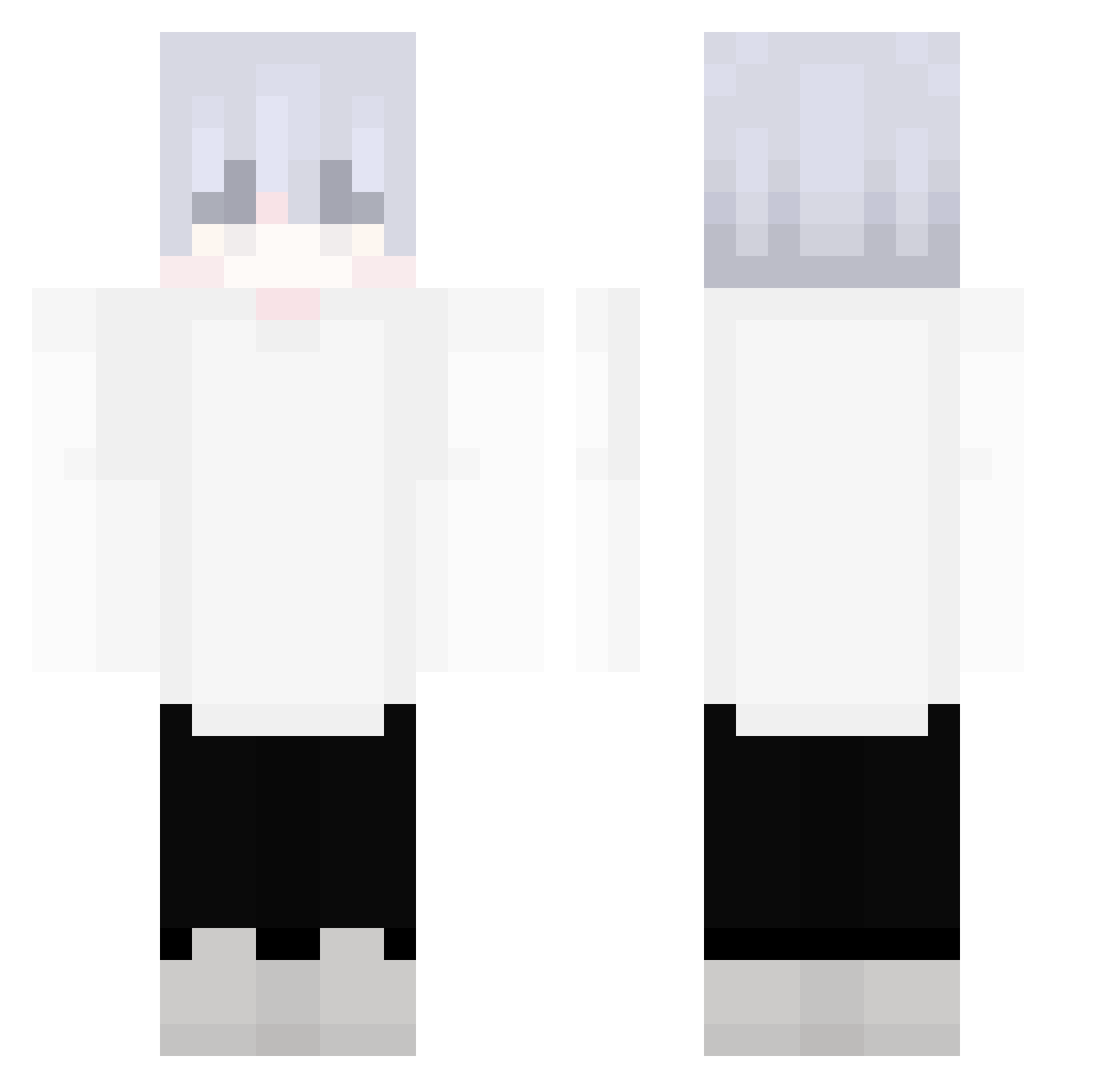
Current Minecraft skin of the player ZiGua3586, loaded from the official Mojang API. Rotate the 3D model with your mouse or finger, then download the skin as a PNG file and use it in Minecraft: Bedrock Edition or Java Edition for free. When ZiGua3586 changes their skin, this page updates automatically and the old skin stays in the history below.
Other players with this skin (243)
ZiGua3586 was the 224th player we have seen with this skin, first spotted on 08.10.2026. The same skin was seen on these players. Open a nickname to see their current skin and skin history.
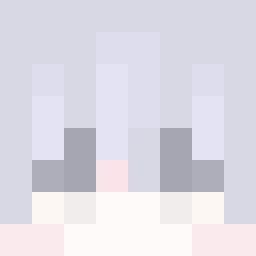 ds4ctf iCagdasYK autokorekta_ Nnexio TCYTXY whitehed ReyGM5 Is_Clown Resplent Artisho beewadw PCPCPC moZzzat1 demonicc2 k1duL_ NewFingz NB_PVP_TYX loveyjy Papa_Ballenbak Jaja_Samuraya Notation_618 jesse0764 ZATHEN007 TrueHolyCat evanleh44 BusyBiscuit001 Chco093 __Wishy SeizedAFK ohanyan Ling__Hui Trolllik123 Bunneh_Rabbit K4ves_ TrashDelay blynksy_ weristphilipp ByFlauschii Lightbalor kapereqa MZT444 Lumierres Ribu1111 C131RS Quack_Hong 1eehwa Renvea j_xnas GONK40 NancunOVO NOtemper_ KilluaIsGod Junming666 BreadCat115 ManuelOC Miyunph ItzTell mbj7 _Najshi_ Kists
More Anime Minecraft skins
How to install the ZiGua3586 skin
- Press the Download button above to save the skin as a PNG file.
- Minecraft: Bedrock Edition (PE): open the Dressing Room from the main menu (or tap your character → Edit Character), go to Classic Skins → Owned, press the + (new skin) button, choose the downloaded PNG and pick the Classic (Steve) model. Works on PC and mobile; consoles cannot import custom skins.
- Minecraft: Java Edition: open the Minecraft Launcher, go to the Skins tab, click New Skin, load the PNG, pick the Classic (Steve) model and press Save & Use. You can also upload it at minecraft.net → Profile → Change Skin.
The skin does not show up after import - what should I do?
Restart Minecraft and open the Dressing Room again - imported skins sometimes appear only after a restart. Also make sure you selected the imported skin and picked the Classic (Steve) model.
Which model should I choose, Classic or Slim?
This skin is designed for the Classic (Steve) model. If you pick the wrong model, the arms of the skin will look stretched or squeezed.
Is the skin of ZiGua3586 free to download?
Yes. Press Download, save the PNG file and use it in Minecraft: Bedrock Edition or Java Edition - no payment or registration needed. The skin also works on multiplayer servers and Realms.
More skins
Looking for more? Go back to all Minecraft skins and check the top skins of the week, month and all time, or find any player's skin by nickname.