
ZemRam - Minecraft Skins & Skin History
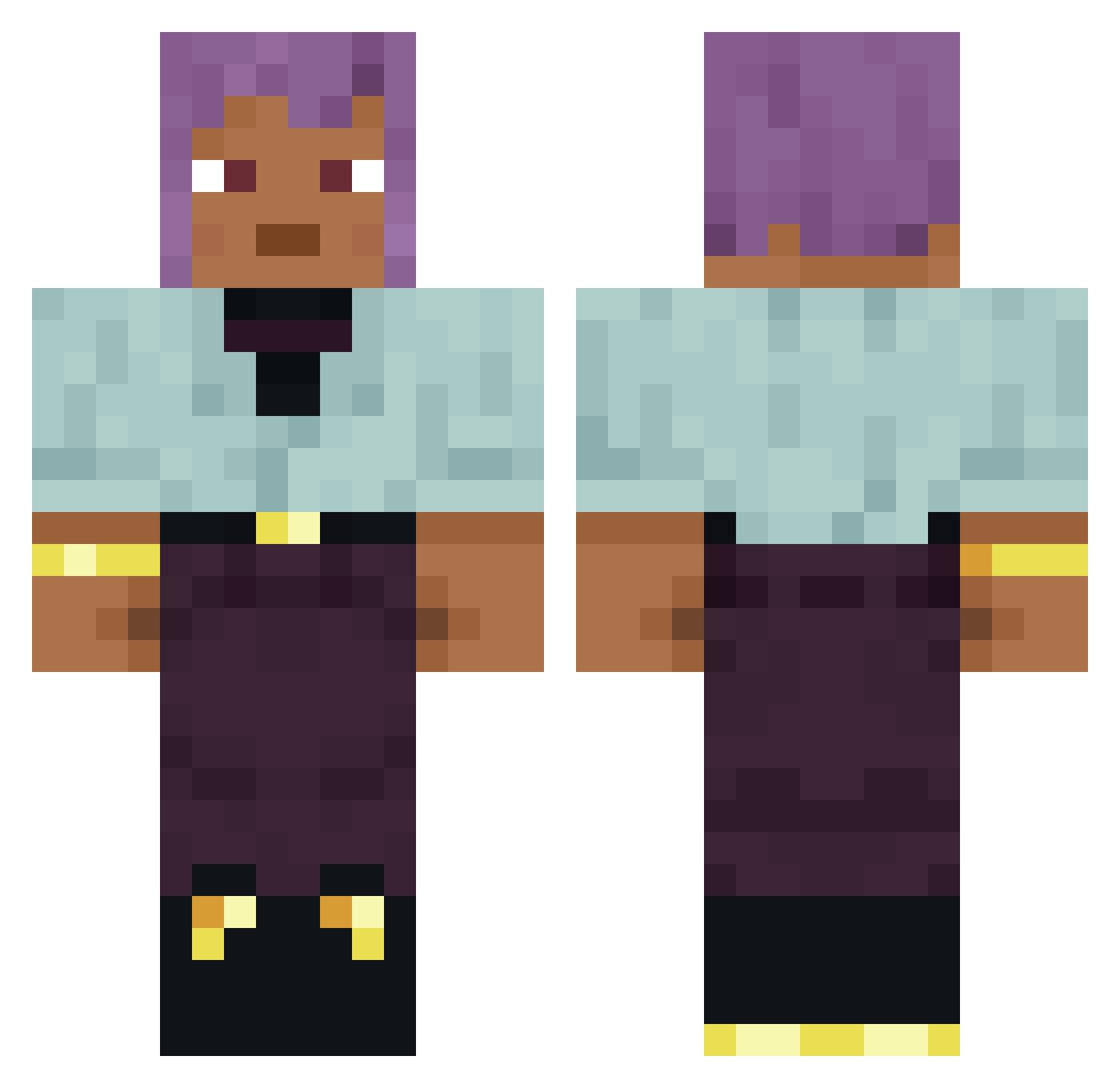
Current Minecraft skin of the player ZemRam, loaded from the official Mojang API. Rotate the 3D model with your mouse or finger, then download the skin as a PNG file and use it in Minecraft: Bedrock Edition or Java Edition for free. When ZemRam changes their skin, this page updates automatically and the old skin stays in the history below.
Other players with this skin (877)
ZemRam was the 379th player we have seen with this skin, first spotted on 13.09.2026. The same skin was seen on these players. Open a nickname to see their current skin and skin history.
 bashallalex Goller RapiidShots Peacemakers Siorc25 Cabot jarno_lotsma xLyaik
 Mytik_ofisial Maitre_Malfan Kukulcan dosefes xXWojoKox12PLXx Crasher32 Haemolysin Brund00b gunchberg Luminophor inchant mhok fogrunner Lolfgg_Pvp Gifts saguaros Blazou_ _DerBoySamir_ Sn0wNight _xyi_i_pidoras_ Jynxi TaylahTheJew Aniconic Brattish Zevole_ Orchideegibi mbutterfield taxor Conceptualizing hairstyle BoiNikl VictorTR CoelhoPrateado Persister JHVH Unwaving Exciton Matthias13
 SevenS_y zenox1 Barrad Cesarian craftsmen Labber unwearied FackoFF_V Papilla Lwaji skeletonless CaptainVoxx aidful Sluffing
How to install the ZemRam skin
- Press the Download button above to save the skin as a PNG file.
- Minecraft: Bedrock Edition (PE): open the Dressing Room from the main menu (or tap your character → Edit Character), go to Classic Skins → Owned, press the + (new skin) button, choose the downloaded PNG and pick the Classic (Steve) model. Works on PC and mobile; consoles cannot import custom skins.
- Minecraft: Java Edition: open the Minecraft Launcher, go to the Skins tab, click New Skin, load the PNG, pick the Classic (Steve) model and press Save & Use. You can also upload it at minecraft.net → Profile → Change Skin.
The skin does not show up after import - what should I do?
Restart Minecraft and open the Dressing Room again - imported skins sometimes appear only after a restart. Also make sure you selected the imported skin and picked the Classic (Steve) model.
Which model should I choose, Classic or Slim?
This skin is designed for the Classic (Steve) model. If you pick the wrong model, the arms of the skin will look stretched or squeezed.
Is the skin of ZemRam free to download?
Yes. Press Download, save the PNG file and use it in Minecraft: Bedrock Edition or Java Edition - no payment or registration needed. The skin also works on multiplayer servers and Realms.
More skins
Looking for more? Go back to all Minecraft skins and check the top skins of the week, month and all time, or find any player's skin by nickname.