
Zelekq - Minecraft Skins & Skin History
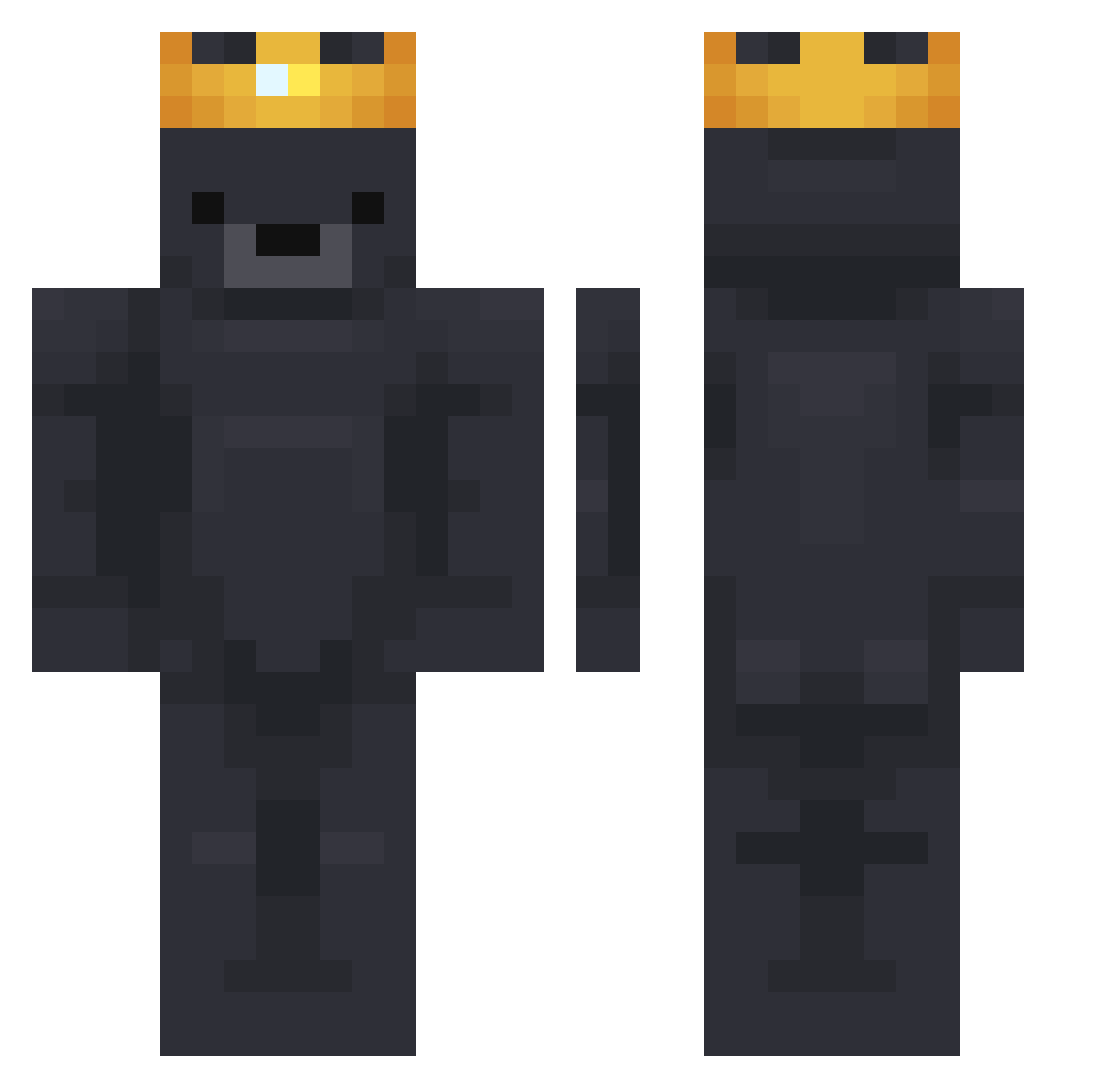
Current Minecraft skin of the player Zelekq, loaded from the official Mojang API. Rotate the 3D model with your mouse or finger, then download the skin as a PNG file and use it in Minecraft: Bedrock Edition or Java Edition for free. When Zelekq changes their skin, this page updates automatically and the old skin stays in the history below.
Other players with this skin (751)
Zelekq was the 337th player we have seen with this skin, first spotted on 13.09.2026. The same skin was seen on these players. Open a nickname to see their current skin and skin history.
 Gagz Hekmatyar0429 selectvoid FishyStick07 WonOne naccyu OnlyBears tesol1 CarshTheBear Tobl45369 LostTheDream MuKoB Avaterks Turkish1545 Wolfy345 TheLoveVape Piinged MrBen5oYT martinibearini joni1797 Dutchie03 Murphs7er QuickGHG xw_027 Kierownik7 FadeMINECRAFT SACHIMA__ WindJuan Twitch_Zombi_YT SuperMagnat JJG4m1n Champa23 btw_RedKetch 8yo DrDavidHJ _Pauloboy step4ik_krutoi Ib_Nerd 0xDusa Er_Magnasassi Jeruchooo123 aestrca Stinkkyyy Azrrd Hizzes iiWolfiex Naydinn Imgoodslayer 1Gomeszin KingByDefault paskoja AndersonBuzz98 b1urokracja SuperSickLP_YT Phantertjetom 4reaBTW TestableWeb1795 Grisule Leaxy01 erinsblue
More Crown Minecraft skins
How to install the Zelekq skin
- Press the Download button above to save the skin as a PNG file.
- Minecraft: Bedrock Edition (PE): open the Dressing Room from the main menu (or tap your character → Edit Character), go to Classic Skins → Owned, press the + (new skin) button, choose the downloaded PNG and pick the Classic (Steve) model. Works on PC and mobile; consoles cannot import custom skins.
- Minecraft: Java Edition: open the Minecraft Launcher, go to the Skins tab, click New Skin, load the PNG, pick the Classic (Steve) model and press Save & Use. You can also upload it at minecraft.net → Profile → Change Skin.
The skin does not show up after import - what should I do?
Restart Minecraft and open the Dressing Room again - imported skins sometimes appear only after a restart. Also make sure you selected the imported skin and picked the Classic (Steve) model.
Which model should I choose, Classic or Slim?
This skin is designed for the Classic (Steve) model. If you pick the wrong model, the arms of the skin will look stretched or squeezed.
Is the skin of Zelekq free to download?
Yes. Press Download, save the PNG file and use it in Minecraft: Bedrock Edition or Java Edition - no payment or registration needed. The skin also works on multiplayer servers and Realms.
More skins
Looking for more? Go back to all Minecraft skins and check the top skins of the week, month and all time, or find any player's skin by nickname.