
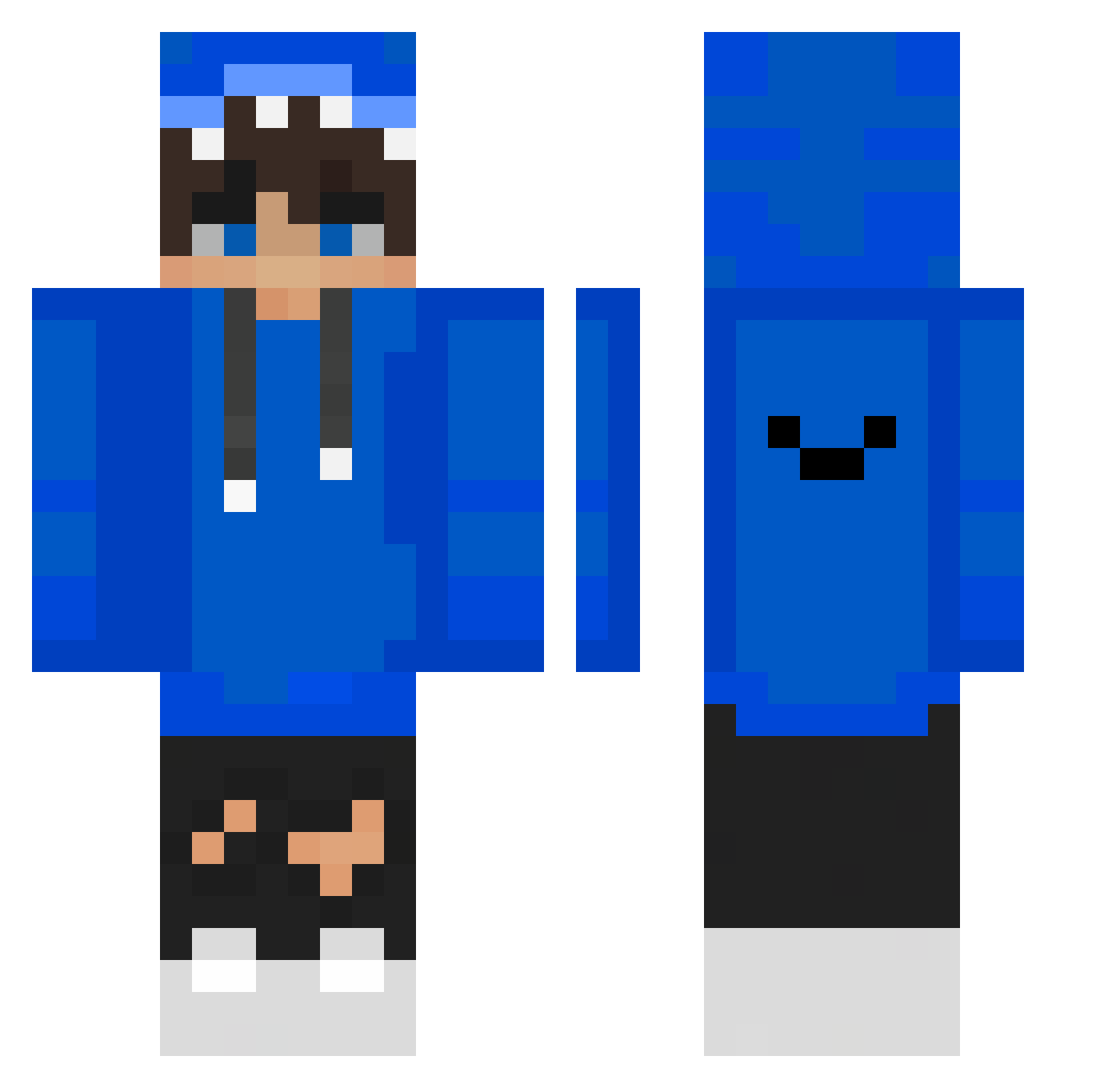
Current Minecraft skin of the player ZacShack, loaded from the official Mojang API. Rotate the 3D model with your mouse or finger, then download the skin as a PNG file and use it in Minecraft: Bedrock Edition or Java Edition for free. When ZacShack changes their skin, this page updates automatically and the old skin stays in the history below.
Other players with this skin (350)
ZacShack was the 277th player we have seen with this skin, first spotted on 01.10.2026. The same skin was seen on these players. Open a nickname to see their current skin and skin history.
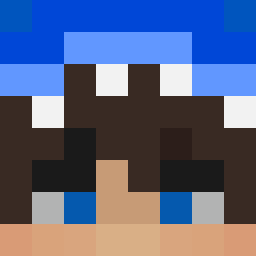 FeatDaiello1 _notech beau2015 Wiertara2115 mjs1234567890 kirisame_ch SkillerrCZE Ninjatabg123 Loganstien seba2508ez MaxMP4 xXninjanoirxX Stewfa happyprofit elias703 flash2463 x984 Seberbest Akgarthemix grizzzxy KidAshX KeVe__ Ninja92873 Wild_FIVE Papineek abc8043 AdriPro9 Hsomd OPenunch doljui Albert_1014 junjun0268 Zyr3Poggerz Alex8516 Jake5rang2 MOONSUKZZANG Leoo186 Kiwiverkaeufer 9Pots minseok0158 M03AZ z4uu DutchMinecrafter Tigo12 Senoras zhshtmq Shadowss16 hyeong2 flagmuss wonyoung0409 nabbetto_2208 hanle0825 olib2407 wangling1 RaMiXx02 ChairatBall RZGCarl Honzikkq Vince416 IHUNI
How to install the ZacShack skin
- Press the Download button above to save the skin as a PNG file.
- Minecraft: Bedrock Edition (PE): open the Dressing Room from the main menu (or tap your character → Edit Character), go to Classic Skins → Owned, press the + (new skin) button, choose the downloaded PNG and pick the Classic (Steve) model. Works on PC and mobile; consoles cannot import custom skins.
- Minecraft: Java Edition: open the Minecraft Launcher, go to the Skins tab, click New Skin, load the PNG, pick the Classic (Steve) model and press Save & Use. You can also upload it at minecraft.net → Profile → Change Skin.
The skin does not show up after import - what should I do?
Restart Minecraft and open the Dressing Room again - imported skins sometimes appear only after a restart. Also make sure you selected the imported skin and picked the Classic (Steve) model.
Which model should I choose, Classic or Slim?
This skin is designed for the Classic (Steve) model. If you pick the wrong model, the arms of the skin will look stretched or squeezed.
Is the skin of ZacShack free to download?
Yes. Press Download, save the PNG file and use it in Minecraft: Bedrock Edition or Java Edition - no payment or registration needed. The skin also works on multiplayer servers and Realms.
More skins
Looking for more? Go back to all Minecraft skins and check the top skins of the week, month and all time, or find any player's skin by nickname.