
ZULU_Da_Great - Minecraft Skins & Skin History
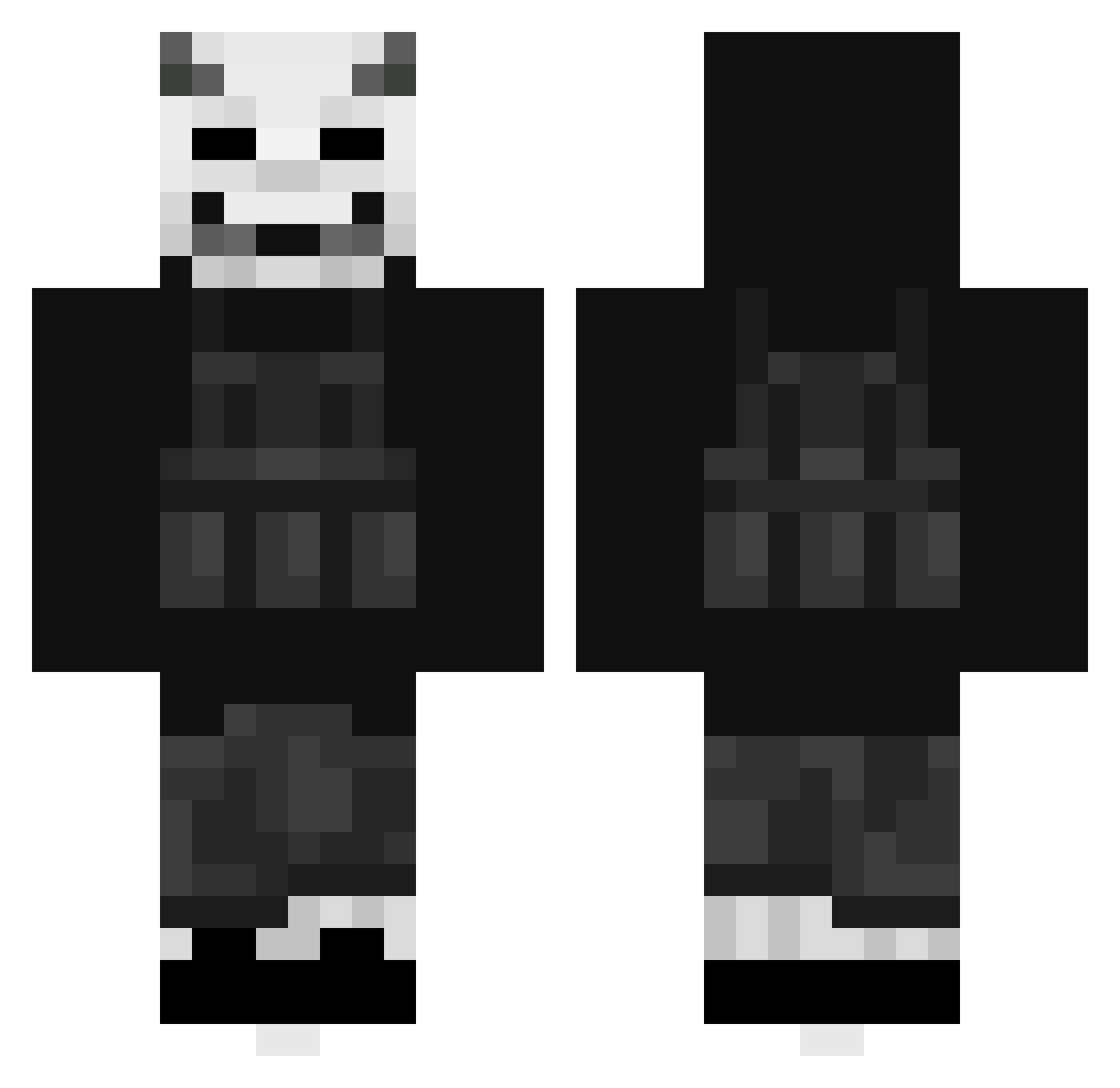
Current Minecraft skin of the player ZULU_Da_Great, loaded from the official Mojang API. Rotate the 3D model with your mouse or finger, then download the skin as a PNG file and use it in Minecraft: Bedrock Edition or Java Edition for free. When ZULU_Da_Great changes their skin, this page updates automatically and the old skin stays in the history below.
Other players with this skin (482)
ZULU_Da_Great was the 123rd player we have seen with this skin, first spotted on 24.08.2026. The same skin was seen on these players. Open a nickname to see their current skin and skin history.
 crallen20 GhostFce JayN_1 EerierThree3 Cl0udNine Lil_Globe BK_G20 sm96 Crypternal Asmodeus8343 PeterDerTretter EVOLT754 M1n_sul Buccacardi Xjmarpas18 Magic182
 abyssaLn Swifty_Shiftyy JuicedSleet SpecterGG BunnyBlood14 Eternal_Lunes K4onos Renonon0 kenjiAP Petk4 Mullry Jason171010 lukki015 A71_Th Ociep _XOL4R_ Faimons Blak3dOut Antalii BforBARR ShadyMiyagi Astron5683 f4cade_ justDeko stinkyfart699 Pikou4459 Eliasle04 wndnjs1637 Niro69 Satrioks romaig_r dzmien0921 Clickzys Sp1inky Doctorless MyStepSisterDabs Joaquingosan213 DEMONMAR Schnitzel187738 Solomon8558 AcesRahl Deducciones majorprobs K1AN05
More Demon Mask Minecraft skins
How to install the ZULU_Da_Great skin
- Press the Download button above to save the skin as a PNG file.
- Minecraft: Bedrock Edition (PE): open the Dressing Room from the main menu (or tap your character → Edit Character), go to Classic Skins → Owned, press the + (new skin) button, choose the downloaded PNG and pick the Classic (Steve) model. Works on PC and mobile; consoles cannot import custom skins.
- Minecraft: Java Edition: open the Minecraft Launcher, go to the Skins tab, click New Skin, load the PNG, pick the Classic (Steve) model and press Save & Use. You can also upload it at minecraft.net → Profile → Change Skin.
The skin does not show up after import - what should I do?
Restart Minecraft and open the Dressing Room again - imported skins sometimes appear only after a restart. Also make sure you selected the imported skin and picked the Classic (Steve) model.
Which model should I choose, Classic or Slim?
This skin is designed for the Classic (Steve) model. If you pick the wrong model, the arms of the skin will look stretched or squeezed.
Is the skin of ZULU_Da_Great free to download?
Yes. Press Download, save the PNG file and use it in Minecraft: Bedrock Edition or Java Edition - no payment or registration needed. The skin also works on multiplayer servers and Realms.
More skins
Looking for more? Go back to all Minecraft skins and check the top skins of the week, month and all time, or find any player's skin by nickname.