
Yosya3 - Minecraft Skins & Skin History
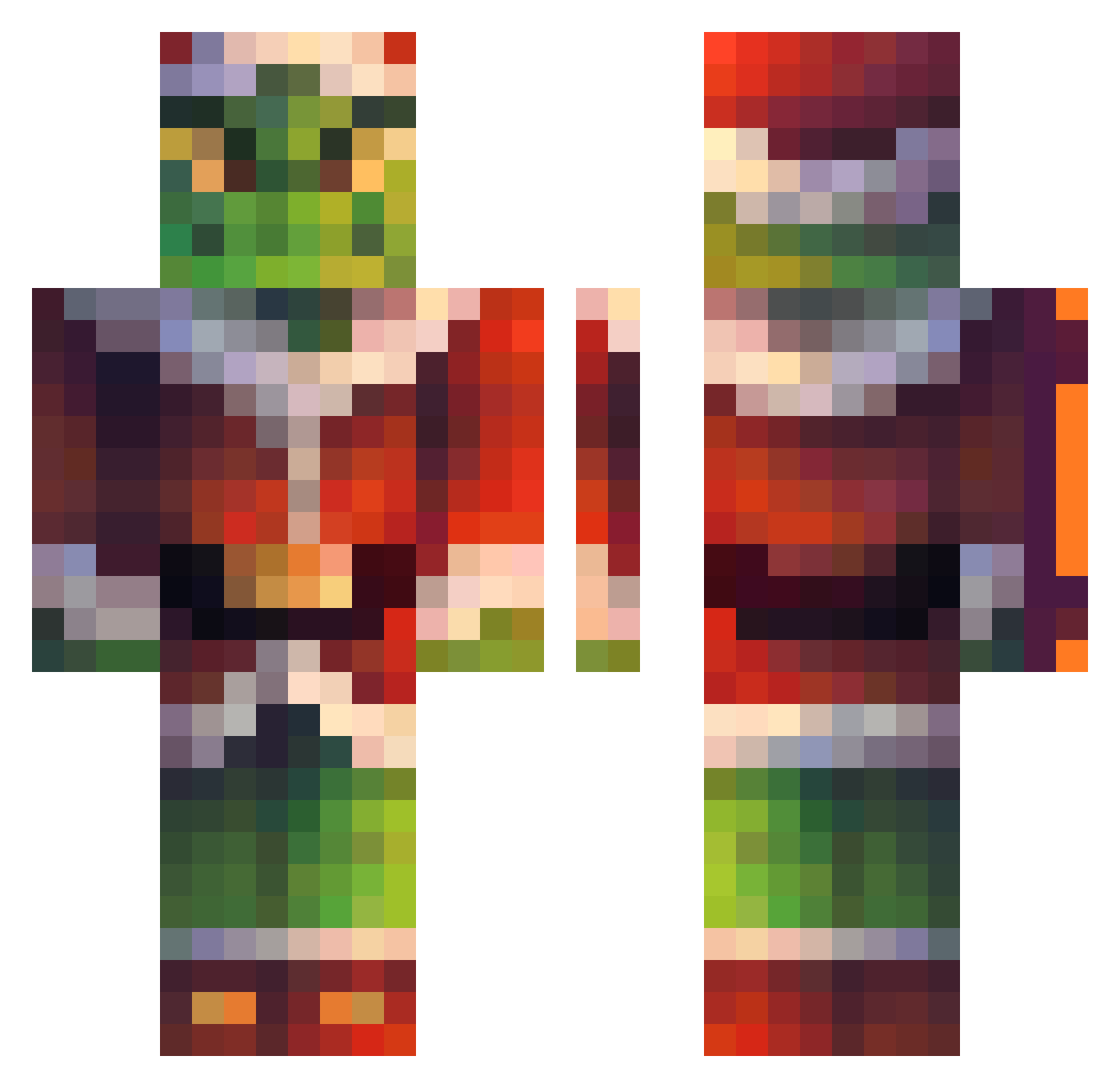
Current Minecraft skin of the player Yosya3, loaded from the official Mojang API. Rotate the 3D model with your mouse or finger, then download the skin as a PNG file and use it in Minecraft: Bedrock Edition or Java Edition for free. When Yosya3 changes their skin, this page updates automatically and the old skin stays in the history below.
Other players with this skin (226)
Yosya3 was the 59th player we have seen with this skin, first spotted on 24.08.2026. The same skin was seen on these players. Open a nickname to see their current skin and skin history.
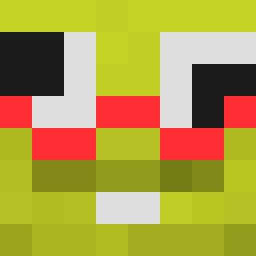 KazokAda
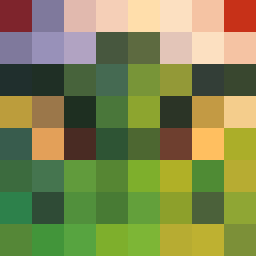 DanyoSexy ForgottenSinn BoilerRoom12 KenntaroDesu paulla_XD lasauceduchef ThorAlt DroppedbyVixelon likeroki_ PineappleFace388 RagnarLothbroke_ nogenta EightyNine89 kamillawong _zora__ mxrlon69 iigarashii kunnXxx B3k0n_PL Drake89007 Damian_the_beast gJp809 LilRipper82 Josuee888 lacerdamix Mental_Drift LaBarbaASMR Dibamtis minikevin1 Rofl____ Ghostice1025 Poisonfish69 TemnaDevka YogiLiveYT Bilouche13 seb4s11 akrapov1c JotaxZz equal33 _Highball_ HumbleHubble Crim_craw Peelycas14 Kosasz78 PiotrekPatryk LEvers0206 beivus Youngwolf22 LuqueTa213 SirCharlss ZZokney MaddoxHQ Ziemnior_66 RecktByMe_ Porta611 Konhim jonathassrv p0paz_ ShootReaper
More The Grinch Minecraft skins
How to install the Yosya3 skin
- Press the Download button above to save the skin as a PNG file.
- Minecraft: Bedrock Edition (PE): open the Dressing Room from the main menu (or tap your character → Edit Character), go to Classic Skins → Owned, press the + (new skin) button, choose the downloaded PNG and pick the Classic (Steve) model. Works on PC and mobile; consoles cannot import custom skins.
- Minecraft: Java Edition: open the Minecraft Launcher, go to the Skins tab, click New Skin, load the PNG, pick the Classic (Steve) model and press Save & Use. You can also upload it at minecraft.net → Profile → Change Skin.
The skin does not show up after import - what should I do?
Restart Minecraft and open the Dressing Room again - imported skins sometimes appear only after a restart. Also make sure you selected the imported skin and picked the Classic (Steve) model.
Which model should I choose, Classic or Slim?
This skin is designed for the Classic (Steve) model. If you pick the wrong model, the arms of the skin will look stretched or squeezed.
Is the skin of Yosya3 free to download?
Yes. Press Download, save the PNG file and use it in Minecraft: Bedrock Edition or Java Edition - no payment or registration needed. The skin also works on multiplayer servers and Realms.
More skins
Looking for more? Go back to all Minecraft skins and check the top skins of the week, month and all time, or find any player's skin by nickname.