
YeoMyung808 - Minecraft Skins & Skin History
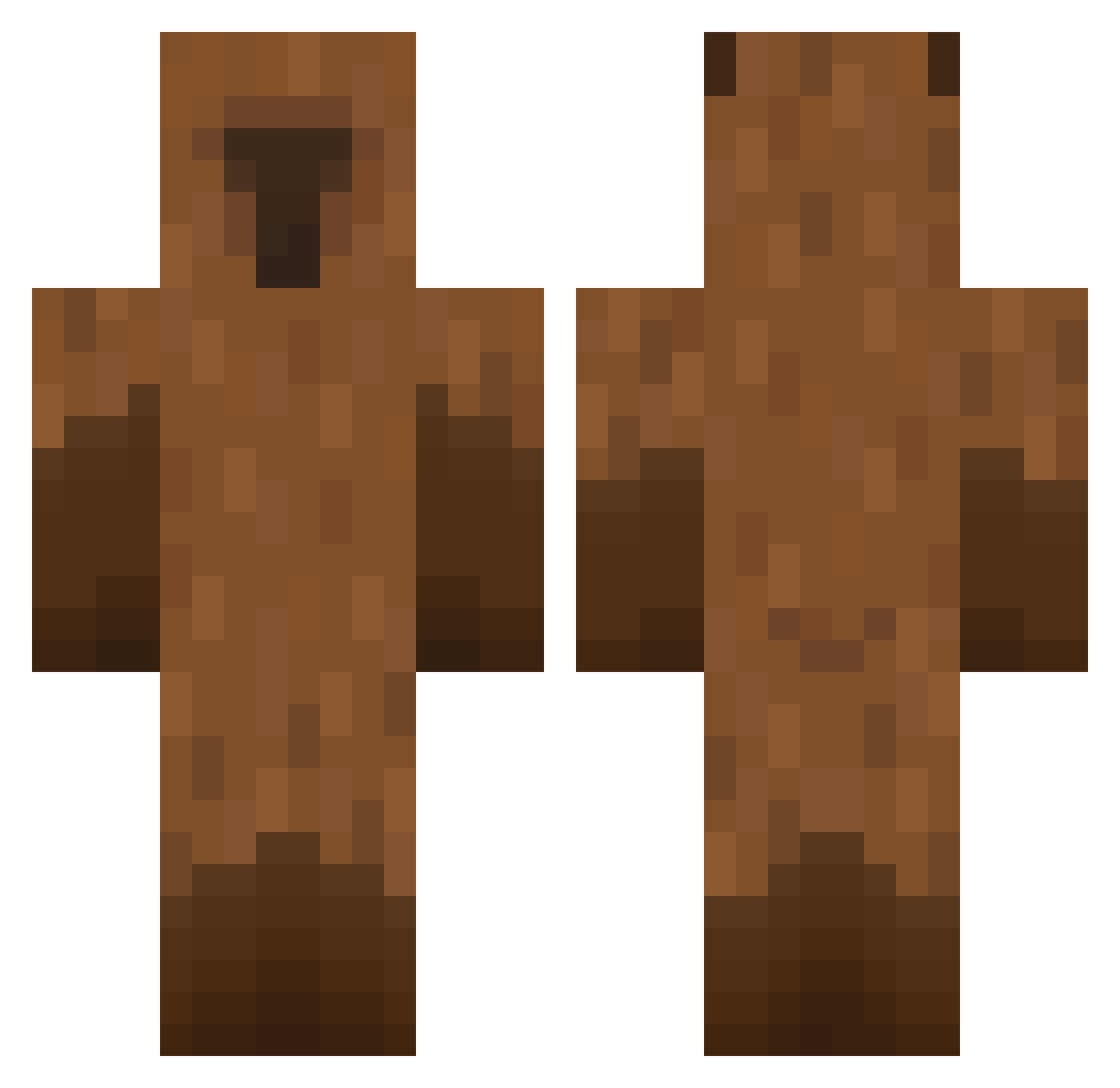
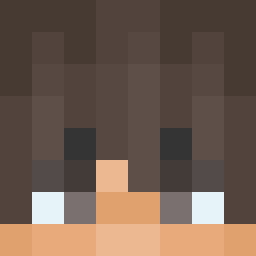
Current Minecraft skin of the player YeoMyung808, loaded from the official Mojang API. Rotate the 3D model with your mouse or finger, then download the skin as a PNG file and use it in Minecraft: Bedrock Edition or Java Edition for free. When YeoMyung808 changes their skin, this page updates automatically and the old skin stays in the history below.
Other players with this skin (474)
YeoMyung808 was the 38th player we have seen with this skin, first spotted on 31.07.2026. The same skin was seen on these players. Open a nickname to see their current skin and skin history.
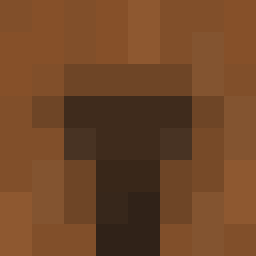 Shan1210 ShengHD Kapibala_030
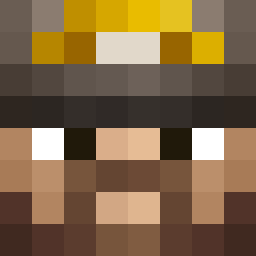 Kongjwii jayjay21144 Corruption7380 1_TAI_1 ElvW ZAMELORD KMGNH
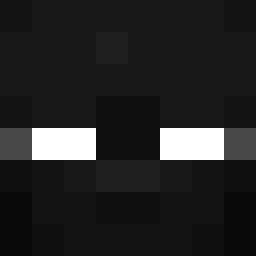 bboy657 capy126126 Killerminus Kookiee4 UFO7419 fungusai okapl Crazy_MS Mattchen123 ___lyn___ BraillEx ddoni2011 gjstn
 StinKyTof Morla1234 xSMESHER Drcow529 Ness7237 herreraj Chilla420 stan131313 stasjvv AkifKaan54 R3inB0w jenbrookie LwkyCookie jadeuta Cree0_ studnia_1337
 magic_py peasieu daxthedemolished SherlockNunes awebbyy Tomasz_Ziege R4nd0m_Man Rangtopia CGXY123 VDJGF SuperCapybara13 TheGibst3r CK_ROBBY TsukiiMC Lumos_0
 Kimb0 Boozinho LuanzinXD Beanz1649 minguytui Craigcito
More Capybara Minecraft skins
How to install the YeoMyung808 skin
- Press the Download button above to save the skin as a PNG file.
- Minecraft: Bedrock Edition (PE): open the Dressing Room from the main menu (or tap your character → Edit Character), go to Classic Skins → Owned, press the + (new skin) button, choose the downloaded PNG and pick the Classic (Steve) model. Works on PC and mobile; consoles cannot import custom skins.
- Minecraft: Java Edition: open the Minecraft Launcher, go to the Skins tab, click New Skin, load the PNG, pick the Classic (Steve) model and press Save & Use. You can also upload it at minecraft.net → Profile → Change Skin.
The skin does not show up after import - what should I do?
Restart Minecraft and open the Dressing Room again - imported skins sometimes appear only after a restart. Also make sure you selected the imported skin and picked the Classic (Steve) model.
Which model should I choose, Classic or Slim?
This skin is designed for the Classic (Steve) model. If you pick the wrong model, the arms of the skin will look stretched or squeezed.
Is the skin of YeoMyung808 free to download?
Yes. Press Download, save the PNG file and use it in Minecraft: Bedrock Edition or Java Edition - no payment or registration needed. The skin also works on multiplayer servers and Realms.
More skins
Looking for more? Go back to all Minecraft skins and check the top skins of the week, month and all time, or find any player's skin by nickname.