
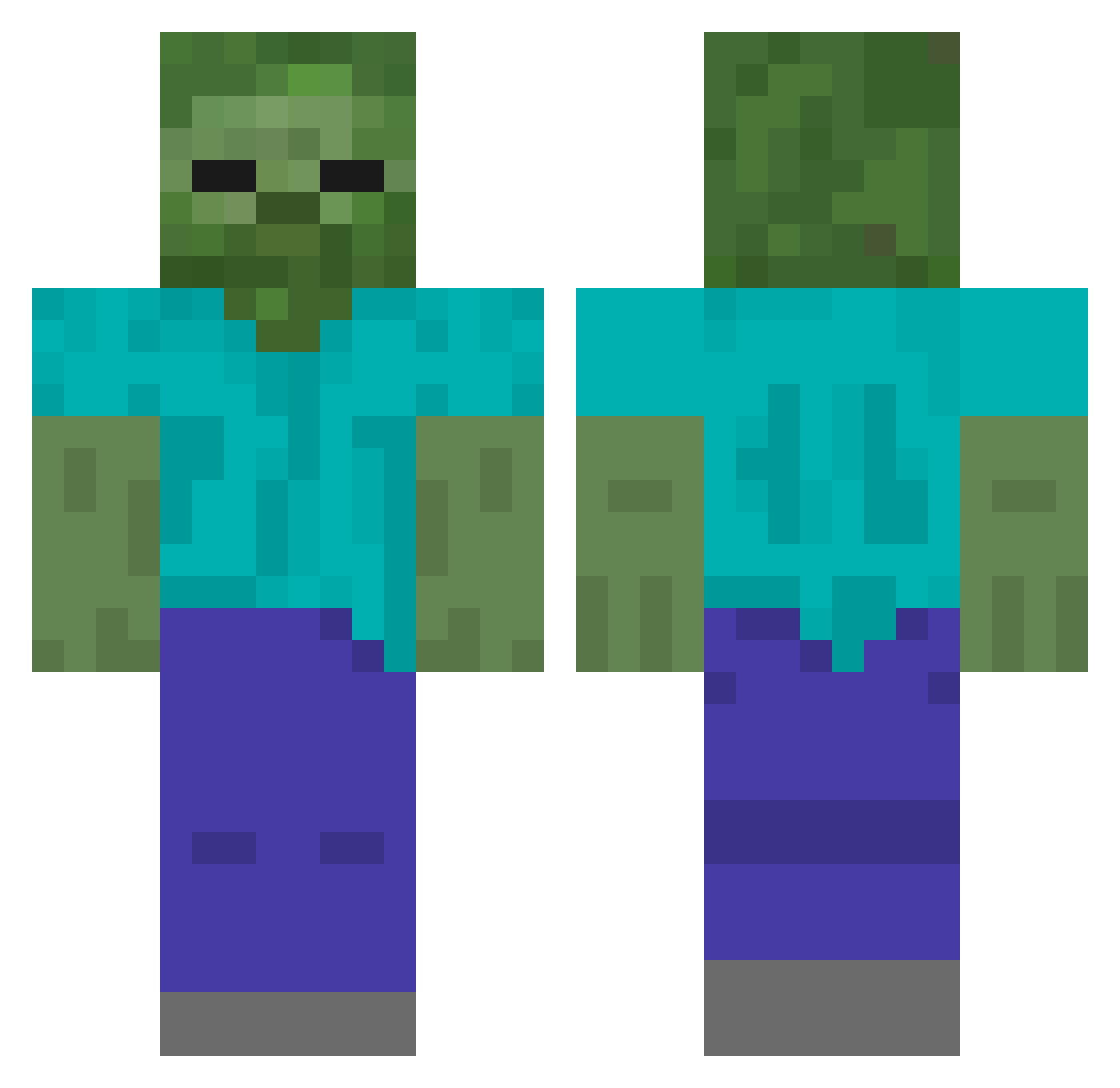
Current Minecraft skin of the player Ycold0, loaded from the official Mojang API. Rotate the 3D model with your mouse or finger, then download the skin as a PNG file and use it in Minecraft: Bedrock Edition or Java Edition for free. When Ycold0 changes their skin, this page updates automatically and the old skin stays in the history below.
Other players with this skin (401)
Ycold0 was the 165th player we have seen with this skin, first spotted on 29.08.2026. The same skin was seen on these players. Open a nickname to see their current skin and skin history.
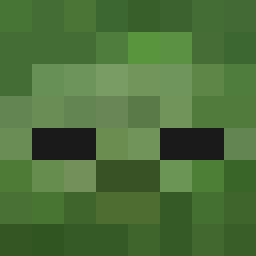 HQCM989 Viteall HtDG545 HpkL286 csbxa 5614464 mkj1234 HanZ771 Hlor101 jumans Abholyon HomW157 zhoukaihang HanBaichuan1 WDNMD1234567 HGDs902 didiz HCGE734 HStd929 youmren HiMu863 Tim1907 54866 EternitZ WEIDK baolong22 craftingboy1323 usua233 HBGu437 LT_303 HLdm5
 WoodStudent3296 xiaoye1995 Fermowu cdlsp DeepSeekGPT FengPlus HIEe940 yokaikin HbWs69 HclG50 shirkk1 HJH7878 qqy1125 HBOG637 Rajagukguk13 Hquj484 Axiao5108 HCnZ509 WUGER233 ApHaS1a3 twtm mingjing_1 lanjiaozz ChuiHe dianluban26 ReesesDestroyer CyrusLong Huay1 wuyan2333
More Undead Minecraft skins
How to install the Ycold0 skin
- Press the Download button above to save the skin as a PNG file.
- Minecraft: Bedrock Edition (PE): open the Dressing Room from the main menu (or tap your character → Edit Character), go to Classic Skins → Owned, press the + (new skin) button, choose the downloaded PNG and pick the Classic (Steve) model. Works on PC and mobile; consoles cannot import custom skins.
- Minecraft: Java Edition: open the Minecraft Launcher, go to the Skins tab, click New Skin, load the PNG, pick the Classic (Steve) model and press Save & Use. You can also upload it at minecraft.net → Profile → Change Skin.
The skin does not show up after import - what should I do?
Restart Minecraft and open the Dressing Room again - imported skins sometimes appear only after a restart. Also make sure you selected the imported skin and picked the Classic (Steve) model.
Which model should I choose, Classic or Slim?
This skin is designed for the Classic (Steve) model. If you pick the wrong model, the arms of the skin will look stretched or squeezed.
Is the skin of Ycold0 free to download?
Yes. Press Download, save the PNG file and use it in Minecraft: Bedrock Edition or Java Edition - no payment or registration needed. The skin also works on multiplayer servers and Realms.
More skins
Looking for more? Go back to all Minecraft skins and check the top skins of the week, month and all time, or find any player's skin by nickname.