
YOONGODZ - Minecraft Skins & Skin History
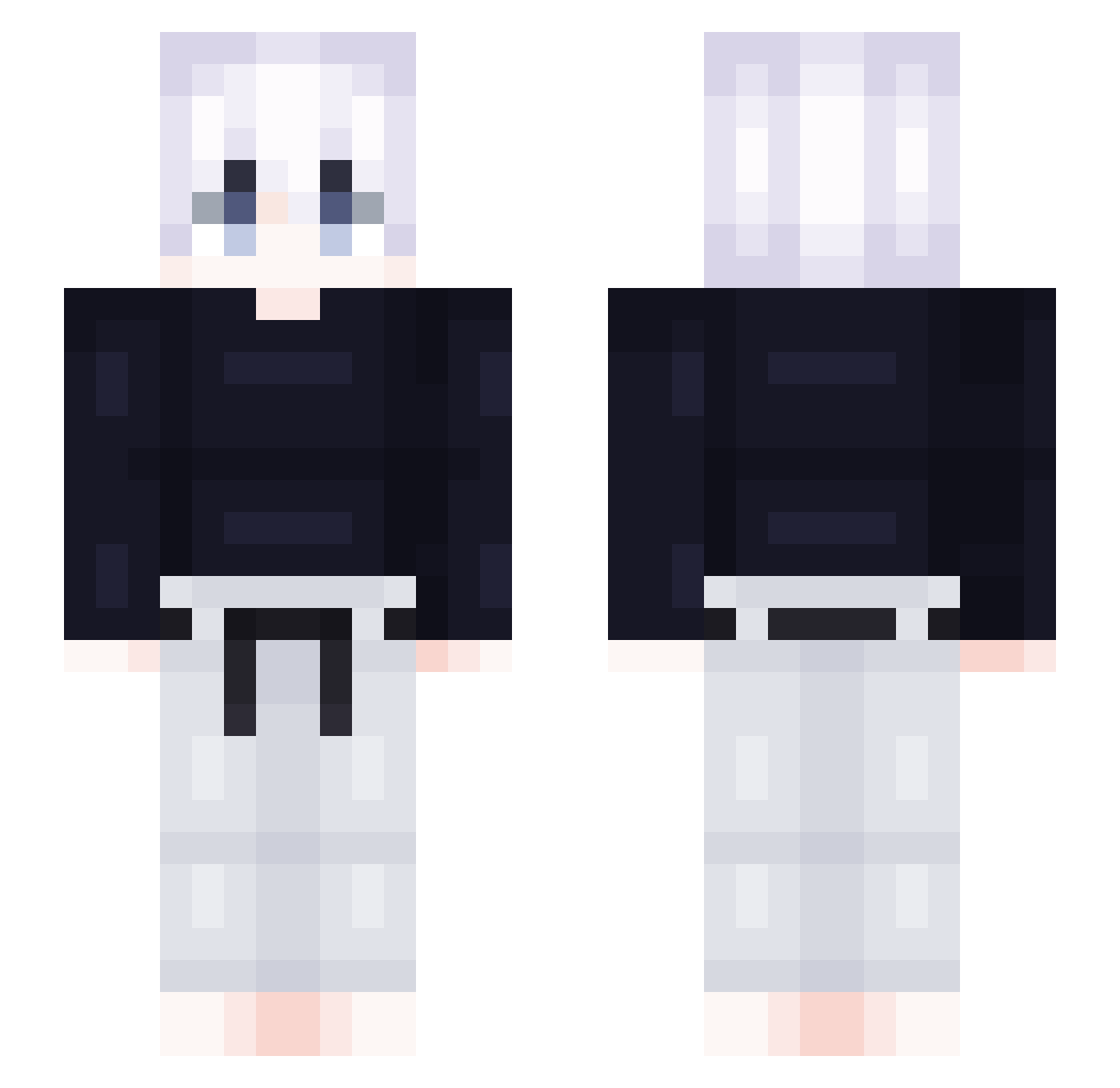
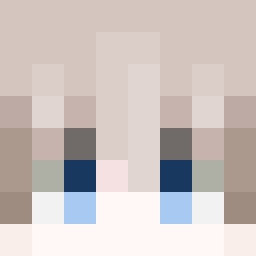
Current Minecraft skin of the player YOONGODZ, loaded from the official Mojang API. Rotate the 3D model with your mouse or finger, then download the skin as a PNG file and use it in Minecraft: Bedrock Edition or Java Edition for free. When YOONGODZ changes their skin, this page updates automatically and the old skin stays in the history below.
Other players with this skin (418)
YOONGODZ was the 33rd player we have seen with this skin, first spotted on 02.08.2026. The same skin was seen on these players. Open a nickname to see their current skin and skin history.
 yejun_2011 yulyury neuranteeerrr Night7487 DroppedByDomino LST_Woods Zyrooooka SwaT_HumAn Mc_xjh DaMethod _Mr_Snuggles_ clodius03 YSFKM xxMadMaxx0815 ydu2 kertaviy lilGoody Thematik sakuyaXQ Rxbxn8 Arcticxxs ItsKov LSATTargetFinder
 edrickz Lin_428 Zitriox PapiZuko OdisseuSS
 Gl10000 tar1kkkk
 ARUS_59 NTIC92 BedThrower shun04 ohheyitstimmy Cxnneh Marquinhoz warwick_legend dinossarro99 Anzm FreeRez Zweasx Democra NewtKush Sheldon0204 FwVibxz RPPx49 GreviouxV1 yeayeayeaaaa RappySSR gtgsl kevino811 Killuaa08 idarknoyan dhtkrnfl Thump25 _xorud ThouHat kiryu_xd xerxcc
More Judo Minecraft skins
How to install the YOONGODZ skin
- Press the Download button above to save the skin as a PNG file.
- Minecraft: Bedrock Edition (PE): open the Dressing Room from the main menu (or tap your character → Edit Character), go to Classic Skins → Owned, press the + (new skin) button, choose the downloaded PNG and pick the Slim (Alex) model. Works on PC and mobile; consoles cannot import custom skins.
- Minecraft: Java Edition: open the Minecraft Launcher, go to the Skins tab, click New Skin, load the PNG, pick the Slim (Alex) model and press Save & Use. You can also upload it at minecraft.net → Profile → Change Skin.
The skin does not show up after import - what should I do?
Restart Minecraft and open the Dressing Room again - imported skins sometimes appear only after a restart. Also make sure you selected the imported skin and picked the Slim (Alex) model.
Which model should I choose, Classic or Slim?
This skin is designed for the Slim (Alex) model. If you pick the wrong model, the arms of the skin will look stretched or squeezed.
Is the skin of YOONGODZ free to download?
Yes. Press Download, save the PNG file and use it in Minecraft: Bedrock Edition or Java Edition - no payment or registration needed. The skin also works on multiplayer servers and Realms.
More skins
Looking for more? Go back to all Minecraft skins and check the top skins of the week, month and all time, or find any player's skin by nickname.