
XxGabrielaxX - Minecraft Skins & Skin History
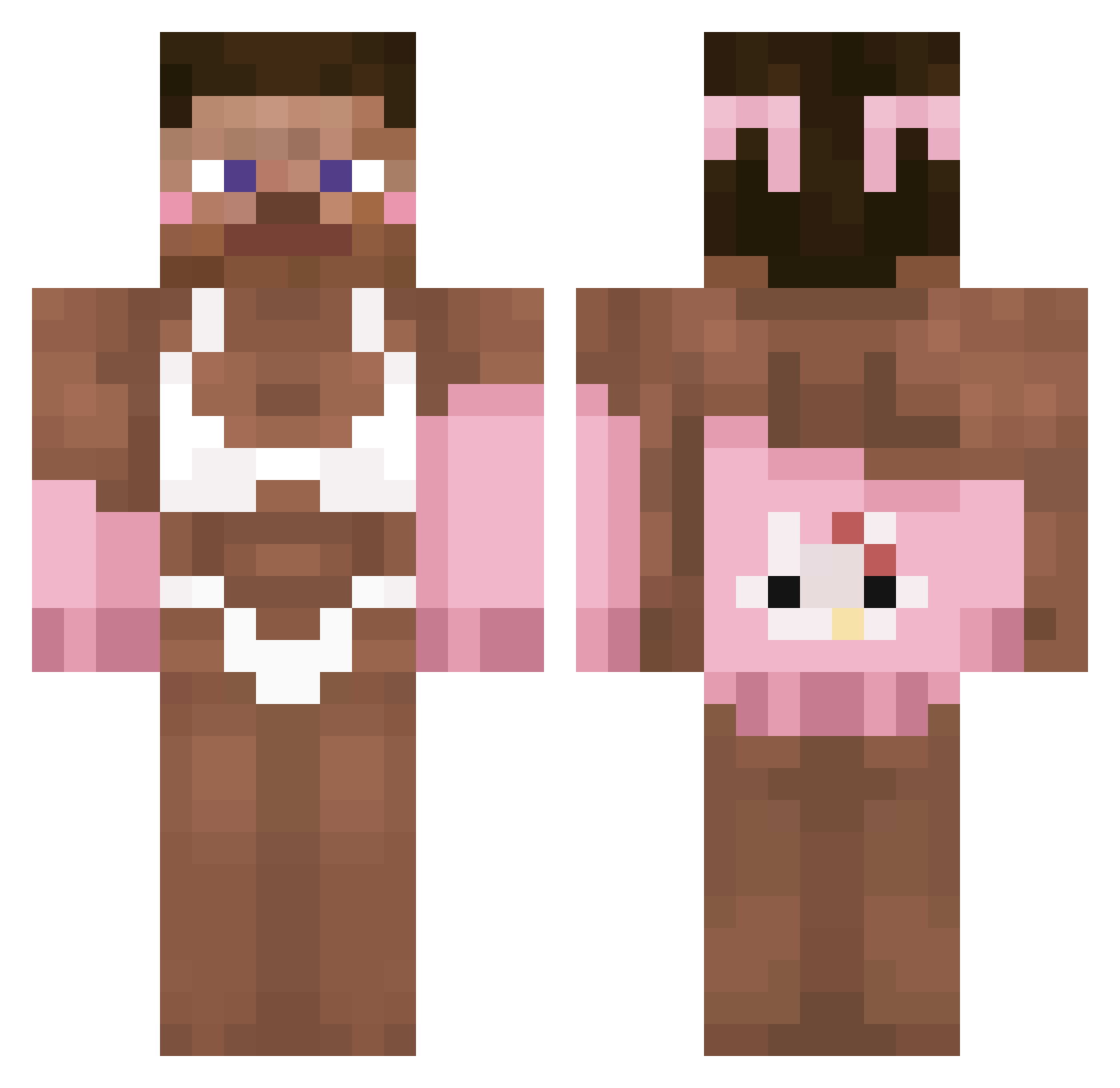
Current Minecraft skin of the player XxGabrielaxX, loaded from the official Mojang API. Rotate the 3D model with your mouse or finger, then download the skin as a PNG file and use it in Minecraft: Bedrock Edition or Java Edition for free. When XxGabrielaxX changes their skin, this page updates automatically and the old skin stays in the history below.
Other players with this skin (390)
XxGabrielaxX was the 351st player we have seen with this skin, first spotted on 10.11.2026. The same skin was seen on these players. Open a nickname to see their current skin and skin history.
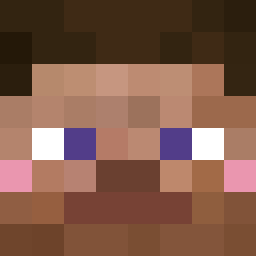 legendscraft LuckyLuke1522 NotSpace_ Delony JuZool_ RYBS000NEK d9vv TheThragger NoHack6011 Zoizss Yugveer FlancMou birosquiinha Timkid456 SebastianMLP tymeX160242 sorayasis RACKS_ Sbninersfan Yndigen abisuishere _145hz__ twan69420 alt_loading Natii_7 Wiggilywonka SunshineFan lxmxxs imsba Enael82 giggletank490 TheyLuvDeet kongobongo69 ghoszst BerdieTheBerd Simpro13 Dororong2ya walwal001 ShDw_1 TuPapiEri sebyioan Julciaaa6969 LukasNika RightHanded ocllyn TocadorDeMenores luvStyxy mqtuu PiercedCack LasseThybo pillow0513 RIVERG2010 P4rkB3nch_ rlatjwnsajtwoddl Hutchx_x Duskae soccerkim25 yilkes SHADOW75771 RetroWizard18
More Hello Kitty Minecraft skins
How to install the XxGabrielaxX skin
- Press the Download button above to save the skin as a PNG file.
- Minecraft: Bedrock Edition (PE): open the Dressing Room from the main menu (or tap your character → Edit Character), go to Classic Skins → Owned, press the + (new skin) button, choose the downloaded PNG and pick the Classic (Steve) model. Works on PC and mobile; consoles cannot import custom skins.
- Minecraft: Java Edition: open the Minecraft Launcher, go to the Skins tab, click New Skin, load the PNG, pick the Classic (Steve) model and press Save & Use. You can also upload it at minecraft.net → Profile → Change Skin.
The skin does not show up after import - what should I do?
Restart Minecraft and open the Dressing Room again - imported skins sometimes appear only after a restart. Also make sure you selected the imported skin and picked the Classic (Steve) model.
Which model should I choose, Classic or Slim?
This skin is designed for the Classic (Steve) model. If you pick the wrong model, the arms of the skin will look stretched or squeezed.
Is the skin of XxGabrielaxX free to download?
Yes. Press Download, save the PNG file and use it in Minecraft: Bedrock Edition or Java Edition - no payment or registration needed. The skin also works on multiplayer servers and Realms.
More skins
Looking for more? Go back to all Minecraft skins and check the top skins of the week, month and all time, or find any player's skin by nickname.