
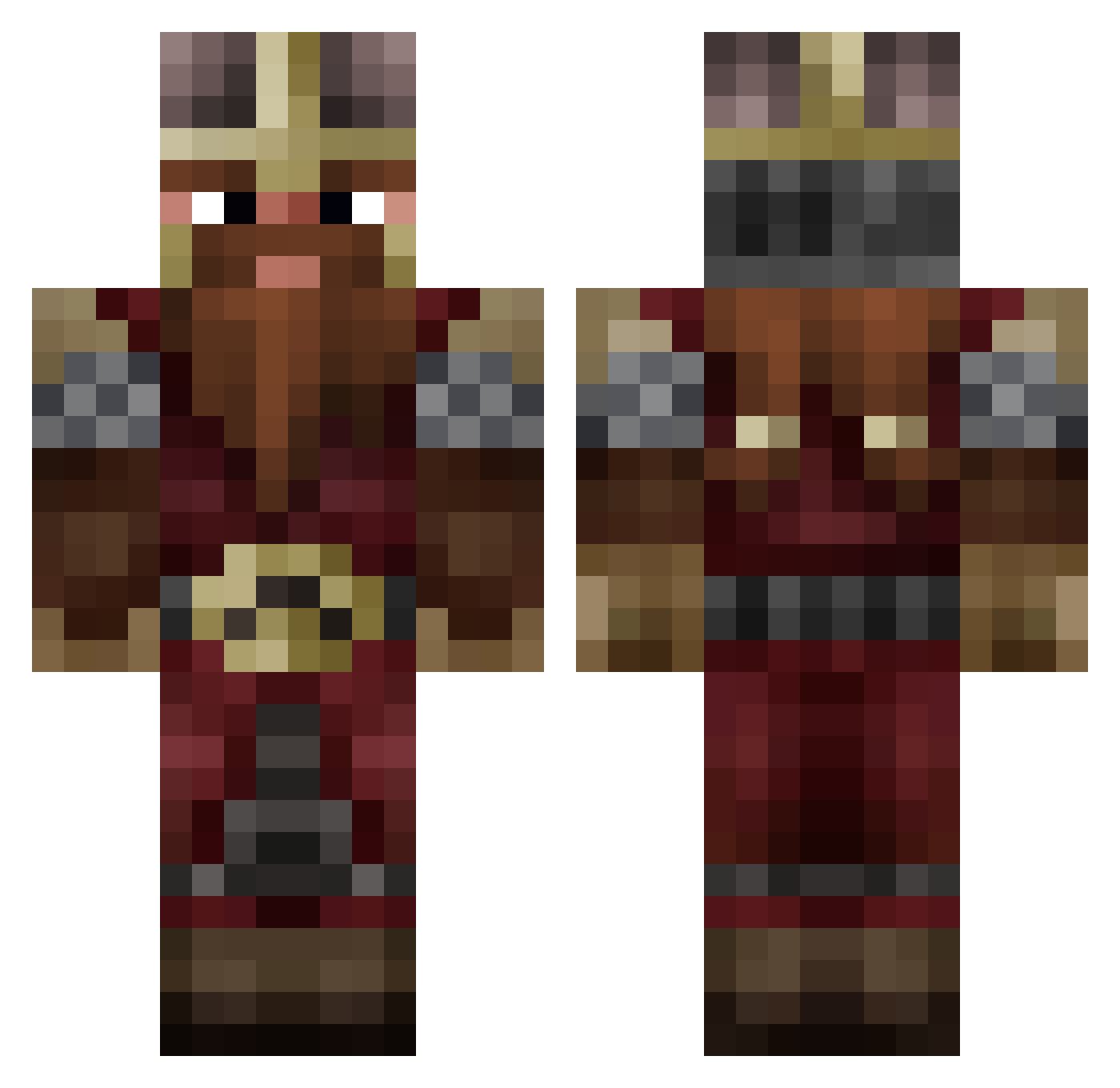
Current Minecraft skin of the player XanderDon93, loaded from the official Mojang API. Rotate the 3D model with your mouse or finger, then download the skin as a PNG file and use it in Minecraft: Bedrock Edition or Java Edition for free. When XanderDon93 changes their skin, this page updates automatically and the old skin stays in the history below.
Other players with this skin (747)
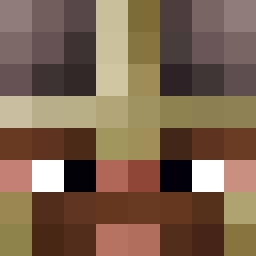
XanderDon93 was the 661st player we have seen with this skin, first spotted on 08.10.2026. The same skin was seen on these players. Open a nickname to see their current skin and skin history.
 Pinio69 TheMadW0lf DwarfBOZO GIJSVROON GaleanXIV benj1996 HoiPim Wilson42313172 SuddenPlay robinjonis jef310 ShadockXD G2oo dorisbert Isekaij 0sk91 IAmArknor Maldig nono644664 Wisom RandomUwe1 NaikoTekina minigoldhat69 TheHooDs94 IberionEisenleib mrsombraro CroquetoxX Siegeworks5875 SingSang25 LuRk3rHQ weirdalfan440 Ackl3s MalevolentEntity BaffoMan Kazzak41 8Wanderer8 Bramtex_ Shifty_Cent ToniOxO Adayr3 KennyTheYounger TheHighLlama LEPOSM2 Ritonic123 NickBaguette Verviro Kinizsi_Pal vampycode xy0shiii Gundhir jimwarcraft Pepokiller96 Labanane54 NeyoVI ROTFORDOUM Coolvill zombekek Ashtrike Gator_Grim Natsu0666
More Dwarf Minecraft skins
How to install the XanderDon93 skin
- Press the Download button above to save the skin as a PNG file.
- Minecraft: Bedrock Edition (PE): open the Dressing Room from the main menu (or tap your character → Edit Character), go to Classic Skins → Owned, press the + (new skin) button, choose the downloaded PNG and pick the Classic (Steve) model. Works on PC and mobile; consoles cannot import custom skins.
- Minecraft: Java Edition: open the Minecraft Launcher, go to the Skins tab, click New Skin, load the PNG, pick the Classic (Steve) model and press Save & Use. You can also upload it at minecraft.net → Profile → Change Skin.
The skin does not show up after import - what should I do?
Restart Minecraft and open the Dressing Room again - imported skins sometimes appear only after a restart. Also make sure you selected the imported skin and picked the Classic (Steve) model.
Which model should I choose, Classic or Slim?
This skin is designed for the Classic (Steve) model. If you pick the wrong model, the arms of the skin will look stretched or squeezed.
Is the skin of XanderDon93 free to download?
Yes. Press Download, save the PNG file and use it in Minecraft: Bedrock Edition or Java Edition - no payment or registration needed. The skin also works on multiplayer servers and Realms.
More skins
Looking for more? Go back to all Minecraft skins and check the top skins of the week, month and all time, or find any player's skin by nickname.