
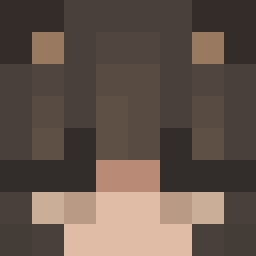
Current Minecraft skin of the player XYZ_54, loaded from the official Mojang API. Rotate the 3D model with your mouse or finger, then download the skin as a PNG file and use it in Minecraft: Bedrock Edition or Java Edition for free. When XYZ_54 changes their skin, this page updates automatically and the old skin stays in the history below.
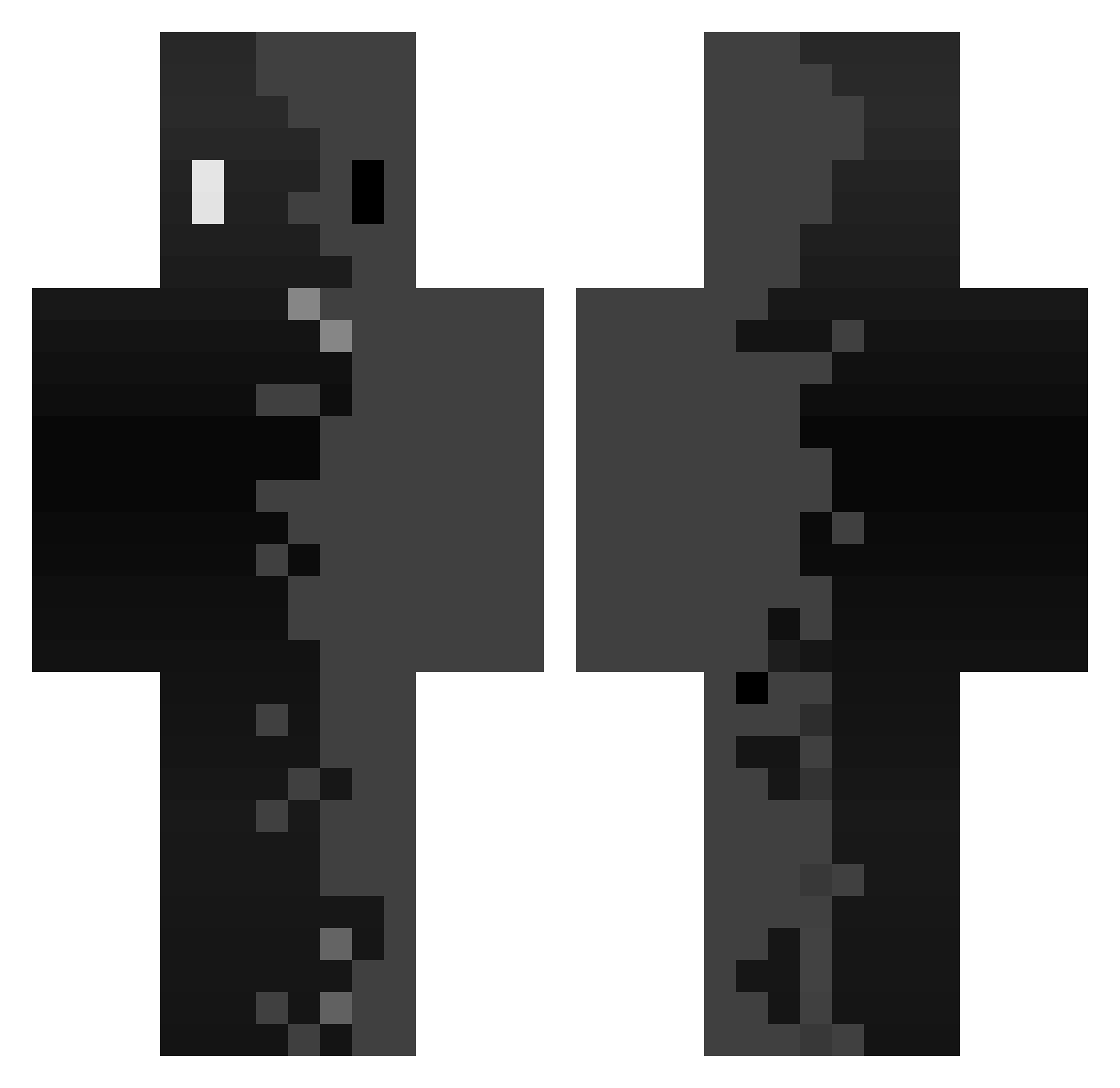
Other players with this skin (286)
XYZ_54 was the 17th player we have seen with this skin, first spotted on 28.07.2026. The same skin was seen on these players. Open a nickname to see their current skin and skin history.
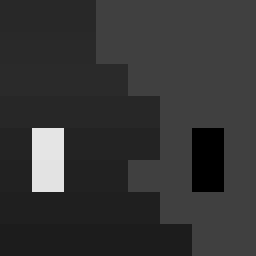 BeatifulLatin Beer_Shrimp Lucams fuorilegge1459 Laitsabr Kinglias123
 d4m6 mobkrieger mrbananafisch Lith_LT sin_yu LahMut Jasixks
 Beau_aaa
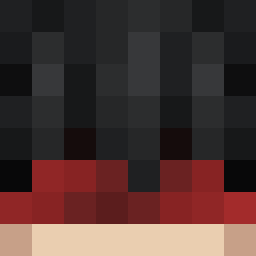 Q1Aan davidwwf hSuzz Schism_Vicarious IrrelevantCheese 15kz_
 Gwentfly iMadzix Oesoa WhiteDragorn TrippyIcy
 HaikoVr teo0203 LoOtiliA
 klapek_maczeta LemonadeBird JustSnow05 Ren_PMA Mochib00
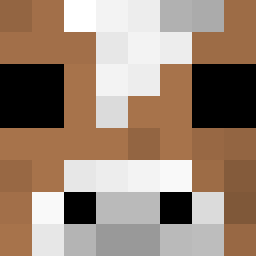 elisenburg FredBodyBoy ItzB0Y pomasujdzika Cyborghdj
 Pixel_Lucid 0077wuyumo Yungtrib Pasi_eva ItzCub0
 61nix Leo2475
 seymour_nuts
 BRAUXKING Aniolsitooo iPoPoLx MarcPatrick santos634 NotDome WIIKE__ ynmwnmi RedbullTin _1224_ RustaCPVP hajunhyuk tax375 ZXHK
How to install the XYZ_54 skin
- Press the Download button above to save the skin as a PNG file.
- Minecraft: Bedrock Edition (PE): open the Dressing Room from the main menu (or tap your character → Edit Character), go to Classic Skins → Owned, press the + (new skin) button, choose the downloaded PNG and pick the Classic (Steve) model. Works on PC and mobile; consoles cannot import custom skins.
- Minecraft: Java Edition: open the Minecraft Launcher, go to the Skins tab, click New Skin, load the PNG, pick the Classic (Steve) model and press Save & Use. You can also upload it at minecraft.net → Profile → Change Skin.
The skin does not show up after import - what should I do?
Restart Minecraft and open the Dressing Room again - imported skins sometimes appear only after a restart. Also make sure you selected the imported skin and picked the Classic (Steve) model.
Which model should I choose, Classic or Slim?
This skin is designed for the Classic (Steve) model. If you pick the wrong model, the arms of the skin will look stretched or squeezed.
Is the skin of XYZ_54 free to download?
Yes. Press Download, save the PNG file and use it in Minecraft: Bedrock Edition or Java Edition - no payment or registration needed. The skin also works on multiplayer servers and Realms.
More skins
Looking for more? Go back to all Minecraft skins and check the top skins of the week, month and all time, or find any player's skin by nickname.