
X3NoM_ - Minecraft Skins & Skin History
Current Minecraft skin of the player X3NoM_, loaded from the official Mojang API. Rotate the 3D model with your mouse or finger, then download the skin as a PNG file and use it in Minecraft: Bedrock Edition or Java Edition for free. When X3NoM_ changes their skin, this page updates automatically and the old skin stays in the history below.
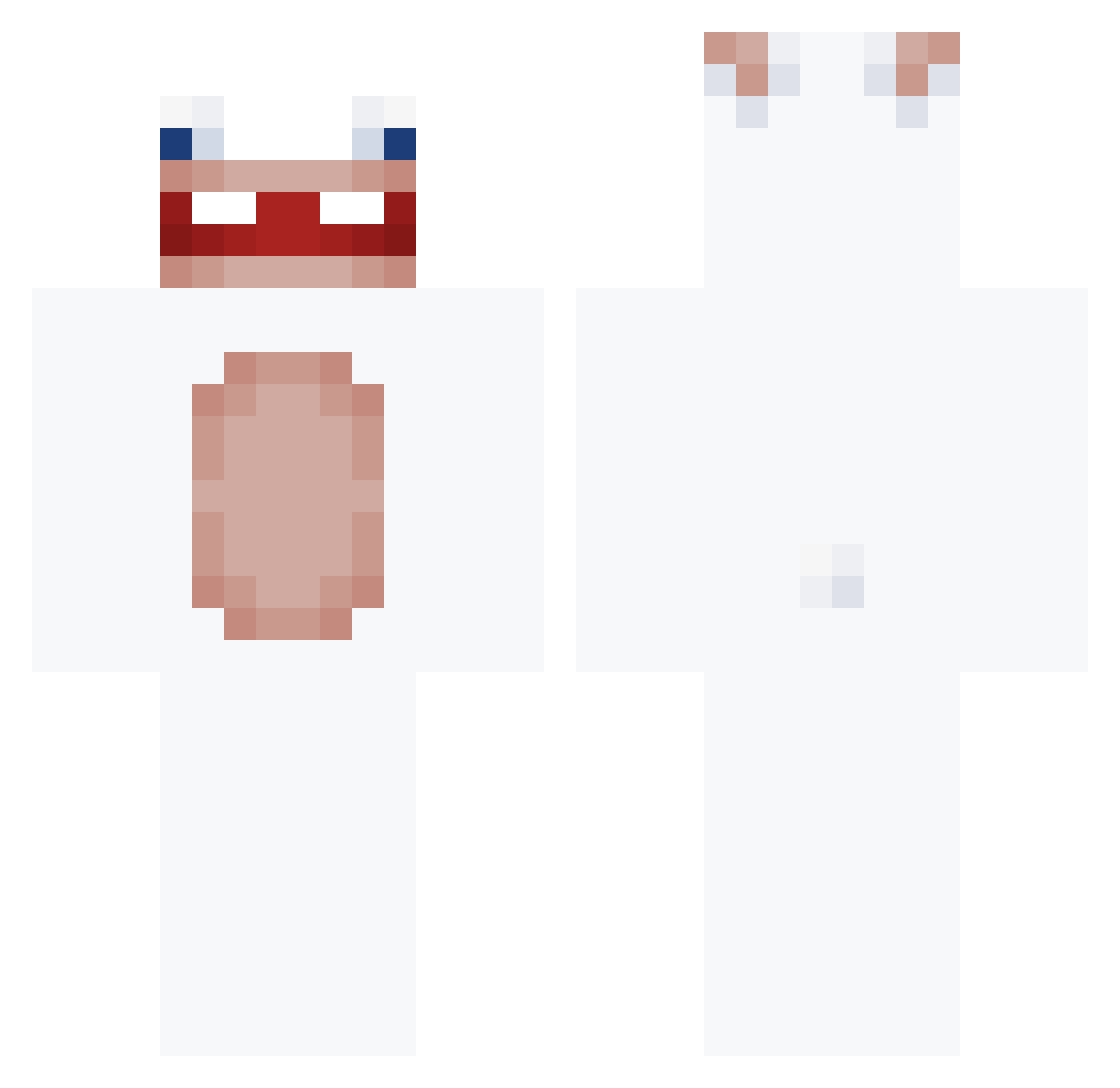
Other players with this skin (146)
X3NoM_ was the 43rd player we have seen with this skin, first spotted on 19.08.2026. The same skin was seen on these players. Open a nickname to see their current skin and skin history.
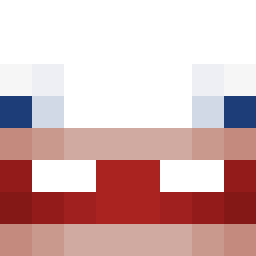 dzaba_kebabik Tawsyyy Snackiez_ LilangUlan nnicosis kalanguin24 Tgxxx
 okphobia dodaroz
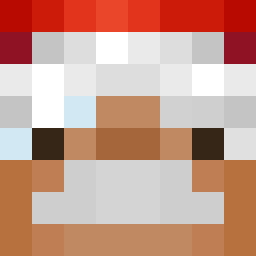 napalonykonrad mew0004 mrtx67 Gina322_owo tooter69 zzaanngg Ldawz vilager55 adr0706 manhXyz210 LeiaCraft dirtblock777
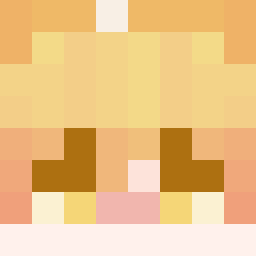 omenchen2015 97cloud mk_pro8936 ifIex Zombibas selfstudy
 MrOpao
 feltolove06 Ezequiel32 TUN3L
 Stormer21 Raymondead z81v partey_ NeesTerZz 2kunkun5
 trep_41 SavageZen RKmatteoz jwoxx_10 Tristan2190 KrabOnTop xanVIVII
 dylann0 epoxyfx zaidv
 qtas699 TIMAO_1470 6W1K19
 Fad3dExistence chwwtyi MrJohnny1447 lo_w28_ crimsonnet_ Hamdan1055 werzyv2 BigPenguinn Master8965 Nyxie_exe
More Rabbids Minecraft skins
How to install the X3NoM_ skin
- Press the Download button above to save the skin as a PNG file.
- Minecraft: Bedrock Edition (PE): open the Dressing Room from the main menu (or tap your character → Edit Character), go to Classic Skins → Owned, press the + (new skin) button, choose the downloaded PNG and pick the Classic (Steve) model. Works on PC and mobile; consoles cannot import custom skins.
- Minecraft: Java Edition: open the Minecraft Launcher, go to the Skins tab, click New Skin, load the PNG, pick the Classic (Steve) model and press Save & Use. You can also upload it at minecraft.net → Profile → Change Skin.
The skin does not show up after import - what should I do?
Restart Minecraft and open the Dressing Room again - imported skins sometimes appear only after a restart. Also make sure you selected the imported skin and picked the Classic (Steve) model.
Which model should I choose, Classic or Slim?
This skin is designed for the Classic (Steve) model. If you pick the wrong model, the arms of the skin will look stretched or squeezed.
Is the skin of X3NoM_ free to download?
Yes. Press Download, save the PNG file and use it in Minecraft: Bedrock Edition or Java Edition - no payment or registration needed. The skin also works on multiplayer servers and Realms.
More skins
Looking for more? Go back to all Minecraft skins and check the top skins of the week, month and all time, or find any player's skin by nickname.