
Wizardrys - Minecraft Skins & Skin History
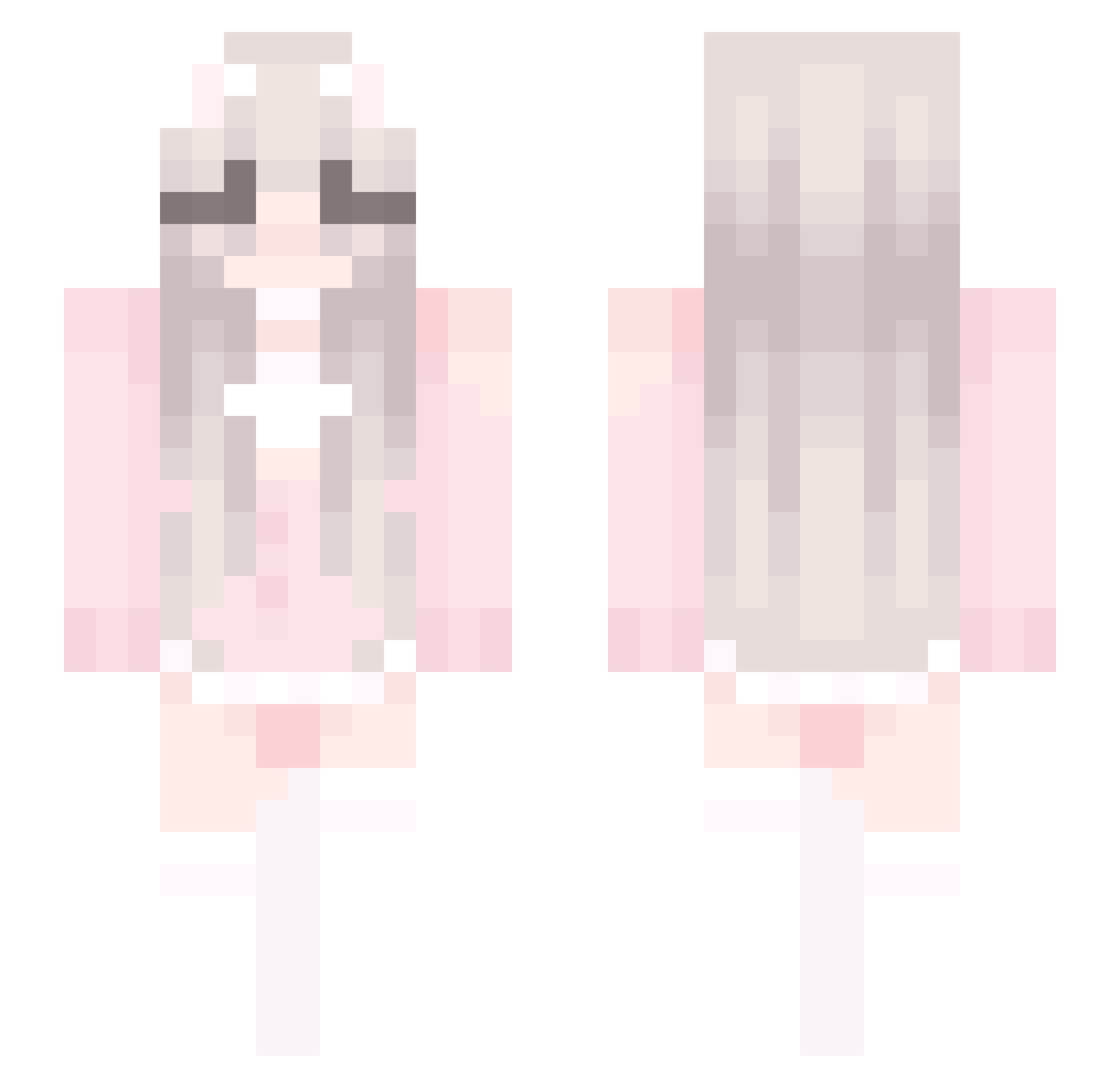
Current Minecraft skin of the player Wizardrys, loaded from the official Mojang API. Rotate the 3D model with your mouse or finger, then download the skin as a PNG file and use it in Minecraft: Bedrock Edition or Java Edition for free. When Wizardrys changes their skin, this page updates automatically and the old skin stays in the history below.
Other players with this skin (428)
Wizardrys was the 207th player we have seen with this skin, first spotted on 11.09.2026. The same skin was seen on these players. Open a nickname to see their current skin and skin history.
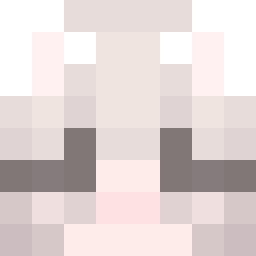 branchessix freffect Nethra67 Helena_2025 pijeherbate123 aystgao ZiiYT SheRosse MengLu cuarzolunart Kor_123 Symbol_Fao Le0714 tianchen111 xox609 Littie_White_Cat X_meng llw646 lilyap sdad999 Dawns0 Nishikori_Yui nauliko Unikitty5033 NoaGymnast KuYu33 LuCarLuCar 5548_ heiheihei2332 elvylaw yangzhimao0517 Strawbey Draxig 5fj9 Mythic7730 Blackyuan IamChinaliu Yeat7 IFHR xxiaopy jun_0530 OuO_QAQ YYYLOL at171 wxqslyr Belgiqe ariellia Fanglx klovexo huiyoufeng michuwu2005 zhemu6666 mileyy8740 adadfsfsfs ZhiYiQ Miruukuu Ziiff Momo_Peachy Watchdog1337_ Sasamu01
More Cute Minecraft skins
How to install the Wizardrys skin
- Press the Download button above to save the skin as a PNG file.
- Minecraft: Bedrock Edition (PE): open the Dressing Room from the main menu (or tap your character → Edit Character), go to Classic Skins → Owned, press the + (new skin) button, choose the downloaded PNG and pick the Slim (Alex) model. Works on PC and mobile; consoles cannot import custom skins.
- Minecraft: Java Edition: open the Minecraft Launcher, go to the Skins tab, click New Skin, load the PNG, pick the Slim (Alex) model and press Save & Use. You can also upload it at minecraft.net → Profile → Change Skin.
The skin does not show up after import - what should I do?
Restart Minecraft and open the Dressing Room again - imported skins sometimes appear only after a restart. Also make sure you selected the imported skin and picked the Slim (Alex) model.
Which model should I choose, Classic or Slim?
This skin is designed for the Slim (Alex) model. If you pick the wrong model, the arms of the skin will look stretched or squeezed.
Is the skin of Wizardrys free to download?
Yes. Press Download, save the PNG file and use it in Minecraft: Bedrock Edition or Java Edition - no payment or registration needed. The skin also works on multiplayer servers and Realms.
More skins
Looking for more? Go back to all Minecraft skins and check the top skins of the week, month and all time, or find any player's skin by nickname.