
Warrior_Knight - Minecraft Skins & Skin History
Current Minecraft skin of the player Warrior_Knight, loaded from the official Mojang API. Rotate the 3D model with your mouse or finger, then download the skin as a PNG file and use it in Minecraft: Bedrock Edition or Java Edition for free. When Warrior_Knight changes their skin, this page updates automatically and the old skin stays in the history below.
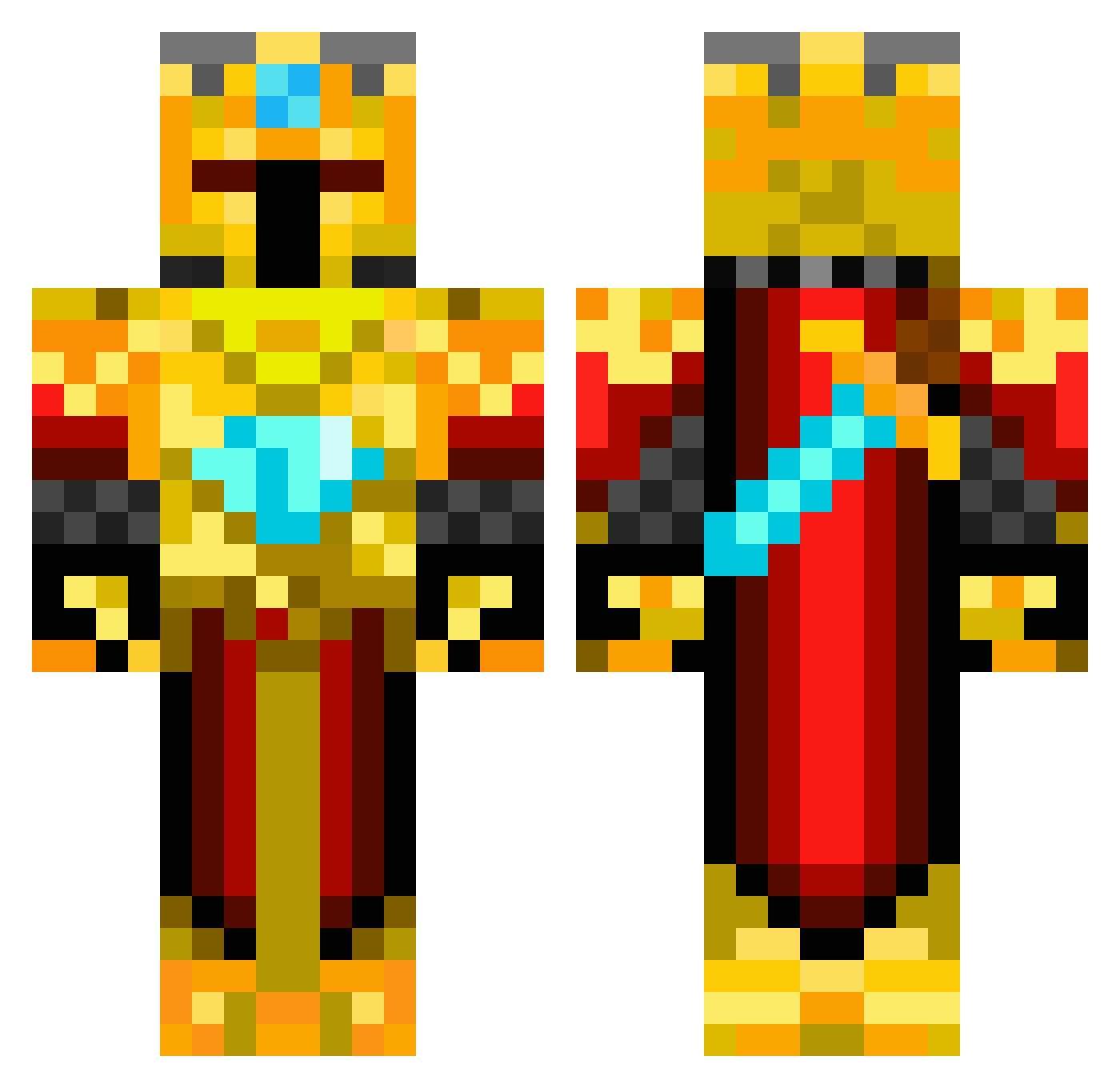
Other players with this skin (217)
Warrior_Knight was the 23rd player we have seen with this skin, first spotted on 04.08.2026. The same skin was seen on these players. Open a nickname to see their current skin and skin history.
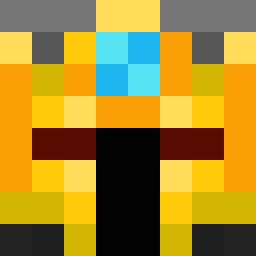 H4rry908 Logment cooleagles2006 Ververoz xiao_fu5 Theodor_TheBird Teo321p2 BillytheGoat808 rtmace7500 RobertKaas Shark__007 ThiccTricc Devilsloth FusionzZKnight
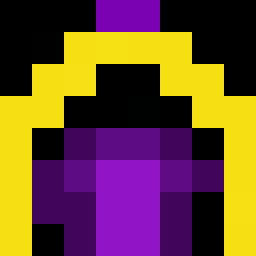 Mailerej Palva713 ThirdWorldBridge GraylyGiraffe15 Ildistruttore27_ HelaXxX akicef_stari
 DR_finland Toy_exe Zeefroz Antonito47 SweatNAM CataJR Alligator_boi Wolfie_2k8 Boskius
 LiArLe UnrealKerill Luismi2112 XxMatroflexX SwaterPsplash Lunala_Prime Semperfive864 JapaKora dante380 CounterClock92 mrporky4334 DarkKnight317 tondatankista McSquizor26 GoldenBoy217 Boeemed Infinity_Fightz MSE982 DiltronGamer06 jimboxr50 Strangerbob Zentramenago ICantReadHelp J_Hendy Xtrojuicyj gamedifficulty06 LordPetik G0dFatherDiIta Nepefisk CVVPHILL
More Golden Armor Minecraft skins
See all 170 Golden Armor skins
How to install the Warrior_Knight skin
- Press the Download button above to save the skin as a PNG file.
- Minecraft: Bedrock Edition (PE): open the Dressing Room from the main menu (or tap your character → Edit Character), go to Classic Skins → Owned, press the + (new skin) button, choose the downloaded PNG and pick the Classic (Steve) model. Works on PC and mobile; consoles cannot import custom skins.
- Minecraft: Java Edition: open the Minecraft Launcher, go to the Skins tab, click New Skin, load the PNG, pick the Classic (Steve) model and press Save & Use. You can also upload it at minecraft.net → Profile → Change Skin.
The skin does not show up after import - what should I do?
Restart Minecraft and open the Dressing Room again - imported skins sometimes appear only after a restart. Also make sure you selected the imported skin and picked the Classic (Steve) model.
Which model should I choose, Classic or Slim?
This skin is designed for the Classic (Steve) model. If you pick the wrong model, the arms of the skin will look stretched or squeezed.
Is the skin of Warrior_Knight free to download?
Yes. Press Download, save the PNG file and use it in Minecraft: Bedrock Edition or Java Edition - no payment or registration needed. The skin also works on multiplayer servers and Realms.
More skins
Looking for more? Go back to all Minecraft skins and check the top skins of the week, month and all time, or find any player's skin by nickname.