
WantACola_ - Minecraft Skins & Skin History
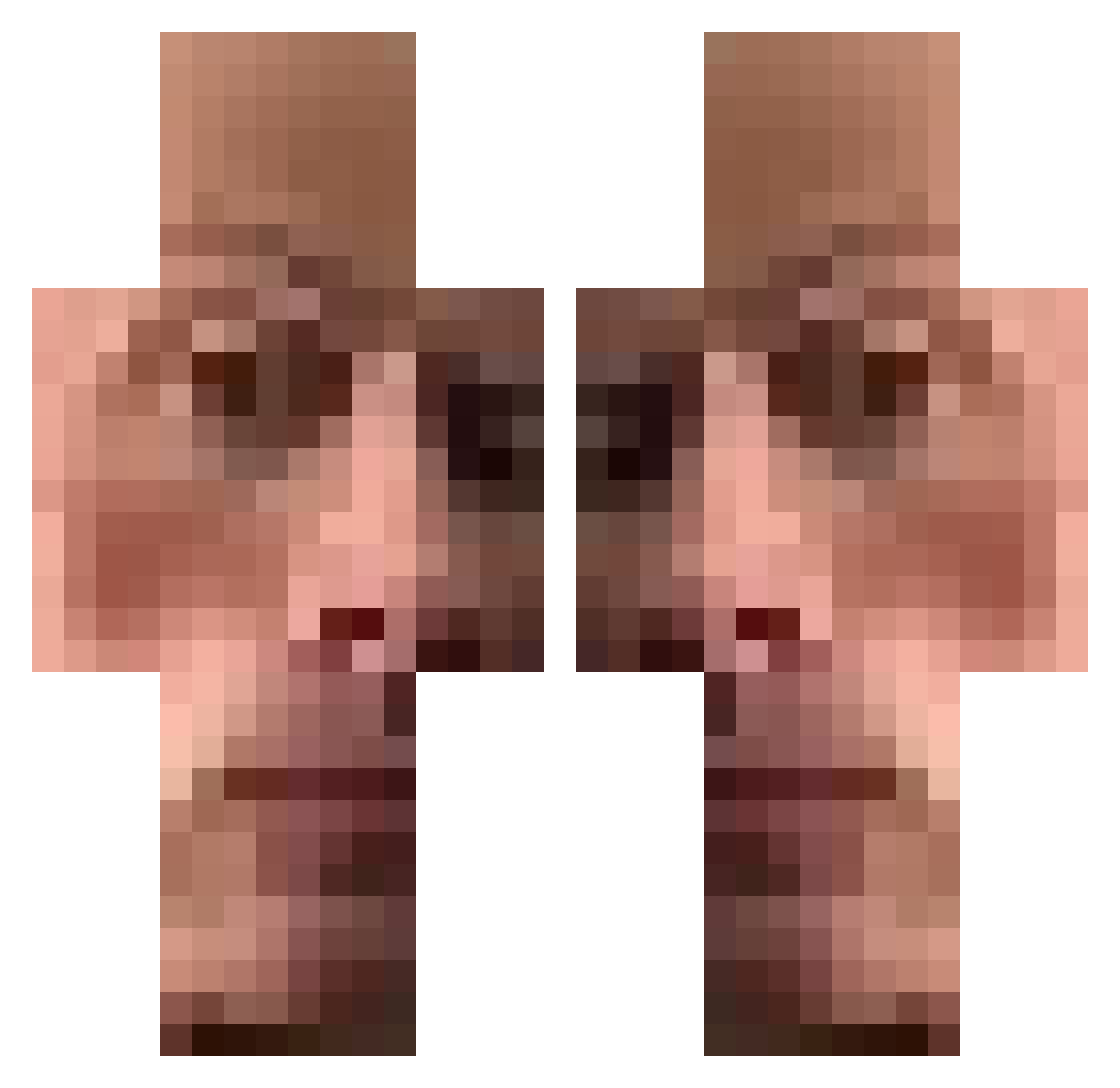
Current Minecraft skin of the player WantACola_, loaded from the official Mojang API. Rotate the 3D model with your mouse or finger, then download the skin as a PNG file and use it in Minecraft: Bedrock Edition or Java Edition for free. When WantACola_ changes their skin, this page updates automatically and the old skin stays in the history below.
Other players with this skin (474)
WantACola_ was the 53rd player we have seen with this skin, first spotted on 05.08.2026. The same skin was seen on these players. Open a nickname to see their current skin and skin history.
 Ninjabananaa
 ZackPaster SergeantPugsley8 tortoo7 Gimo9 wittleSim0n brian_da_man mantistoboggan__ ReachOnForever Alesc0 Jasulko Jasonlin2007 Pamplegooze KeanuBreeze ZentaxW tempura3511 bxxzy2123 wox_i Hakutee cebula567 krallel sard1n4 Stalkeree _TaterTot420_ GUYMANLOX TheNeonGrand Dapahill Drestion McEBLAN stayReno CordMC VOLLLAST miso_owo Guusvw Bojlerus GoDoIt 00marble Pulisic_ xsab Irishjeff17 ProgressRail Gamblersung 1furryslayer InfernalGhost123 TheWendy57 Gawagapaga wilru halidkasmiri
 grlogin7 Sussex69 WhatsAppV2000 Cheesed_00 joe_not_exotic_ K44ME Abradax TruenoProject
 ChillGuy778 Bananimee realwoopee mreazygoing
How to install the WantACola_ skin
- Press the Download button above to save the skin as a PNG file.
- Minecraft: Bedrock Edition (PE): open the Dressing Room from the main menu (or tap your character → Edit Character), go to Classic Skins → Owned, press the + (new skin) button, choose the downloaded PNG and pick the Classic (Steve) model. Works on PC and mobile; consoles cannot import custom skins.
- Minecraft: Java Edition: open the Minecraft Launcher, go to the Skins tab, click New Skin, load the PNG, pick the Classic (Steve) model and press Save & Use. You can also upload it at minecraft.net → Profile → Change Skin.
The skin does not show up after import - what should I do?
Restart Minecraft and open the Dressing Room again - imported skins sometimes appear only after a restart. Also make sure you selected the imported skin and picked the Classic (Steve) model.
Which model should I choose, Classic or Slim?
This skin is designed for the Classic (Steve) model. If you pick the wrong model, the arms of the skin will look stretched or squeezed.
Is the skin of WantACola_ free to download?
Yes. Press Download, save the PNG file and use it in Minecraft: Bedrock Edition or Java Edition - no payment or registration needed. The skin also works on multiplayer servers and Realms.
More skins
Looking for more? Go back to all Minecraft skins and check the top skins of the week, month and all time, or find any player's skin by nickname.