
WOLFCRAFTING - Minecraft Skins & Skin History
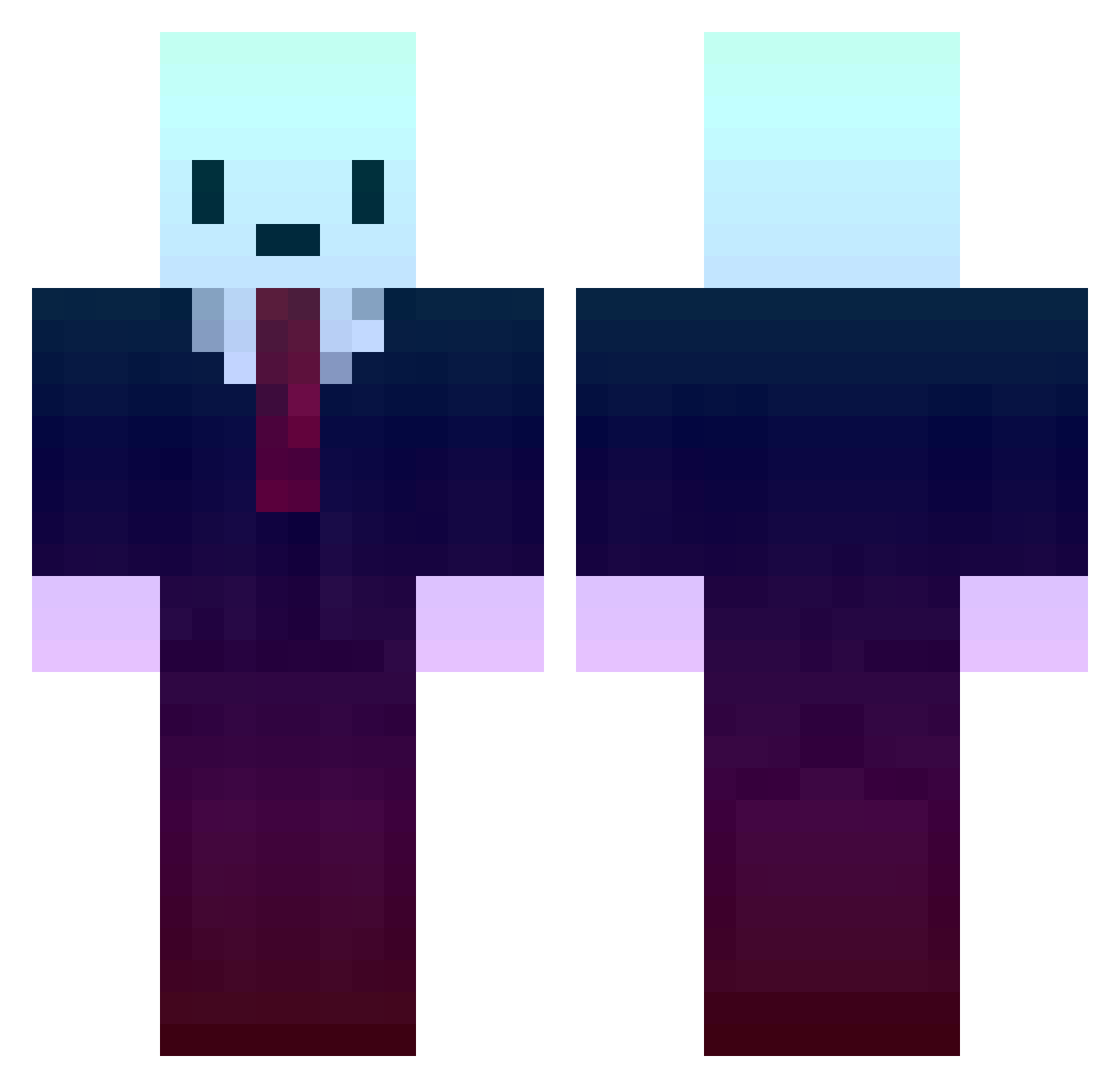
Current Minecraft skin of the player WOLFCRAFTING, loaded from the official Mojang API. Rotate the 3D model with your mouse or finger, then download the skin as a PNG file and use it in Minecraft: Bedrock Edition or Java Edition for free. When WOLFCRAFTING changes their skin, this page updates automatically and the old skin stays in the history below.
Other players with this skin (384)
WOLFCRAFTING was the 362nd player we have seen with this skin, first spotted on 27.10.2026. The same skin was seen on these players. Open a nickname to see their current skin and skin history.
 Aheng Painsauvage TrippyTrees hopekid snkfg 2tachi 2HJ desa_cerro SwizZ__ Nattale jjcl44 TechnoBR Keywey_ jeus_1109 n777777 XxmaiPPT x0menx emmmanue kthzp0 Kuguazi Kryzzon mountdew08 DoritoSmoke Hotarubi_Tetora Mrkikuchii Top_Sin MarkRutt3 ZenJuanma _MONDAE_ HUGEbooty69 Vetchy_TK Dobbyyo JXBV cimon123 Cytrine AlexisMoDz yukzy Roysu lwswilson 1Rover ElRam7370 TomMiller Stinovy_Lev jackster2233 NR1P_SVK whhhhhsda FeFeu graffitiguy6 AlanPSX SpruceWRLD OttoGiJAM VITAMIIIX KungSonZaiqer0 misfitsmxr Nwedy ocrean ApreX RDduvar CousinCosmo Shad974
More Gradient Minecraft skins
How to install the WOLFCRAFTING skin
- Press the Download button above to save the skin as a PNG file.
- Minecraft: Bedrock Edition (PE): open the Dressing Room from the main menu (or tap your character → Edit Character), go to Classic Skins → Owned, press the + (new skin) button, choose the downloaded PNG and pick the Classic (Steve) model. Works on PC and mobile; consoles cannot import custom skins.
- Minecraft: Java Edition: open the Minecraft Launcher, go to the Skins tab, click New Skin, load the PNG, pick the Classic (Steve) model and press Save & Use. You can also upload it at minecraft.net → Profile → Change Skin.
The skin does not show up after import - what should I do?
Restart Minecraft and open the Dressing Room again - imported skins sometimes appear only after a restart. Also make sure you selected the imported skin and picked the Classic (Steve) model.
Which model should I choose, Classic or Slim?
This skin is designed for the Classic (Steve) model. If you pick the wrong model, the arms of the skin will look stretched or squeezed.
Is the skin of WOLFCRAFTING free to download?
Yes. Press Download, save the PNG file and use it in Minecraft: Bedrock Edition or Java Edition - no payment or registration needed. The skin also works on multiplayer servers and Realms.
More skins
Looking for more? Go back to all Minecraft skins and check the top skins of the week, month and all time, or find any player's skin by nickname.