
WHITTERX - Minecraft Skins & Skin History
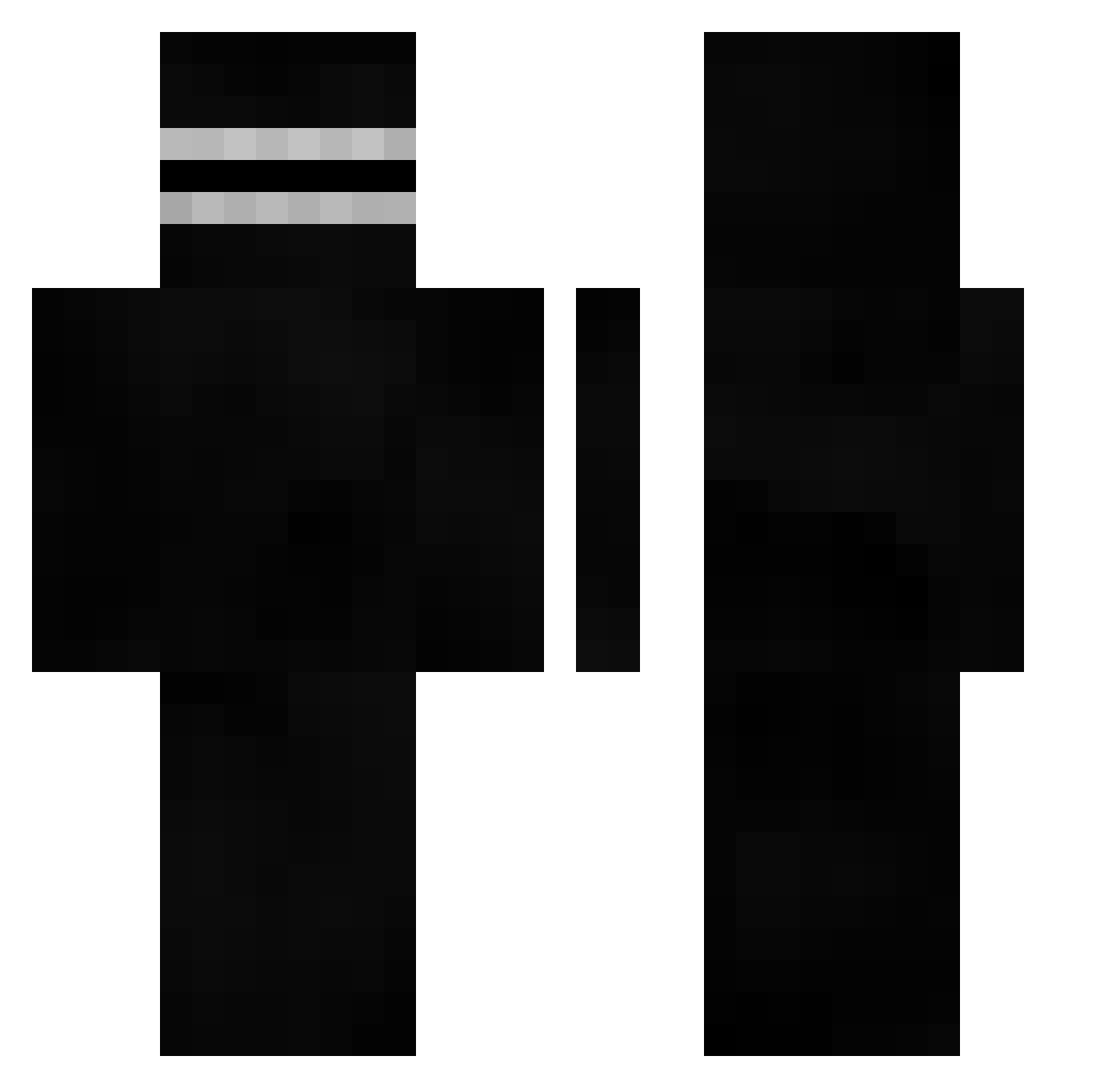
Current Minecraft skin of the player WHITTERX, loaded from the official Mojang API. Rotate the 3D model with your mouse or finger, then download the skin as a PNG file and use it in Minecraft: Bedrock Edition or Java Edition for free. When WHITTERX changes their skin, this page updates automatically and the old skin stays in the history below.
Other players with this skin (401)
WHITTERX was the 121st player we have seen with this skin, first spotted on 19.08.2026. The same skin was seen on these players. Open a nickname to see their current skin and skin history.
 Richat EphGee bosy_damian ravioluuuuu szyszka_333 ScaaR257 OliviaLuv huskukac pxrq DotL Betta_Boi_ Jerflix ErrorClone Peng13543 __jellyfish__ ePiicPwned Zainwer ShifusDias 2Close2DSun Fragmok1 Rafa20045 FuelTzy uRm7 chancelino ChilledMurderer TheLemonMafia2 Anzeyyy maxasaur6 TheChxos Mihael_1K Filipek3695 uNcoolbeans Alyssa3124 BumBumEater21 Croc_YT poopkaka NyKrush ruskanu WarWick54 babuka20 LielTheBoss Zacian_ ryef_ gregoryheffley69 TheAnthroShark TillaBobs23 Bruntek _Dunduk_ diddidelux
 Gagss__ DotL_ anchousx cursorest spacekido TravvyPaty Rucazin ayato0o v3n0m9898 _droopy_ AdriGr01
How to install the WHITTERX skin
- Press the Download button above to save the skin as a PNG file.
- Minecraft: Bedrock Edition (PE): open the Dressing Room from the main menu (or tap your character → Edit Character), go to Classic Skins → Owned, press the + (new skin) button, choose the downloaded PNG and pick the Classic (Steve) model. Works on PC and mobile; consoles cannot import custom skins.
- Minecraft: Java Edition: open the Minecraft Launcher, go to the Skins tab, click New Skin, load the PNG, pick the Classic (Steve) model and press Save & Use. You can also upload it at minecraft.net → Profile → Change Skin.
The skin does not show up after import - what should I do?
Restart Minecraft and open the Dressing Room again - imported skins sometimes appear only after a restart. Also make sure you selected the imported skin and picked the Classic (Steve) model.
Which model should I choose, Classic or Slim?
This skin is designed for the Classic (Steve) model. If you pick the wrong model, the arms of the skin will look stretched or squeezed.
Is the skin of WHITTERX free to download?
Yes. Press Download, save the PNG file and use it in Minecraft: Bedrock Edition or Java Edition - no payment or registration needed. The skin also works on multiplayer servers and Realms.
More skins
Looking for more? Go back to all Minecraft skins and check the top skins of the week, month and all time, or find any player's skin by nickname.