
WHATtheNERD - Minecraft Skins & Skin History
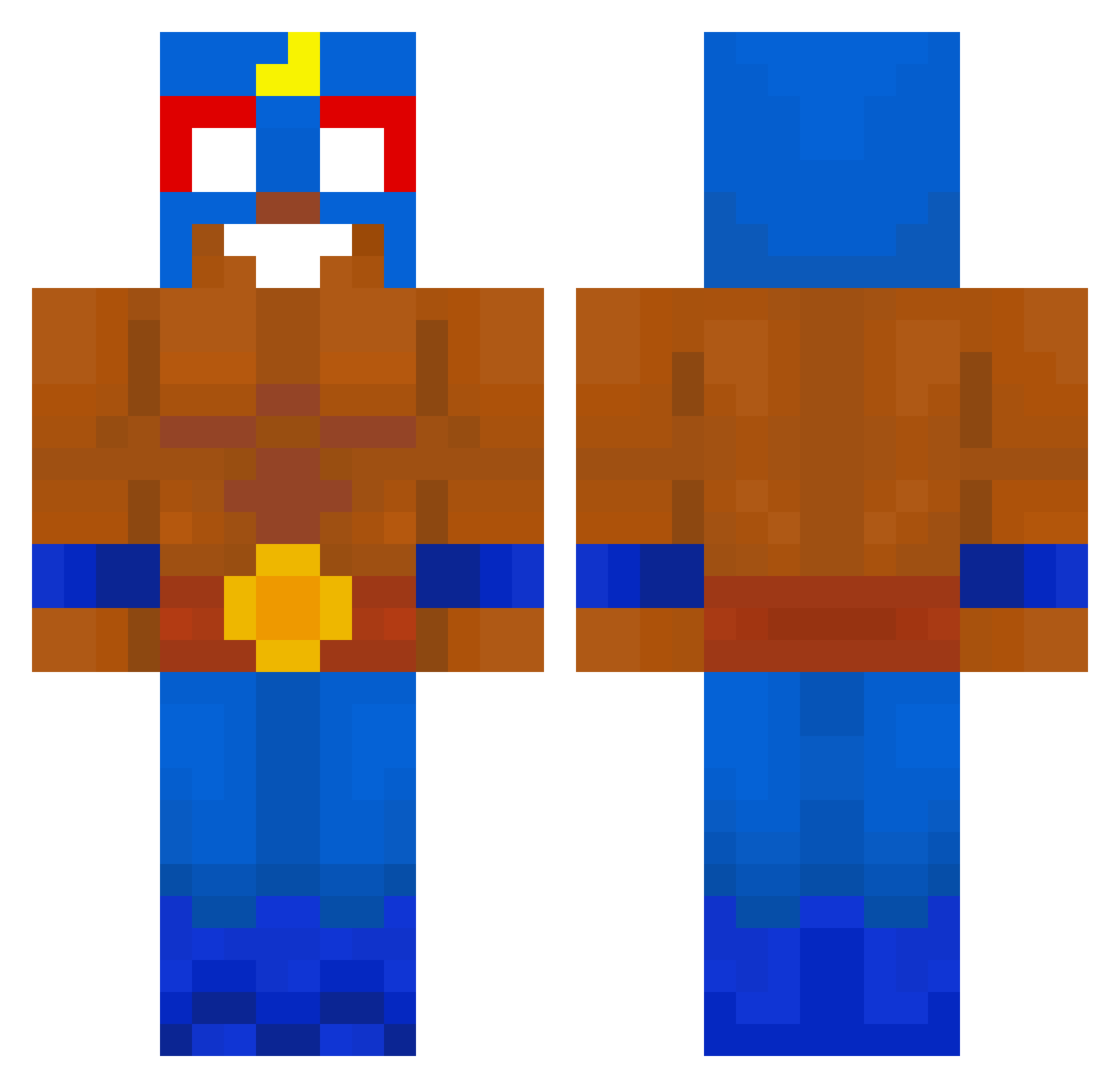
Current Minecraft skin of the player WHATtheNERD, loaded from the official Mojang API. Rotate the 3D model with your mouse or finger, then download the skin as a PNG file and use it in Minecraft: Bedrock Edition or Java Edition for free. When WHATtheNERD changes their skin, this page updates automatically and the old skin stays in the history below.
Other players with this skin (659)
WHATtheNERD was the 43rd player we have seen with this skin, first spotted on 29.07.2026. The same skin was seen on these players. Open a nickname to see their current skin and skin history.
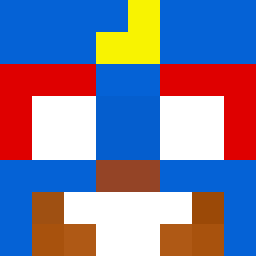 Flufier XxxrrenatoproxxX yeye_1 NatsusFlames
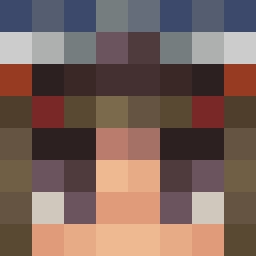 amecd WykastrowanyPies Jefhetpatatje SOCR4T Leontravolta1257 AdaskoSzef DaniProxX spaiki123
 urikto
 Gaugemon siCORAGEM bl_82 zxt39 MaCCam0789 Mbappe_sigma Abood_30 turk_oo liamroyi Luladeruc Lololu_the_Ponis franek123233 mabbelbabbel Koluix Jtorrealba2003 1djv Kronos_314 JusTaken grinellx Qwertyy5826 DUPLA_DE_GATOS Frankenprinz007 Willad ThisGuyBob11 Milagrin_
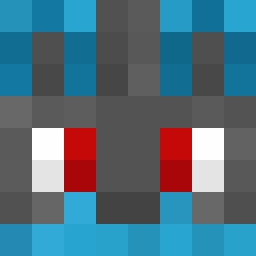 LyrozXs
 KROMAJTR chillToilet 160mss Locoman300 efelsha Ziemniakowy MUNIMUNIMAN BebroKaimas Epiru NuffS14 Bermen13 Sanjilovesgirls 5q4rz tmp3 _niko0 Raul_Zin Tibur0ncinZ K_MARANA kamilbudda pierdeq Pulm0
More El Primo Minecraft skins
How to install the WHATtheNERD skin
- Press the Download button above to save the skin as a PNG file.
- Minecraft: Bedrock Edition (PE): open the Dressing Room from the main menu (or tap your character → Edit Character), go to Classic Skins → Owned, press the + (new skin) button, choose the downloaded PNG and pick the Classic (Steve) model. Works on PC and mobile; consoles cannot import custom skins.
- Minecraft: Java Edition: open the Minecraft Launcher, go to the Skins tab, click New Skin, load the PNG, pick the Classic (Steve) model and press Save & Use. You can also upload it at minecraft.net → Profile → Change Skin.
The skin does not show up after import - what should I do?
Restart Minecraft and open the Dressing Room again - imported skins sometimes appear only after a restart. Also make sure you selected the imported skin and picked the Classic (Steve) model.
Which model should I choose, Classic or Slim?
This skin is designed for the Classic (Steve) model. If you pick the wrong model, the arms of the skin will look stretched or squeezed.
Is the skin of WHATtheNERD free to download?
Yes. Press Download, save the PNG file and use it in Minecraft: Bedrock Edition or Java Edition - no payment or registration needed. The skin also works on multiplayer servers and Realms.
More skins
Looking for more? Go back to all Minecraft skins and check the top skins of the week, month and all time, or find any player's skin by nickname.