
WARTHh - Minecraft Skins & Skin History
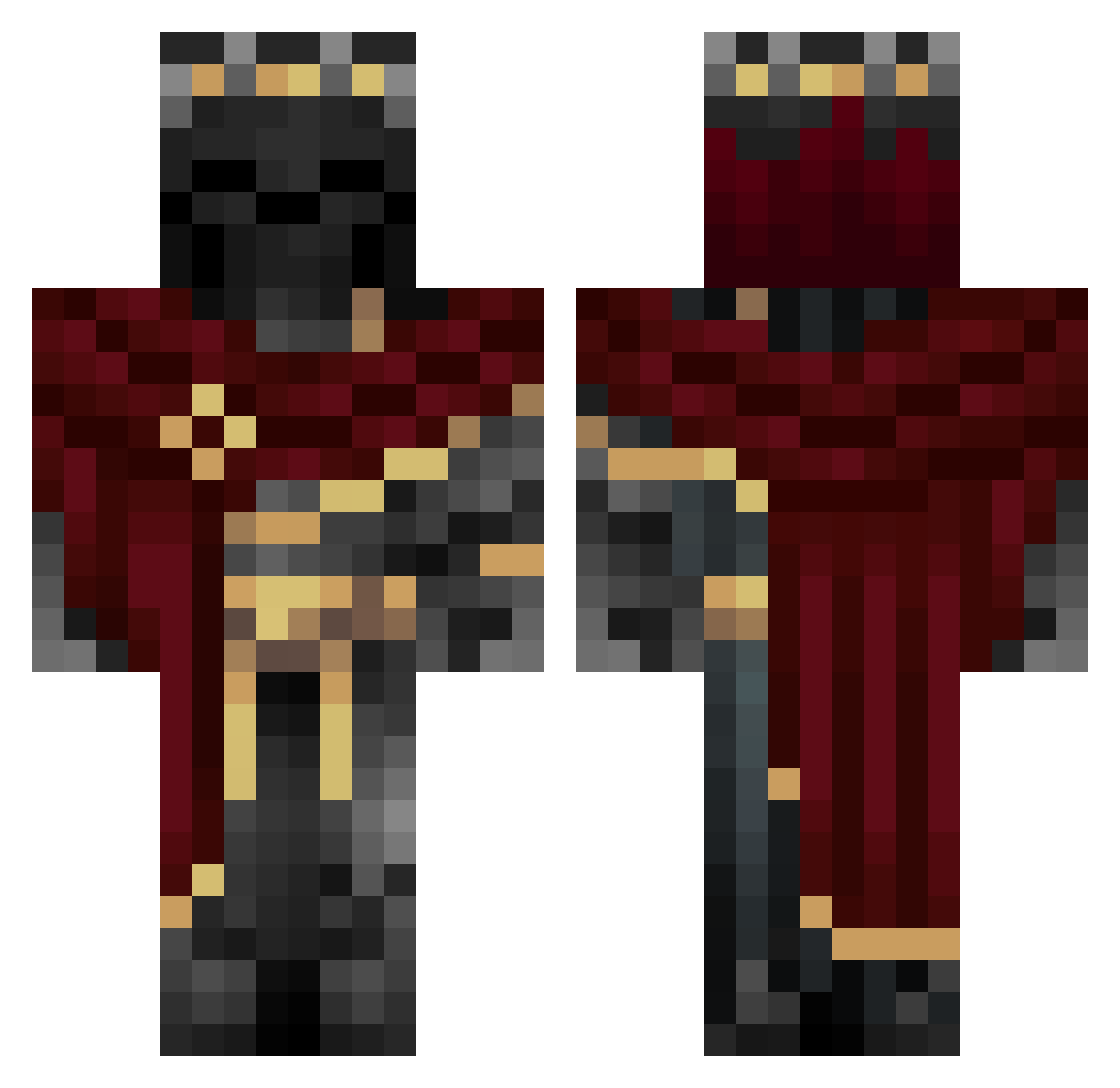
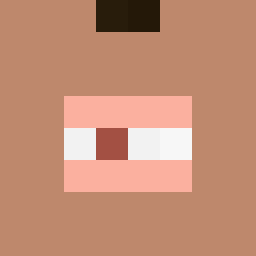
Current Minecraft skin of the player WARTHh, loaded from the official Mojang API. Rotate the 3D model with your mouse or finger, then download the skin as a PNG file and use it in Minecraft: Bedrock Edition or Java Edition for free. When WARTHh changes their skin, this page updates automatically and the old skin stays in the history below.
Other players with this skin (1006)
WARTHh was the 117th player we have seen with this skin, first spotted on 04.08.2026. The same skin was seen on these players. Open a nickname to see their current skin and skin history.
 gg_gamer187 Nano12344 Takacsmegylekvar Talon1014 Sparksss_221 THENAMLESSKING3 kitesmash XanInSpace 0MY01 Sylar_ Touti04
 LePijux eltitis999 666Permissions shn0815 Sleep123 DarkSoliderLP
 newt7770 NiwdeZepol Vulpinir1 oPk404nf veinnnnnnnnnyyyy Kai1323 Lunaker Joseluiis donToni18 ItsAJokerr OneDrake4 Hydrastasis SethAA Sleep_D3mon HATSUNE0909 iliy1234 Bingus9000 WSATT LowkeyPrime DrBlueFox QueenKitten11 skeleking666 B0T_Alpha Dragon00212 tricky546 Magyarvok3600
 Vasco_19 Toxzon99 CerFlex omarhatemm13 FinalSpy5831091 NEMESISHUNTR WitchArkanist GivenL Barbarian_Dwarf muk56 AFK_DK shan00LL BotsitoNegro
 Keo6318 Kazutorism AdamDeeDee2019 ZHANG_JK
More King Minecraft skins
How to install the WARTHh skin
- Press the Download button above to save the skin as a PNG file.
- Minecraft: Bedrock Edition (PE): open the Dressing Room from the main menu (or tap your character → Edit Character), go to Classic Skins → Owned, press the + (new skin) button, choose the downloaded PNG and pick the Classic (Steve) model. Works on PC and mobile; consoles cannot import custom skins.
- Minecraft: Java Edition: open the Minecraft Launcher, go to the Skins tab, click New Skin, load the PNG, pick the Classic (Steve) model and press Save & Use. You can also upload it at minecraft.net → Profile → Change Skin.
The skin does not show up after import - what should I do?
Restart Minecraft and open the Dressing Room again - imported skins sometimes appear only after a restart. Also make sure you selected the imported skin and picked the Classic (Steve) model.
Which model should I choose, Classic or Slim?
This skin is designed for the Classic (Steve) model. If you pick the wrong model, the arms of the skin will look stretched or squeezed.
Is the skin of WARTHh free to download?
Yes. Press Download, save the PNG file and use it in Minecraft: Bedrock Edition or Java Edition - no payment or registration needed. The skin also works on multiplayer servers and Realms.
More skins
Looking for more? Go back to all Minecraft skins and check the top skins of the week, month and all time, or find any player's skin by nickname.