
W1LLADz - Minecraft Skins & Skin History
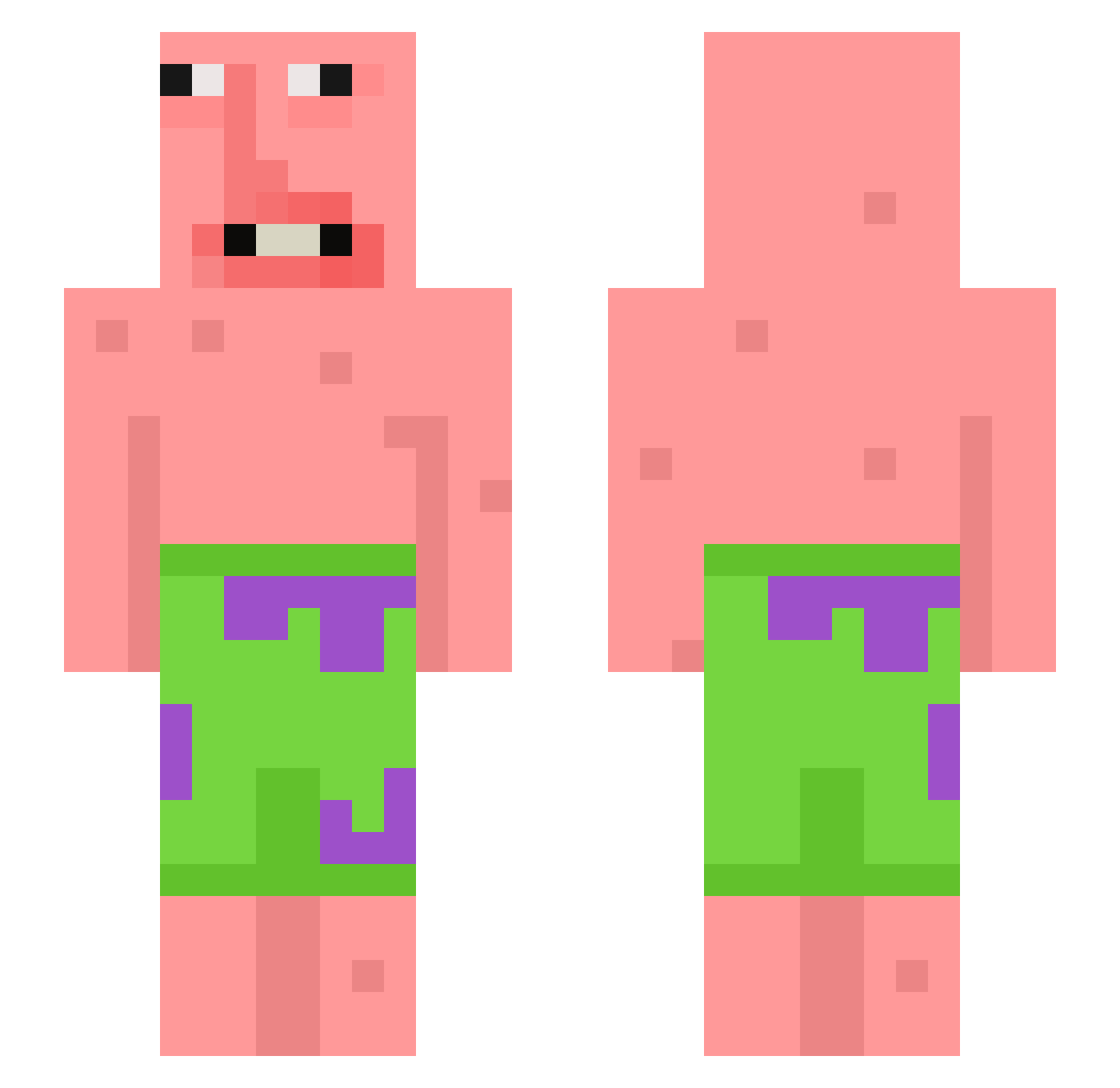
Current Minecraft skin of the player W1LLADz, loaded from the official Mojang API. Rotate the 3D model with your mouse or finger, then download the skin as a PNG file and use it in Minecraft: Bedrock Edition or Java Edition for free. When W1LLADz changes their skin, this page updates automatically and the old skin stays in the history below.
Other players with this skin (398)
W1LLADz was the 195th player we have seen with this skin, first spotted on 18.09.2026. The same skin was seen on these players. Open a nickname to see their current skin and skin history.
 SMC909 Handsomgijun _Sammy___ BraxtonBear N00B43V34 Mr_Bingleton csc666 TodTood AleXcheck1 BigFatQuack matkaboska sdss27500 beni676 MinecraftOn33FPS Clypsix CapnSnootDoot hockeybrat cc_1380 Lin9687 ZaRzAvAt2020 Jonixx29 Willychili2010 HOOD365 Vadovelis8 KipMaatje BarnacleJR dudugameplaysss MuFFl3R Cristian4149 i_Robb CrownedHawk2008 watermalone47 Fruchtfisch12312 long_shlong_ner0 Ueban_pvp indahood04 PapaPalmer20 CaneEater MrBeast144 GoatedFishstick brod_toad234 Rojellyoo OcKBePHuTeJlb BottomSnacker Belabanana crocozob okakakakapi Krasher08 RWNDZZ_ StargazerRDE harzerty Fabixxl10 StartD1ggin LittleZippy13 LilyplaysMC15 CognitiveLag gaggiadams ivandariochg gutolago Billyhimmy
More Patrick Star Minecraft skins
See all 612 Patrick Star skins
How to install the W1LLADz skin
- Press the Download button above to save the skin as a PNG file.
- Minecraft: Bedrock Edition (PE): open the Dressing Room from the main menu (or tap your character → Edit Character), go to Classic Skins → Owned, press the + (new skin) button, choose the downloaded PNG and pick the Slim (Alex) model. Works on PC and mobile; consoles cannot import custom skins.
- Minecraft: Java Edition: open the Minecraft Launcher, go to the Skins tab, click New Skin, load the PNG, pick the Slim (Alex) model and press Save & Use. You can also upload it at minecraft.net → Profile → Change Skin.
The skin does not show up after import - what should I do?
Restart Minecraft and open the Dressing Room again - imported skins sometimes appear only after a restart. Also make sure you selected the imported skin and picked the Slim (Alex) model.
Which model should I choose, Classic or Slim?
This skin is designed for the Slim (Alex) model. If you pick the wrong model, the arms of the skin will look stretched or squeezed.
Is the skin of W1LLADz free to download?
Yes. Press Download, save the PNG file and use it in Minecraft: Bedrock Edition or Java Edition - no payment or registration needed. The skin also works on multiplayer servers and Realms.
More skins
Looking for more? Go back to all Minecraft skins and check the top skins of the week, month and all time, or find any player's skin by nickname.