
Volumix1 - Minecraft Skins & Skin History
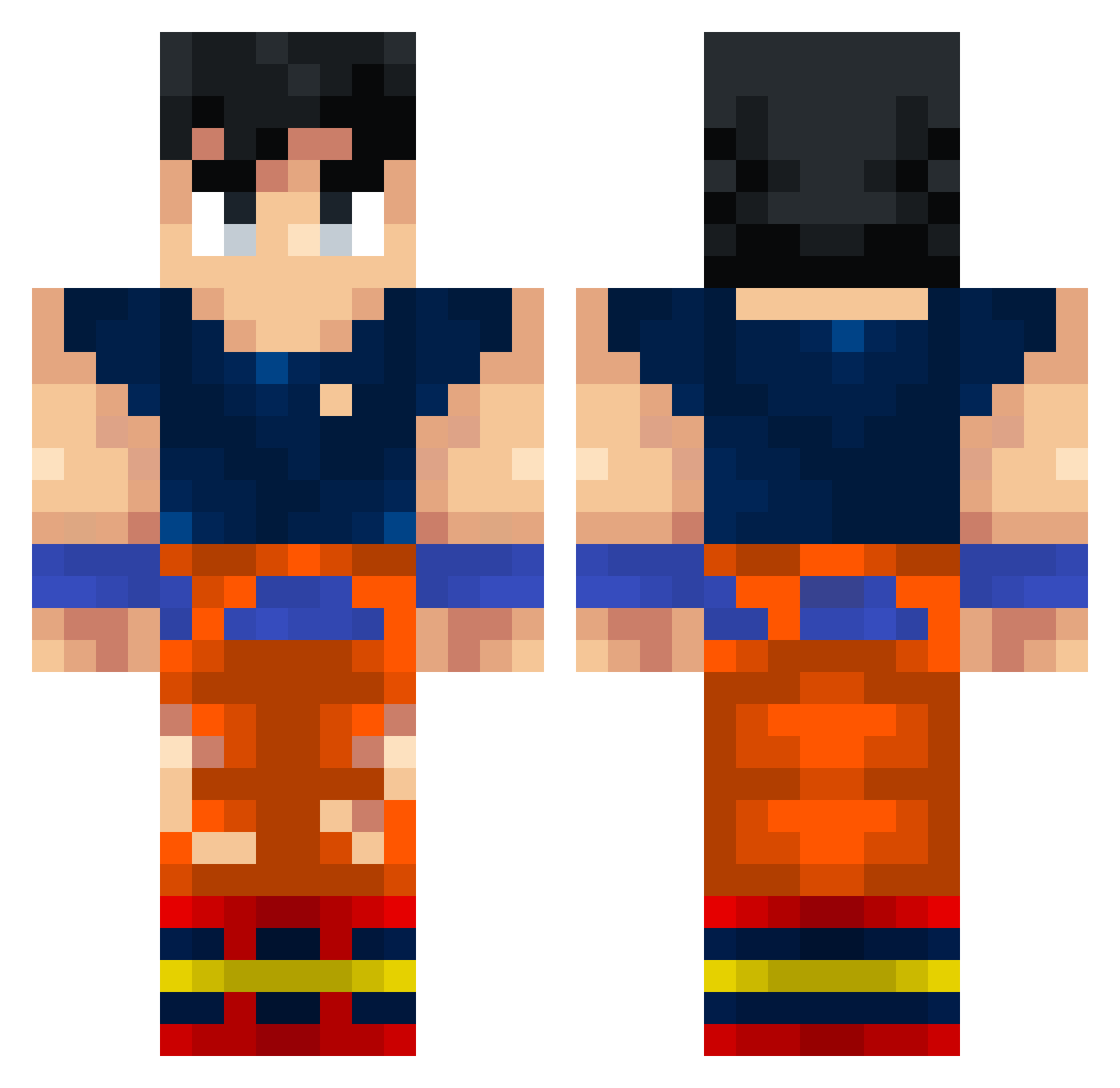
Current Minecraft skin of the player Volumix1, loaded from the official Mojang API. Rotate the 3D model with your mouse or finger, then download the skin as a PNG file and use it in Minecraft: Bedrock Edition or Java Edition for free. When Volumix1 changes their skin, this page updates automatically and the old skin stays in the history below.
Other players with this skin (338)
Volumix1 was the 314th player we have seen with this skin, first spotted on 26.10.2026. The same skin was seen on these players. Open a nickname to see their current skin and skin history.
 Kayncito kaqarot ELTaylorOMG1 Majinlitche ssj_mike Cl3mente KinkyDragons ZGamer20238 Bauti_Zzz Pistacho13 MatutoGam3r joidzowie BlumeV unu3333 sotanero22 ElJamzz cubemaker123 luffyprohuffy KingSlyce simonet71 harntokrul GODLEONGaming69 Twny __Lance__ agent_kirresh7 Lyam931 FakeEngineer10 Czarum Vladezz20 Chri__ JuanExpl eleman95 Maninho778 Nyarwav Oo_Kira_oO AIEXANDAR florixex Saminexium FireXHamza joshua56108 anwdy clasicodelbarrio roko4 MOHAMED_ZOR PablitoS12_ Ryu_Kaibun CachaAbuelitas ElComeAbuelas2 ViBreX Cl33f Digg07 v7Sync Aniket7643 Led_Zeppelin_2 degii480 BrianUID Skyzenn59 sparkefran __epic____ PilotenAli
More Goku Minecraft skins
How to install the Volumix1 skin
- Press the Download button above to save the skin as a PNG file.
- Minecraft: Bedrock Edition (PE): open the Dressing Room from the main menu (or tap your character → Edit Character), go to Classic Skins → Owned, press the + (new skin) button, choose the downloaded PNG and pick the Classic (Steve) model. Works on PC and mobile; consoles cannot import custom skins.
- Minecraft: Java Edition: open the Minecraft Launcher, go to the Skins tab, click New Skin, load the PNG, pick the Classic (Steve) model and press Save & Use. You can also upload it at minecraft.net → Profile → Change Skin.
The skin does not show up after import - what should I do?
Restart Minecraft and open the Dressing Room again - imported skins sometimes appear only after a restart. Also make sure you selected the imported skin and picked the Classic (Steve) model.
Which model should I choose, Classic or Slim?
This skin is designed for the Classic (Steve) model. If you pick the wrong model, the arms of the skin will look stretched or squeezed.
Is the skin of Volumix1 free to download?
Yes. Press Download, save the PNG file and use it in Minecraft: Bedrock Edition or Java Edition - no payment or registration needed. The skin also works on multiplayer servers and Realms.
More skins
Looking for more? Go back to all Minecraft skins and check the top skins of the week, month and all time, or find any player's skin by nickname.