
VoiXbreaker - Minecraft Skins & Skin History
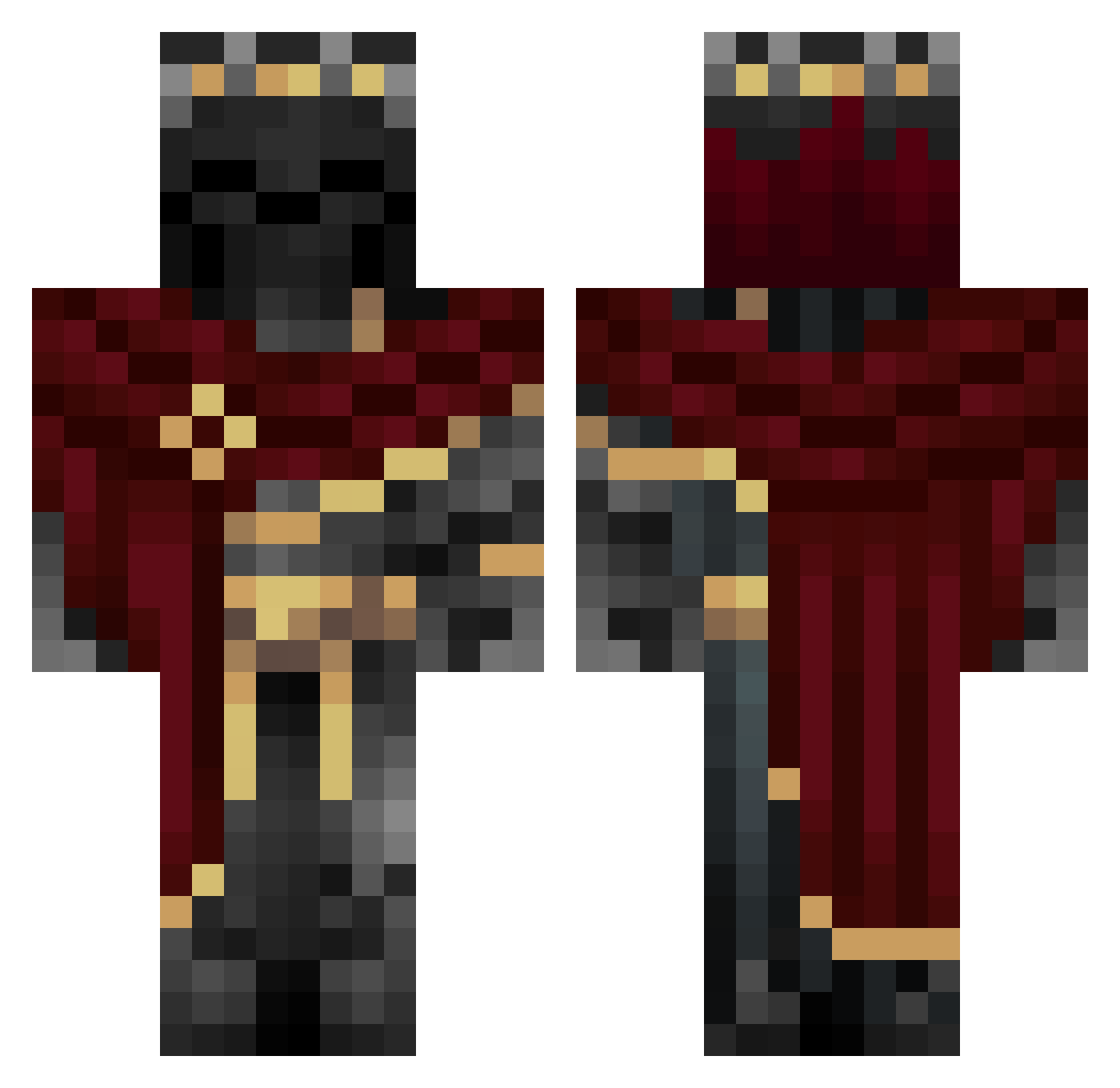
Current Minecraft skin of the player VoiXbreaker, loaded from the official Mojang API. Rotate the 3D model with your mouse or finger, then download the skin as a PNG file and use it in Minecraft: Bedrock Edition or Java Edition for free. When VoiXbreaker changes their skin, this page updates automatically and the old skin stays in the history below.
Other players with this skin (1224)
VoiXbreaker was the 1203rd player we have seen with this skin, first spotted on 17.11.2026. The same skin was seen on these players. Open a nickname to see their current skin and skin history.
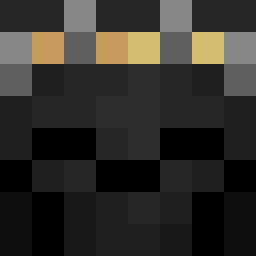 AbyssKnight404 Chris8109 Ry505 Akil0AH gogy85 jangwoo1217 Topshop96 boe242 THL4RS Obi_00 THE_ONE46 cirrus45 Cx019 ko1NN Juanmallout4 DrWar_ pytjh Soul_PantheonTTV bru5678 GumaHD Waldo4life timos2011 Hencau15 JarnoNice French_Friii Kano0907 ThatHighLegend speedersen1 SlaytWayt ADVANDS IReisner asafom Xol1ver VenuzPMU manualsun250958 7ShadowMonarch77 Ju4nch0117 SnakeMp4 beamedbyskdz Tom_Brady69 SacredxPain acesmh14_420 Arcane1346 Skorrdan Devranhx DanteNakama Kidarknezz Tahred letrar RayZ_VocA PAGuard DarkLunariX ViniMesti YoNeyers Kukatsui istmeagain1 cypher_kaldarese Zenith_Nyxia zipperzzz Mazbiri
More King Minecraft skins
How to install the VoiXbreaker skin
- Press the Download button above to save the skin as a PNG file.
- Minecraft: Bedrock Edition (PE): open the Dressing Room from the main menu (or tap your character → Edit Character), go to Classic Skins → Owned, press the + (new skin) button, choose the downloaded PNG and pick the Classic (Steve) model. Works on PC and mobile; consoles cannot import custom skins.
- Minecraft: Java Edition: open the Minecraft Launcher, go to the Skins tab, click New Skin, load the PNG, pick the Classic (Steve) model and press Save & Use. You can also upload it at minecraft.net → Profile → Change Skin.
The skin does not show up after import - what should I do?
Restart Minecraft and open the Dressing Room again - imported skins sometimes appear only after a restart. Also make sure you selected the imported skin and picked the Classic (Steve) model.
Which model should I choose, Classic or Slim?
This skin is designed for the Classic (Steve) model. If you pick the wrong model, the arms of the skin will look stretched or squeezed.
Is the skin of VoiXbreaker free to download?
Yes. Press Download, save the PNG file and use it in Minecraft: Bedrock Edition or Java Edition - no payment or registration needed. The skin also works on multiplayer servers and Realms.
More skins
Looking for more? Go back to all Minecraft skins and check the top skins of the week, month and all time, or find any player's skin by nickname.