
Vinmann - Minecraft Skins & Skin History
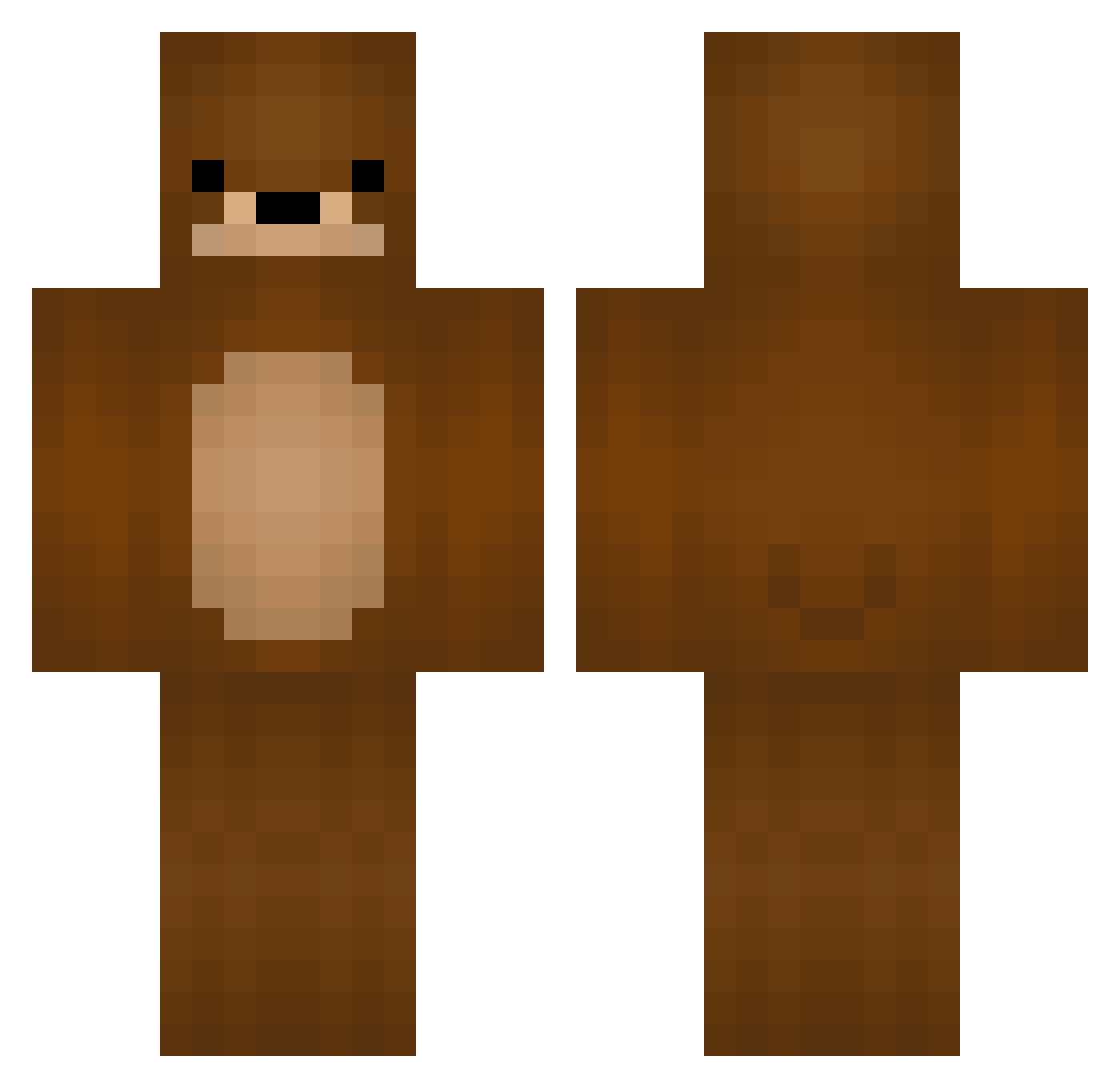
Current Minecraft skin of the player Vinmann, loaded from the official Mojang API. Rotate the 3D model with your mouse or finger, then download the skin as a PNG file and use it in Minecraft: Bedrock Edition or Java Edition for free. When Vinmann changes their skin, this page updates automatically and the old skin stays in the history below.
Other players with this skin (116)
Vinmann was the 28th player we have seen with this skin, first spotted on 22.08.2026. The same skin was seen on these players. Open a nickname to see their current skin and skin history.
 Crusadious True_Teddy WomboClient Iam_Stranded OldMcDon TheSmartGopher ShadowKiller_YT FinalGen Pefu JozhXZ snoozmagoo R3dRock3t TrueLoveWaits StayBear limezo Nirvenia simsim80 takeaflic _Wags quallehro BagofSoup Jerry150_ razvan89 GreekCesar bbbori Xola1 Honeydew587 Wons CabbageTheBear imboxes Xzimnut DGM_CasterTH Quote_chen bearprincess Bear noiceman12 Gato_Junba theCurryKing Jabbawoka Frikin_Weeaboo Metal_Heavy cute0panda Timperator2000 _Bearasaurus CursedNightmare1 king_golie LoTube multikiller228 slayer1586 Vince2203 roromomo LMouse_ Chet mario75223 Softestbear Univar tamia massivepoot maadddyy TheNeky
More Bear Minecraft skins
How to install the Vinmann skin
- Press the Download button above to save the skin as a PNG file.
- Minecraft: Bedrock Edition (PE): open the Dressing Room from the main menu (or tap your character → Edit Character), go to Classic Skins → Owned, press the + (new skin) button, choose the downloaded PNG and pick the Classic (Steve) model. Works on PC and mobile; consoles cannot import custom skins.
- Minecraft: Java Edition: open the Minecraft Launcher, go to the Skins tab, click New Skin, load the PNG, pick the Classic (Steve) model and press Save & Use. You can also upload it at minecraft.net → Profile → Change Skin.
The skin does not show up after import - what should I do?
Restart Minecraft and open the Dressing Room again - imported skins sometimes appear only after a restart. Also make sure you selected the imported skin and picked the Classic (Steve) model.
Which model should I choose, Classic or Slim?
This skin is designed for the Classic (Steve) model. If you pick the wrong model, the arms of the skin will look stretched or squeezed.
Is the skin of Vinmann free to download?
Yes. Press Download, save the PNG file and use it in Minecraft: Bedrock Edition or Java Edition - no payment or registration needed. The skin also works on multiplayer servers and Realms.
More skins
Looking for more? Go back to all Minecraft skins and check the top skins of the week, month and all time, or find any player's skin by nickname.