
Vejy - Minecraft Skins & Skin History
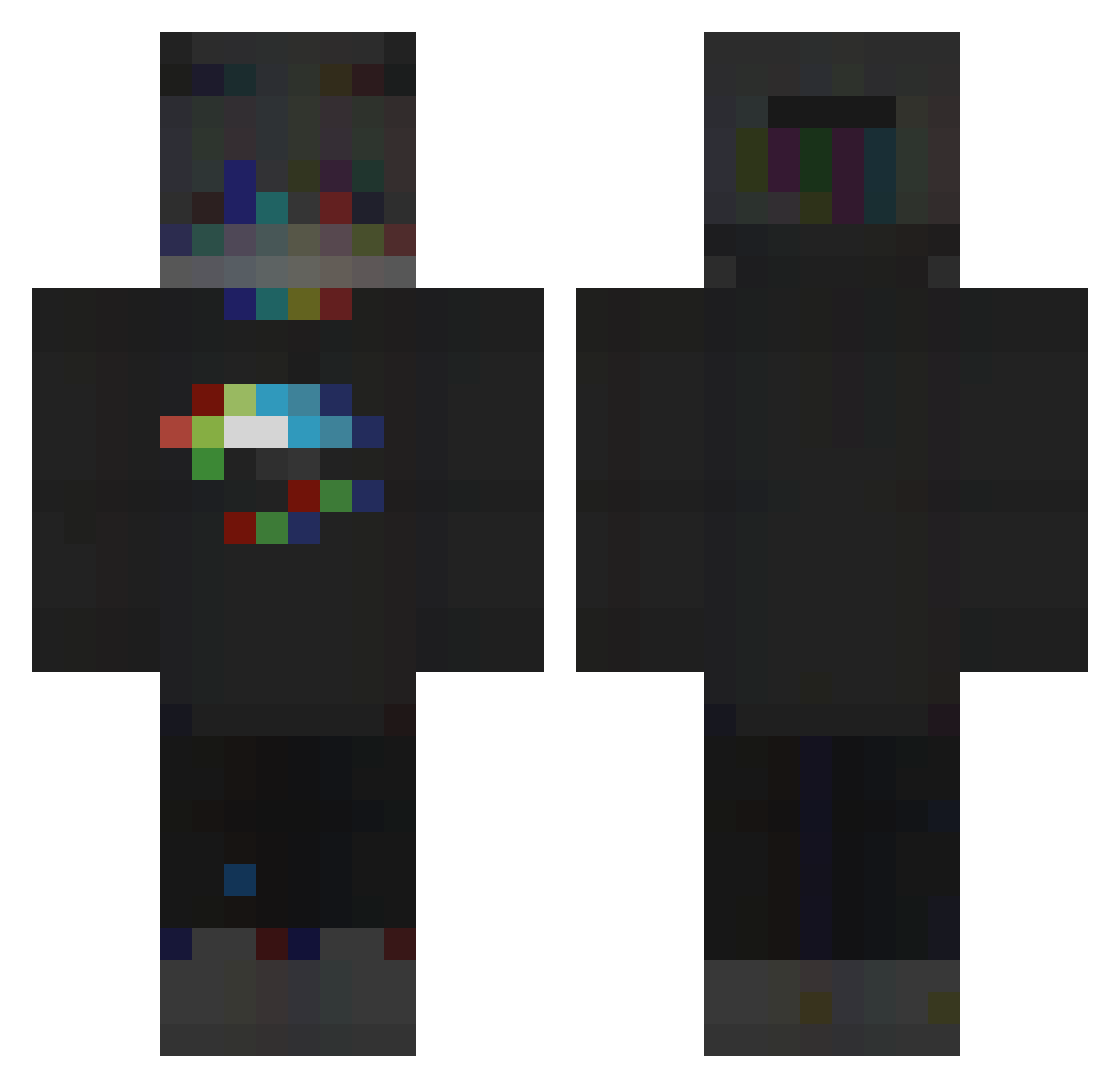
Current Minecraft skin of the player Vejy, loaded from the official Mojang API. Rotate the 3D model with your mouse or finger, then download the skin as a PNG file and use it in Minecraft: Bedrock Edition or Java Edition for free. When Vejy changes their skin, this page updates automatically and the old skin stays in the history below.
Other players with this skin (241)
Vejy was the 213th player we have seen with this skin, first spotted on 08.11.2026. The same skin was seen on these players. Open a nickname to see their current skin and skin history.
 xaitto TheTRUECOWking Flydget ZeMatracaBr Toxic_VenoM30 Lil_Disgrace _Atrocity_ Honningbrew dexyrr minhtendo_ smo_th HollandCraftMC D3mn ViruX950 GallerTheHunter Shaa_Lp_YT Txrzan Sniels_ Bart0zi 0xith Casdriel MMKLP Jaliloux5 Zorklz Xeart_Cz KaRizMa_7 QuickUber Vojtulal L9TURBOBOOST420 Rucinekk DarkMeliodas2115 TheGamerPerseus Chrispzz12 DateiError CryptidNyxia Alecoolemans Twistlith Ins4n1tyz freshek Zanpakto47 J00Y Zzheroo Flammerumeur kak4shi_420 Ricchimilia_0 MacRiccio Dhariuz Luuxxxz fandekorra _CRYSTAF_ Milo_5347 Numptty GGiannis AvoyEU RonyPlays DoufeTT L1_Leo MaybeMonster DarkFloww thecutlight
More RGB Minecraft skins
How to install the Vejy skin
- Press the Download button above to save the skin as a PNG file.
- Minecraft: Bedrock Edition (PE): open the Dressing Room from the main menu (or tap your character → Edit Character), go to Classic Skins → Owned, press the + (new skin) button, choose the downloaded PNG and pick the Classic (Steve) model. Works on PC and mobile; consoles cannot import custom skins.
- Minecraft: Java Edition: open the Minecraft Launcher, go to the Skins tab, click New Skin, load the PNG, pick the Classic (Steve) model and press Save & Use. You can also upload it at minecraft.net → Profile → Change Skin.
The skin does not show up after import - what should I do?
Restart Minecraft and open the Dressing Room again - imported skins sometimes appear only after a restart. Also make sure you selected the imported skin and picked the Classic (Steve) model.
Which model should I choose, Classic or Slim?
This skin is designed for the Classic (Steve) model. If you pick the wrong model, the arms of the skin will look stretched or squeezed.
Is the skin of Vejy free to download?
Yes. Press Download, save the PNG file and use it in Minecraft: Bedrock Edition or Java Edition - no payment or registration needed. The skin also works on multiplayer servers and Realms.
More skins
Looking for more? Go back to all Minecraft skins and check the top skins of the week, month and all time, or find any player's skin by nickname.