
VegasFinalBoss - Minecraft Skins & Skin History
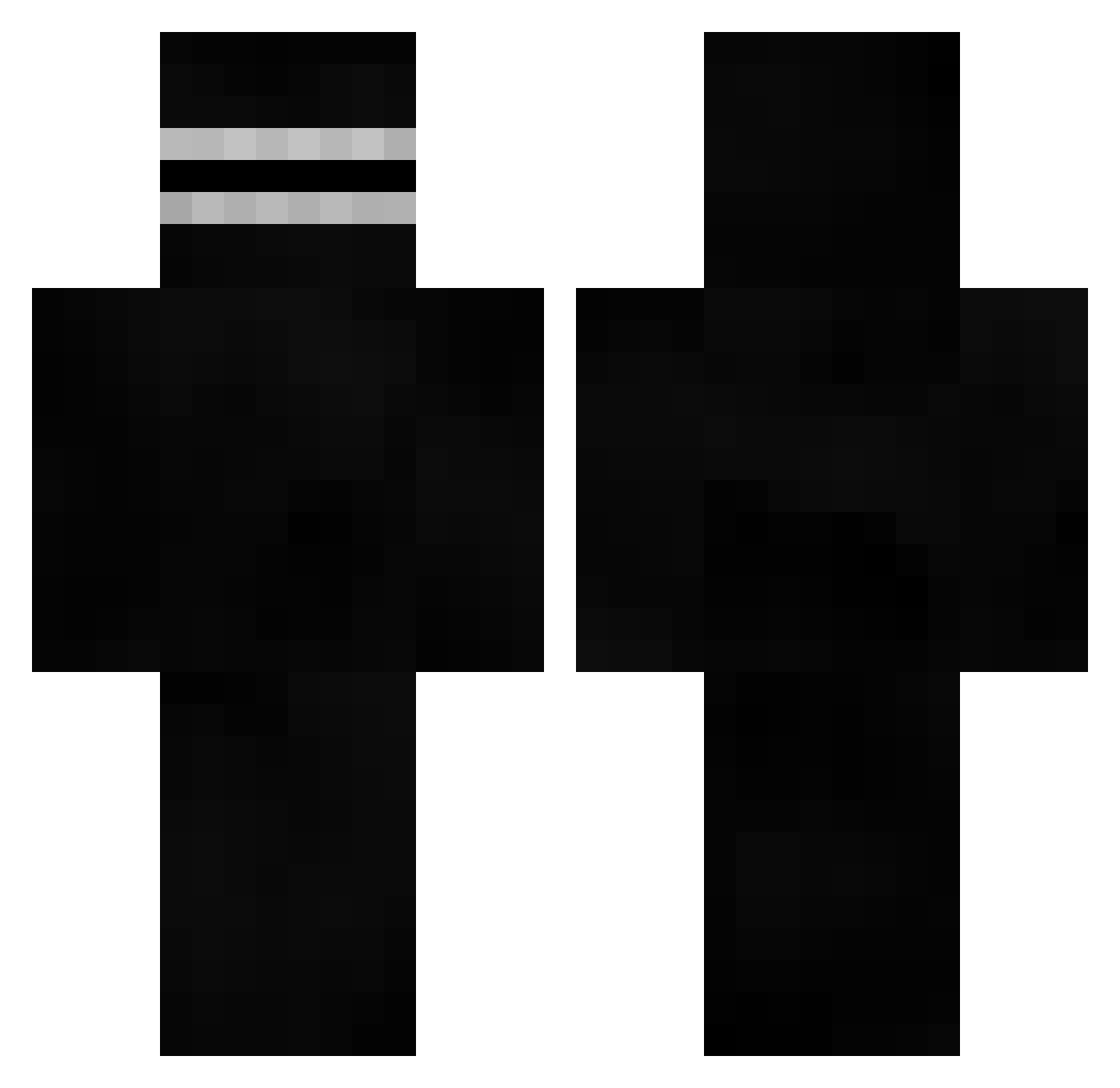
Current Minecraft skin of the player VegasFinalBoss, loaded from the official Mojang API. Rotate the 3D model with your mouse or finger, then download the skin as a PNG file and use it in Minecraft: Bedrock Edition or Java Edition for free. When VegasFinalBoss changes their skin, this page updates automatically and the old skin stays in the history below.
Other players with this skin (526)
VegasFinalBoss was the 392nd player we have seen with this skin, first spotted on 30.09.2026. The same skin was seen on these players. Open a nickname to see their current skin and skin history.
 Teasdf JohnIsAwesome11 jacksonjpeg snufaluffaguss Michael4423 lagisan YeehawJ4MES LUHARRR samdo_csc Khanol Blipled evrros69 C0SM0NAUT LongLiveLokry Zzeon01 xonyar Limited0 Couvda IntoSpace7 hemhua xoxoxenia__ BIGbruhSTONE gimoring1001 MrAliTheGoat bossman52 king_Dxz Light_Zeus CheddarBob556 Guile0349 Matthew10057 mikoslaww alric__ sukedachiman GOMME_FAN321 _ArcticWolf nagyr jaliscoo VegetaGaymer_YT Komod00 AYYEITSCAM CincyDriftKing Ulviatar StuManCraft filzaa rateil GrimmyEater schu_ko J_J_420 _Noncha_ BuiltTwoLast EidechseAuge Joni_Woker jean2carglass _Kiau_ 7369 CaMcGee thacoultergeist Helheim_09 Paul_Grunion CooLerio
More Visor Minecraft skins
How to install the VegasFinalBoss skin
- Press the Download button above to save the skin as a PNG file.
- Minecraft: Bedrock Edition (PE): open the Dressing Room from the main menu (or tap your character → Edit Character), go to Classic Skins → Owned, press the + (new skin) button, choose the downloaded PNG and pick the Classic (Steve) model. Works on PC and mobile; consoles cannot import custom skins.
- Minecraft: Java Edition: open the Minecraft Launcher, go to the Skins tab, click New Skin, load the PNG, pick the Classic (Steve) model and press Save & Use. You can also upload it at minecraft.net → Profile → Change Skin.
The skin does not show up after import - what should I do?
Restart Minecraft and open the Dressing Room again - imported skins sometimes appear only after a restart. Also make sure you selected the imported skin and picked the Classic (Steve) model.
Which model should I choose, Classic or Slim?
This skin is designed for the Classic (Steve) model. If you pick the wrong model, the arms of the skin will look stretched or squeezed.
Is the skin of VegasFinalBoss free to download?
Yes. Press Download, save the PNG file and use it in Minecraft: Bedrock Edition or Java Edition - no payment or registration needed. The skin also works on multiplayer servers and Realms.
More skins
Looking for more? Go back to all Minecraft skins and check the top skins of the week, month and all time, or find any player's skin by nickname.