
VampishEmz - Minecraft Skins & Skin History
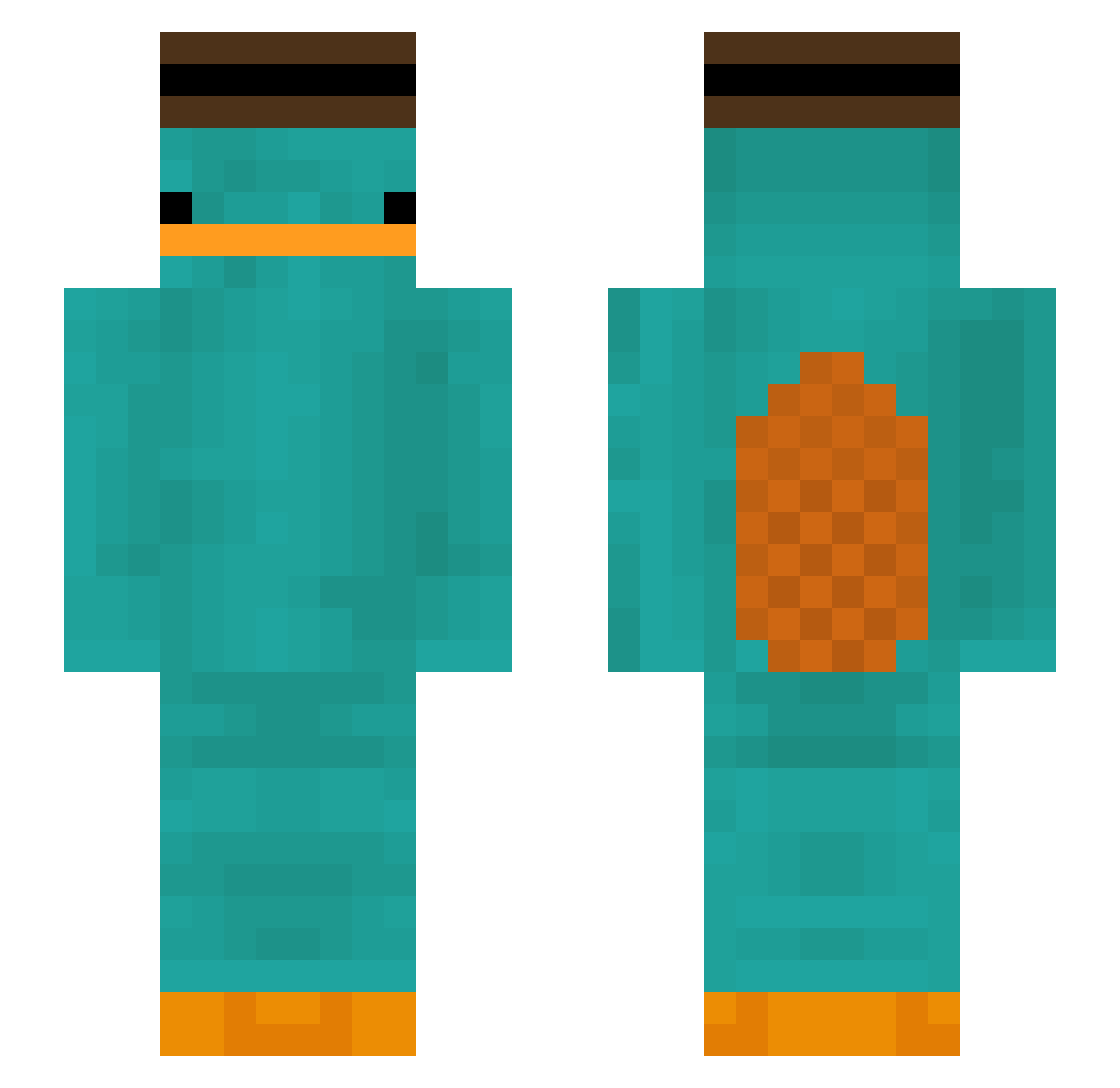
Current Minecraft skin of the player VampishEmz, loaded from the official Mojang API. Rotate the 3D model with your mouse or finger, then download the skin as a PNG file and use it in Minecraft: Bedrock Edition or Java Edition for free. When VampishEmz changes their skin, this page updates automatically and the old skin stays in the history below.
Other players with this skin (299)
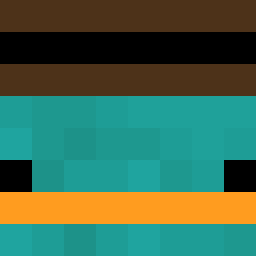
VampishEmz was the 138th player we have seen with this skin, first spotted on 11.09.2026. The same skin was seen on these players. Open a nickname to see their current skin and skin history.
 spadachin88 sokwaves Soxertef zockdr1127 MarioGamer11 GmgamerTV1 Felunando BonFishstick Adionmon PrisonMike211 leech0919 Arnime99 RCMorgz charles12312 yongseok randomignorance FuhrerNook Gnuetta Flurry228 Craze77 vulcain2k RestartGame HaydenX2009 Fckboydarksasuky nigelbitters JustCyar Marcelnwk1 Feuer_runen_97 Krepder partypinguin10 skitp0309 ddonbu GamtyPc Suikit byk7060 zljonkebi kapu29 hihijeffy FL3XIBLE kyu100 alpha_returns2 LaMauve Magecal jwiejan gary52141 RodFull DarkPhoenix413 verryan alexexpo15 BlueGamerz_ ymazir2 spoconybyb Th0ms3n_ Kaczorowka sw0313 TheLazyWizard Illuminate360 Fresh_IGEL dOoMy223 kilerer
More Platypus Minecraft skins
How to install the VampishEmz skin
- Press the Download button above to save the skin as a PNG file.
- Minecraft: Bedrock Edition (PE): open the Dressing Room from the main menu (or tap your character → Edit Character), go to Classic Skins → Owned, press the + (new skin) button, choose the downloaded PNG and pick the Slim (Alex) model. Works on PC and mobile; consoles cannot import custom skins.
- Minecraft: Java Edition: open the Minecraft Launcher, go to the Skins tab, click New Skin, load the PNG, pick the Slim (Alex) model and press Save & Use. You can also upload it at minecraft.net → Profile → Change Skin.
The skin does not show up after import - what should I do?
Restart Minecraft and open the Dressing Room again - imported skins sometimes appear only after a restart. Also make sure you selected the imported skin and picked the Slim (Alex) model.
Which model should I choose, Classic or Slim?
This skin is designed for the Slim (Alex) model. If you pick the wrong model, the arms of the skin will look stretched or squeezed.
Is the skin of VampishEmz free to download?
Yes. Press Download, save the PNG file and use it in Minecraft: Bedrock Edition or Java Edition - no payment or registration needed. The skin also works on multiplayer servers and Realms.
More skins
Looking for more? Go back to all Minecraft skins and check the top skins of the week, month and all time, or find any player's skin by nickname.