
VX938 - Minecraft Skins & Skin History
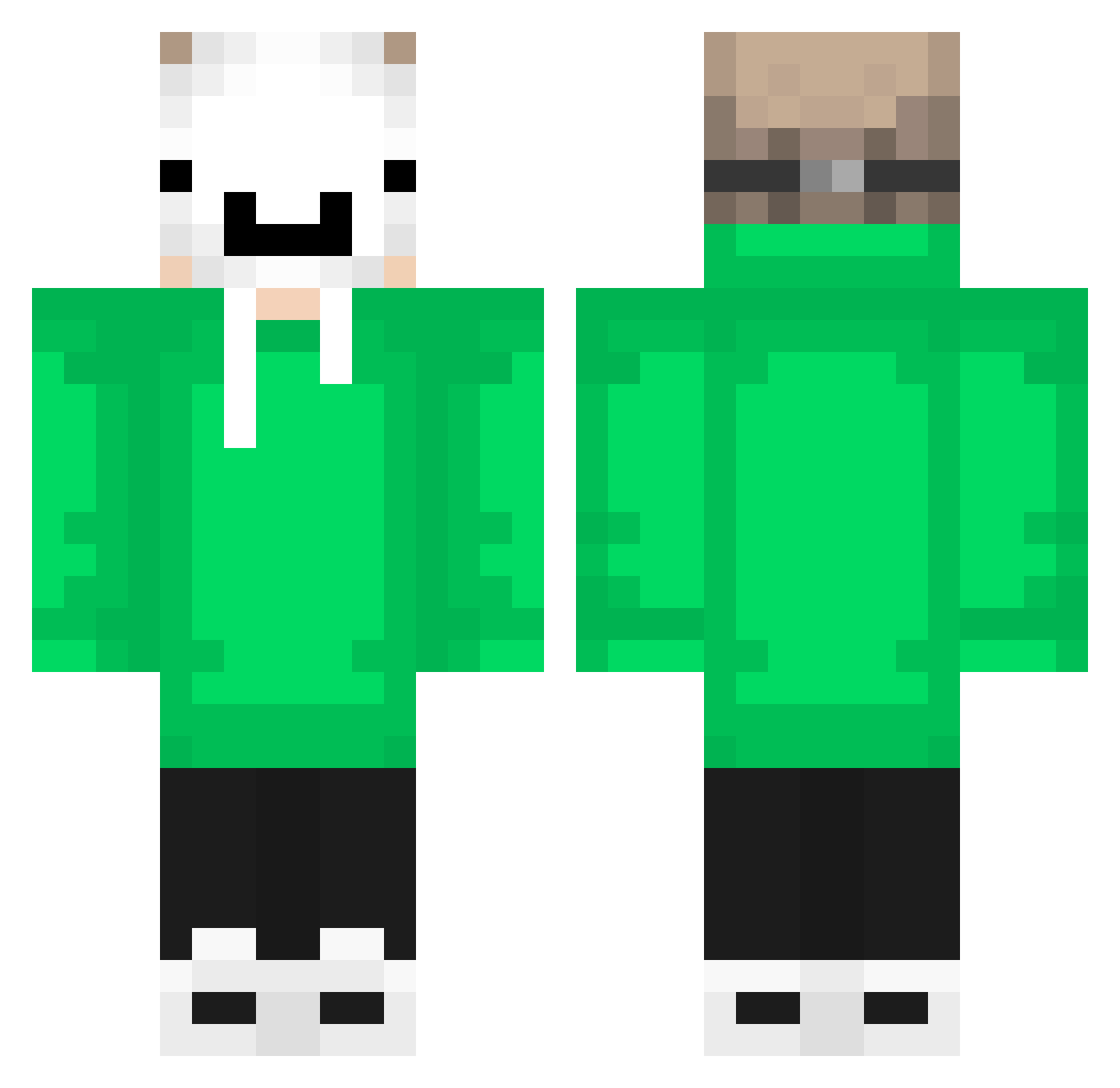
Current Minecraft skin of the player VX938, loaded from the official Mojang API. Rotate the 3D model with your mouse or finger, then download the skin as a PNG file and use it in Minecraft: Bedrock Edition or Java Edition for free. When VX938 changes their skin, this page updates automatically and the old skin stays in the history below.
Other players with this skin (657)
VX938 was the 303rd player we have seen with this skin, first spotted on 18.09.2026. The same skin was seen on these players. Open a nickname to see their current skin and skin history.
 Isaacq117 ukkelipukkeli30 DarkShadow2022 adskar beratsari073 Avacado_Teabag SoFrexs supergiulietto1 EXD_Elias_Goty14 ml_thiago Xetiahn Dream_SMP92 marcoroblox2021 okrutny014 Sw4gg3rrr rafay0412 JoelTLA Fur3rk Pinokio123456 ano15Games gustavojair felizon2012 kieran2090 vte3mi3B LoneWolf85565 FlashFire_024 Calango54 Zhuo__7 AlonTheBalon123 _nivleM_ BruceLee_TW Bebeto_100 duwyz WieldyHail40627 fakegamert Kento0825 XI_7drsv_IX sans_the_admin Sevaastian enrico12mu guidelli1 Harumaki_jp BraianMENDES16 MMMCHEESY699 olus20 not_dream_team _4rch1_ LeonCrookedCap Pokember120 omoti1316 Rnnzim TeaserTC vtrzera OnoSoloz ankka13 Sasazaki09 akhshaaaa podpaska33221 Raulorhe ADOS246
More Dream Minecraft skins
How to install the VX938 skin
- Press the Download button above to save the skin as a PNG file.
- Minecraft: Bedrock Edition (PE): open the Dressing Room from the main menu (or tap your character → Edit Character), go to Classic Skins → Owned, press the + (new skin) button, choose the downloaded PNG and pick the Classic (Steve) model. Works on PC and mobile; consoles cannot import custom skins.
- Minecraft: Java Edition: open the Minecraft Launcher, go to the Skins tab, click New Skin, load the PNG, pick the Classic (Steve) model and press Save & Use. You can also upload it at minecraft.net → Profile → Change Skin.
The skin does not show up after import - what should I do?
Restart Minecraft and open the Dressing Room again - imported skins sometimes appear only after a restart. Also make sure you selected the imported skin and picked the Classic (Steve) model.
Which model should I choose, Classic or Slim?
This skin is designed for the Classic (Steve) model. If you pick the wrong model, the arms of the skin will look stretched or squeezed.
Is the skin of VX938 free to download?
Yes. Press Download, save the PNG file and use it in Minecraft: Bedrock Edition or Java Edition - no payment or registration needed. The skin also works on multiplayer servers and Realms.
More skins
Looking for more? Go back to all Minecraft skins and check the top skins of the week, month and all time, or find any player's skin by nickname.