
UyabiAnomali - Minecraft Skins & Skin History
Current Minecraft skin of the player UyabiAnomali, loaded from the official Mojang API. Rotate the 3D model with your mouse or finger, then download the skin as a PNG file and use it in Minecraft: Bedrock Edition or Java Edition for free. When UyabiAnomali changes their skin, this page updates automatically and the old skin stays in the history below.
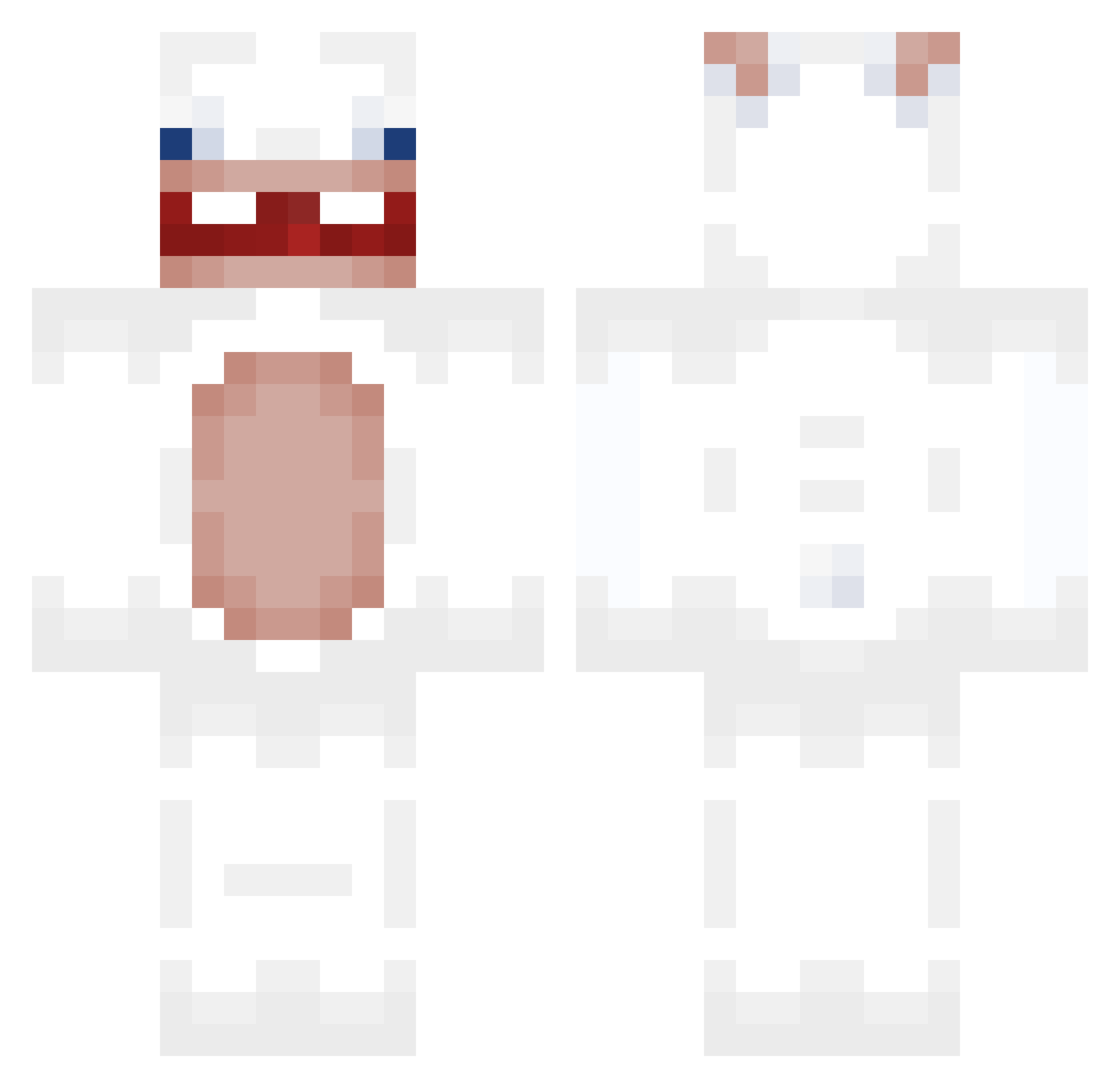
Other players with this skin (71)
UyabiAnomali was the 9th player we have seen with this skin, first spotted on 05.08.2026. The same skin was seen on these players. Open a nickname to see their current skin and skin history.
 bimmelblou
 DorianDharma PLaukts _hardrive FnafBearFan babwaaaa anvnrt000
 TimoxaStariy
 dzungal15 JMGbao
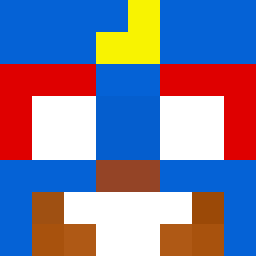 MarcinoBambino64 Solxry nellster gas4000 ArtixW R1beye xylohopper SimplyALeaf
 jumpx777 MestizaLover Laqqer_ pepponero vincanderu Maksokil oweeeeeen SknySir
 _amoryy Jackflist Fr4ncheMG
 Chukinchen1 4baz majowy1002 Venomous_pug _DieLit_ sobodh luneer GenoBeee Zykov_ iiDarkBlueX Leodrickk Gloux thsgmdals125 Dantecuda MonkeyRoRo solapsed chikenugy 100MONZGEG SzymiX_03 Bapt_mew swing1110 Vein3 giggle_shootter fraidaycher Youenn__ Babums Ben0226 Colinhatswag girlballss wackojackofield Vin9
More Rabbids Minecraft skins
How to install the UyabiAnomali skin
- Press the Download button above to save the skin as a PNG file.
- Minecraft: Bedrock Edition (PE): open the Dressing Room from the main menu (or tap your character → Edit Character), go to Classic Skins → Owned, press the + (new skin) button, choose the downloaded PNG and pick the Classic (Steve) model. Works on PC and mobile; consoles cannot import custom skins.
- Minecraft: Java Edition: open the Minecraft Launcher, go to the Skins tab, click New Skin, load the PNG, pick the Classic (Steve) model and press Save & Use. You can also upload it at minecraft.net → Profile → Change Skin.
The skin does not show up after import - what should I do?
Restart Minecraft and open the Dressing Room again - imported skins sometimes appear only after a restart. Also make sure you selected the imported skin and picked the Classic (Steve) model.
Which model should I choose, Classic or Slim?
This skin is designed for the Classic (Steve) model. If you pick the wrong model, the arms of the skin will look stretched or squeezed.
Is the skin of UyabiAnomali free to download?
Yes. Press Download, save the PNG file and use it in Minecraft: Bedrock Edition or Java Edition - no payment or registration needed. The skin also works on multiplayer servers and Realms.
More skins
Looking for more? Go back to all Minecraft skins and check the top skins of the week, month and all time, or find any player's skin by nickname.