
Urvogel88 - Minecraft Skins & Skin History
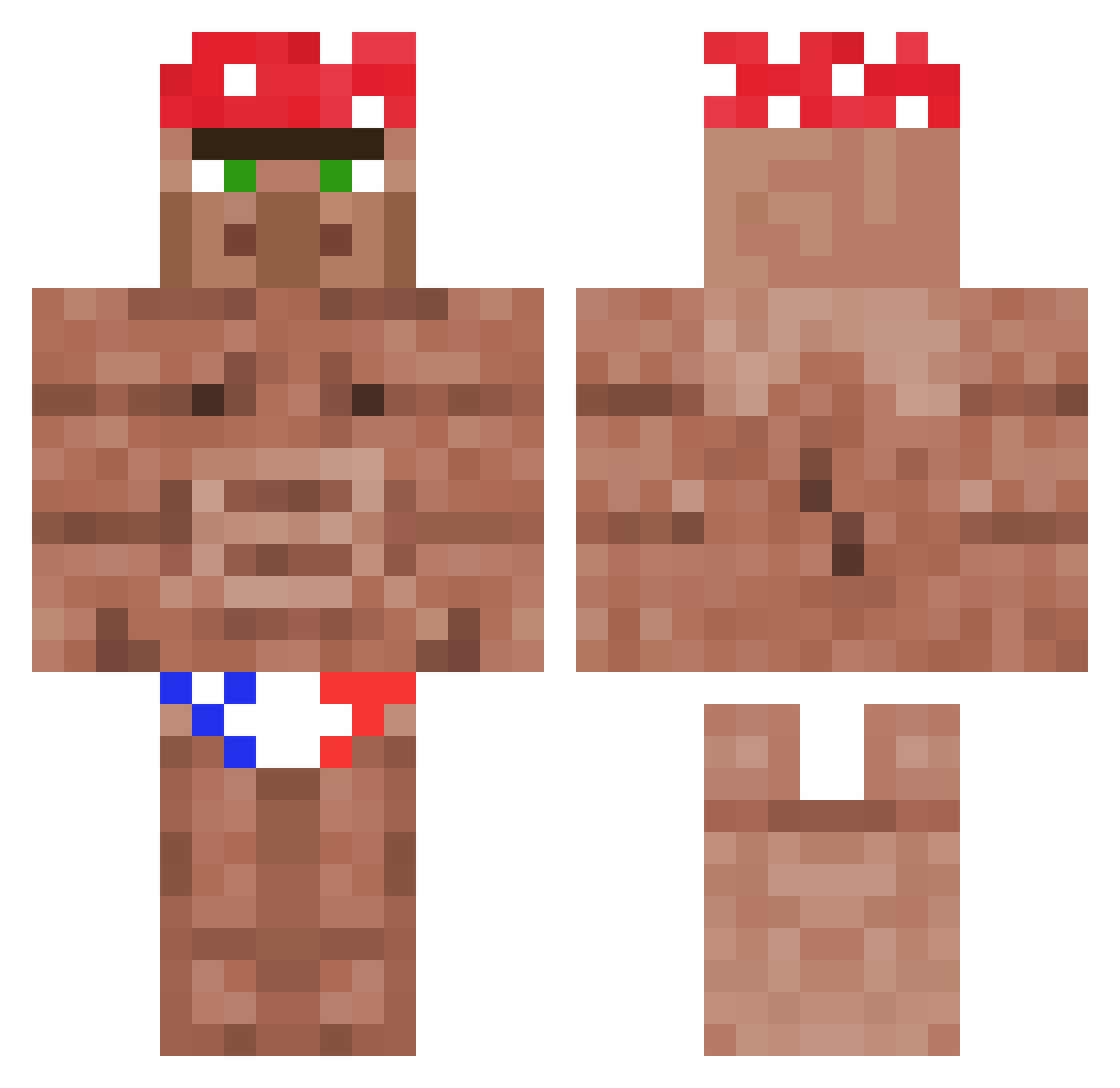
Current Minecraft skin of the player Urvogel88, loaded from the official Mojang API. Rotate the 3D model with your mouse or finger, then download the skin as a PNG file and use it in Minecraft: Bedrock Edition or Java Edition for free. When Urvogel88 changes their skin, this page updates automatically and the old skin stays in the history below.
Other players with this skin (1194)
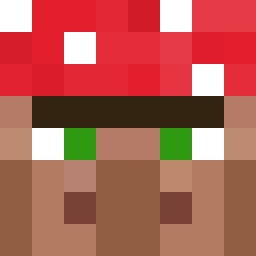
Urvogel88 was the 588th player we have seen with this skin, first spotted on 22.09.2026. The same skin was seen on these players. Open a nickname to see their current skin and skin history.
 freddeasusual Dumpy_1 Miedzianyv2 KBK_muppen RicSebChaves heiheiraura MattyLalonde Koeievlaai utugg xNeuNoRo xXTroubleMakerXx robot4018 Draconblade LucasRezende3 leovpell DirefulYew tobyziggy paapajawn T1DDYL0RD Nuclearpickle99 BabyJuiceBox Manucho96 MrBubu20 Alvarez1302 MrLuckyAce inari963 F1n1_ Astenguito tulenchikus tomnima5 BipNielsen Fortnit3 CaptPhilipz KimJongSkill3 Saucytodi sas123456 Stoive SaumonSaurel07 AJAROFMILK Mshure32 ChadFTW nonebits TheYoungDr Stachu665 seikinnngu CaptainFireLeon TobizzzXD siyoon0103 dope_Jako PeuSoup Boogie302 Soldat_PL Nubz___ YourSmallGochu ___Ni___ nahkarukkanen hotnugget_ sascha12346 Konksilicious YungPickle
More Ricardo Milos Minecraft skins
See all 102 Ricardo Milos skins
How to install the Urvogel88 skin
- Press the Download button above to save the skin as a PNG file.
- Minecraft: Bedrock Edition (PE): open the Dressing Room from the main menu (or tap your character → Edit Character), go to Classic Skins → Owned, press the + (new skin) button, choose the downloaded PNG and pick the Classic (Steve) model. Works on PC and mobile; consoles cannot import custom skins.
- Minecraft: Java Edition: open the Minecraft Launcher, go to the Skins tab, click New Skin, load the PNG, pick the Classic (Steve) model and press Save & Use. You can also upload it at minecraft.net → Profile → Change Skin.
The skin does not show up after import - what should I do?
Restart Minecraft and open the Dressing Room again - imported skins sometimes appear only after a restart. Also make sure you selected the imported skin and picked the Classic (Steve) model.
Which model should I choose, Classic or Slim?
This skin is designed for the Classic (Steve) model. If you pick the wrong model, the arms of the skin will look stretched or squeezed.
Is the skin of Urvogel88 free to download?
Yes. Press Download, save the PNG file and use it in Minecraft: Bedrock Edition or Java Edition - no payment or registration needed. The skin also works on multiplayer servers and Realms.
More skins
Looking for more? Go back to all Minecraft skins and check the top skins of the week, month and all time, or find any player's skin by nickname.