
Typographical - Minecraft Skins & Skin History
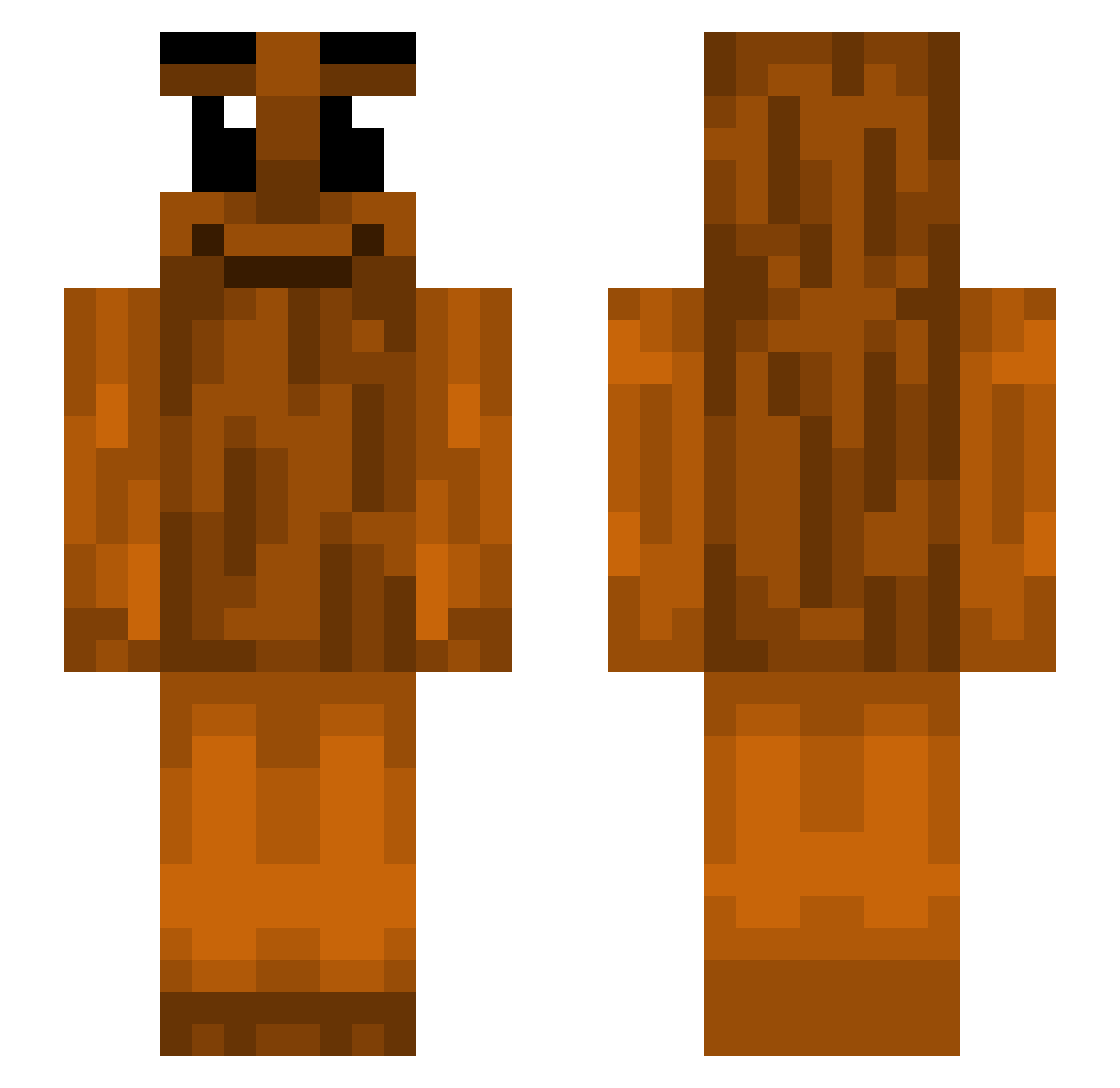
Current Minecraft skin of the player Typographical, loaded from the official Mojang API. Rotate the 3D model with your mouse or finger, then download the skin as a PNG file and use it in Minecraft: Bedrock Edition or Java Edition for free. When Typographical changes their skin, this page updates automatically and the old skin stays in the history below.
Other players with this skin (534)
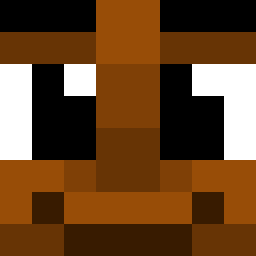
Typographical was the 448th player we have seen with this skin, first spotted on 02.11.2026. The same skin was seen on these players. Open a nickname to see their current skin and skin history.
 Polito_ Werqqq4 Matactms Benjiousplatypus John_Pool Rianorhino20 MrFootball1026 n3xus1 Carlasers3 sm00th_as_eggs SkinnyBird1010 zackpaaa semzv lamesmileycow10 GANG1999s lange_Jan asph9xia Crajer09 ShElnes Aleeeeee083 yyang2 lestadamolesta12 NRG_Godzilla26 ediespageti Foller_MC R1gerz Suslikcraft kyan752 VIT_LAKK Sahhur hex_xy Siubin Jkamarik_ t1no_10 Z4KW Mendarniu Nicusormeow saV0e MixPixGaming yuzba Aight_WhoFarted Ludwig_Grahn smartopo Stegship DucLe0n4rd ht3chxmy the_music_note Aced_Lion PearlBarManager SM____ daniellrmg AuStri4_ 0yrBan Emir_2078 Chopipan intelligentium TheNumber1Rat Razoatier DoinkSniffer Cutecutell
More Oak Log Minecraft skins
How to install the Typographical skin
- Press the Download button above to save the skin as a PNG file.
- Minecraft: Bedrock Edition (PE): open the Dressing Room from the main menu (or tap your character → Edit Character), go to Classic Skins → Owned, press the + (new skin) button, choose the downloaded PNG and pick the Slim (Alex) model. Works on PC and mobile; consoles cannot import custom skins.
- Minecraft: Java Edition: open the Minecraft Launcher, go to the Skins tab, click New Skin, load the PNG, pick the Slim (Alex) model and press Save & Use. You can also upload it at minecraft.net → Profile → Change Skin.
The skin does not show up after import - what should I do?
Restart Minecraft and open the Dressing Room again - imported skins sometimes appear only after a restart. Also make sure you selected the imported skin and picked the Slim (Alex) model.
Which model should I choose, Classic or Slim?
This skin is designed for the Slim (Alex) model. If you pick the wrong model, the arms of the skin will look stretched or squeezed.
Is the skin of Typographical free to download?
Yes. Press Download, save the PNG file and use it in Minecraft: Bedrock Edition or Java Edition - no payment or registration needed. The skin also works on multiplayer servers and Realms.
More skins
Looking for more? Go back to all Minecraft skins and check the top skins of the week, month and all time, or find any player's skin by nickname.