
PearlBarManager - Minecraft Skins & Skin History
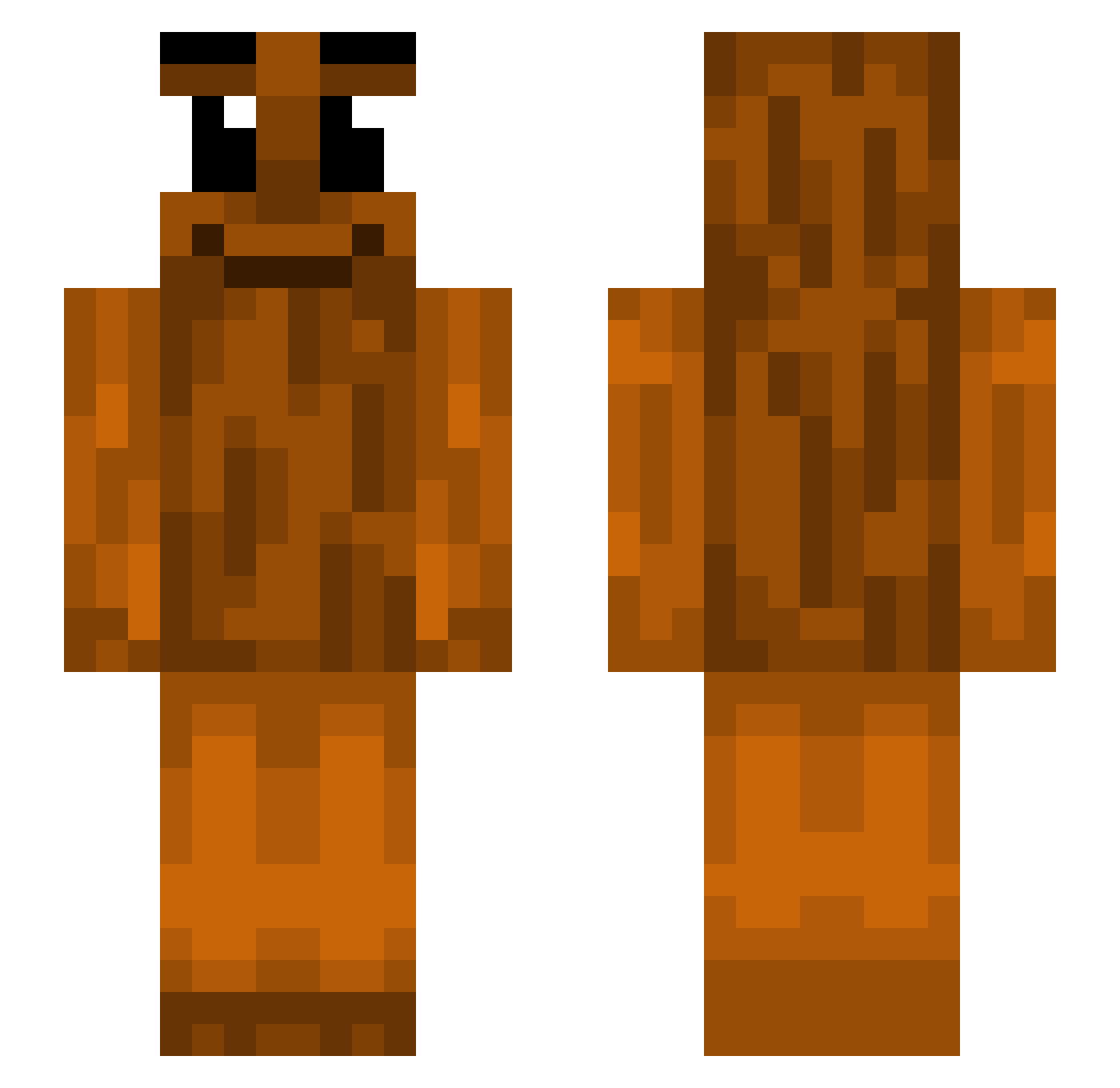
Current Minecraft skin of the player PearlBarManager, loaded from the official Mojang API. Rotate the 3D model with your mouse or finger, then download the skin as a PNG file and use it in Minecraft: Bedrock Edition or Java Edition for free. When PearlBarManager changes their skin, this page updates automatically and the old skin stays in the history below.
Other players with this skin (440)
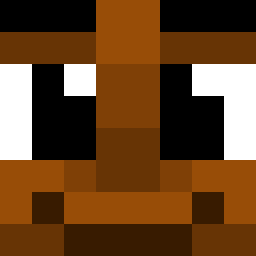
PearlBarManager was the 428th player we have seen with this skin, first spotted on 29.10.2026. The same skin was seen on these players. Open a nickname to see their current skin and skin history.
 ht3chxmy SM____ 0yrBan Stegship Ludwig_Grahn Chopipan TheNumber1Rat saV0e FANCYpanda909990 ShamussyCookies Mendarniu Z4KW GrayMinotaur856 t1no_10 Jkamarik_ CorvineTunic Tomopolous Sahhur BabyOil_Gamer kiegiii JaoRin14 Batonbattle R1gerz dinohunter0610 Rani220 lestadamolesta12 yyang2 ShElnes tayioo_ ruanlkm Skipper7796 iguf54 NSK86 M_ell_o LeoCaminhao YourLocalBeana StunSlamminSahur ZbyszekBEar EpicJoeMan69 OPOSEIDONAS Toph4r Lomelinis zekeurias hen_ robertk212g DreadTrout30972 notbq Tanman18420 Hotpop LeAfrican nayrkujo CoolCalvinGreat MoVampian Gapzz_ godofcakes12 Gocciolegratis21 Anvl_Prxlapse starmimiup skibidibotmine Zeptez
More Oak Log Minecraft skins
How to install the PearlBarManager skin
- Press the Download button above to save the skin as a PNG file.
- Minecraft: Bedrock Edition (PE): open the Dressing Room from the main menu (or tap your character → Edit Character), go to Classic Skins → Owned, press the + (new skin) button, choose the downloaded PNG and pick the Slim (Alex) model. Works on PC and mobile; consoles cannot import custom skins.
- Minecraft: Java Edition: open the Minecraft Launcher, go to the Skins tab, click New Skin, load the PNG, pick the Slim (Alex) model and press Save & Use. You can also upload it at minecraft.net → Profile → Change Skin.
The skin does not show up after import - what should I do?
Restart Minecraft and open the Dressing Room again - imported skins sometimes appear only after a restart. Also make sure you selected the imported skin and picked the Slim (Alex) model.
Which model should I choose, Classic or Slim?
This skin is designed for the Slim (Alex) model. If you pick the wrong model, the arms of the skin will look stretched or squeezed.
Is the skin of PearlBarManager free to download?
Yes. Press Download, save the PNG file and use it in Minecraft: Bedrock Edition or Java Edition - no payment or registration needed. The skin also works on multiplayer servers and Realms.
More skins
Looking for more? Go back to all Minecraft skins and check the top skins of the week, month and all time, or find any player's skin by nickname.