
Turtillla - Minecraft Skins & Skin History
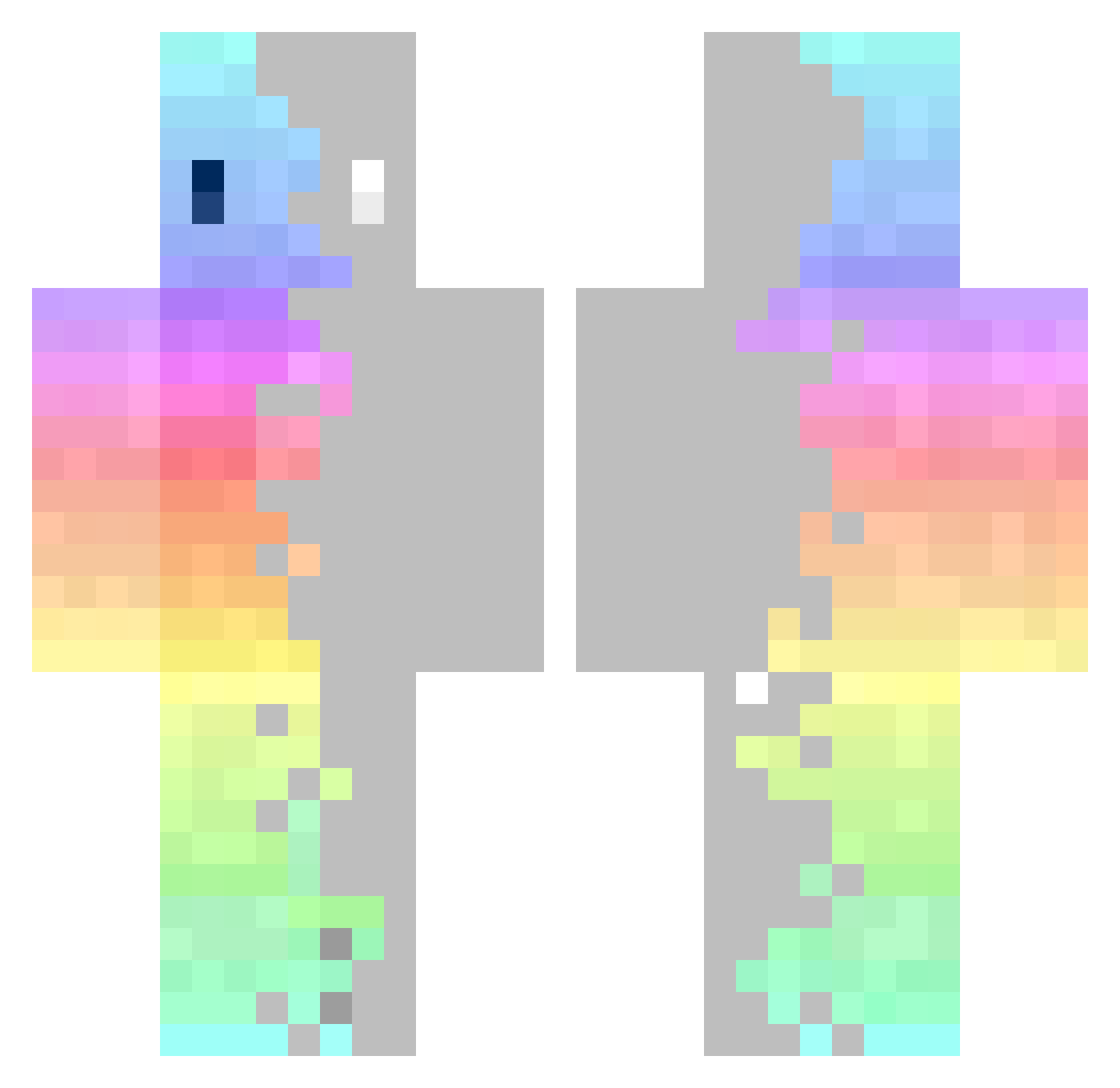
Current Minecraft skin of the player Turtillla, loaded from the official Mojang API. Rotate the 3D model with your mouse or finger, then download the skin as a PNG file and use it in Minecraft: Bedrock Edition or Java Edition for free. When Turtillla changes their skin, this page updates automatically and the old skin stays in the history below.
Other players with this skin (325)
Turtillla was the 93rd player we have seen with this skin, first spotted on 24.08.2026. The same skin was seen on these players. Open a nickname to see their current skin and skin history.
 xstranger51 Albingus Proharry_ slowpot_8110 xKonchu SweatyEgg lcjcccp Zafiyetsiz toto04_1 Ishoyek MrTheLuke Mattron3 100Graham Xadusiekk Helyixe GurlPop Nanaia
 JIKEY206 chenqi6680 ElderHackerJoe Noxtash Tim_du_78 Mr_Lune kiiwii1997 Kuroshiry eduardo636456754 diogo1103 Vieuxnorris Boltan Serilas HarryTheDude10 UnfadingHoney57 CameronMeredith niklas_mc_2015 MagikLuke xArcher97 hiskyblue Eri07 KimMandeok Novaenn Zbl3je Frostnebel DrunkenRook
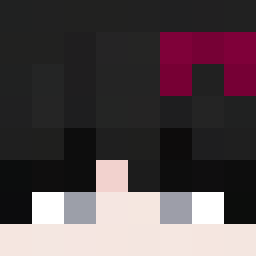 HarrioBear LcY_T Aglwxg Phourshette JahFoolio MoziFoxi Psycotyk
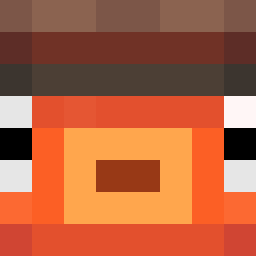 Itz_Lowky
 Mats0606 Tobider1
 Meiyu_Nihilist 4kira0927 JazenSUN Yun_Sheng Spiroo_ zambik_ fransisko777
How to install the Turtillla skin
- Press the Download button above to save the skin as a PNG file.
- Minecraft: Bedrock Edition (PE): open the Dressing Room from the main menu (or tap your character → Edit Character), go to Classic Skins → Owned, press the + (new skin) button, choose the downloaded PNG and pick the Classic (Steve) model. Works on PC and mobile; consoles cannot import custom skins.
- Minecraft: Java Edition: open the Minecraft Launcher, go to the Skins tab, click New Skin, load the PNG, pick the Classic (Steve) model and press Save & Use. You can also upload it at minecraft.net → Profile → Change Skin.
The skin does not show up after import - what should I do?
Restart Minecraft and open the Dressing Room again - imported skins sometimes appear only after a restart. Also make sure you selected the imported skin and picked the Classic (Steve) model.
Which model should I choose, Classic or Slim?
This skin is designed for the Classic (Steve) model. If you pick the wrong model, the arms of the skin will look stretched or squeezed.
Is the skin of Turtillla free to download?
Yes. Press Download, save the PNG file and use it in Minecraft: Bedrock Edition or Java Edition - no payment or registration needed. The skin also works on multiplayer servers and Realms.
More skins
Looking for more? Go back to all Minecraft skins and check the top skins of the week, month and all time, or find any player's skin by nickname.