
TulpeKarpfen23 - Minecraft Skins & Skin History
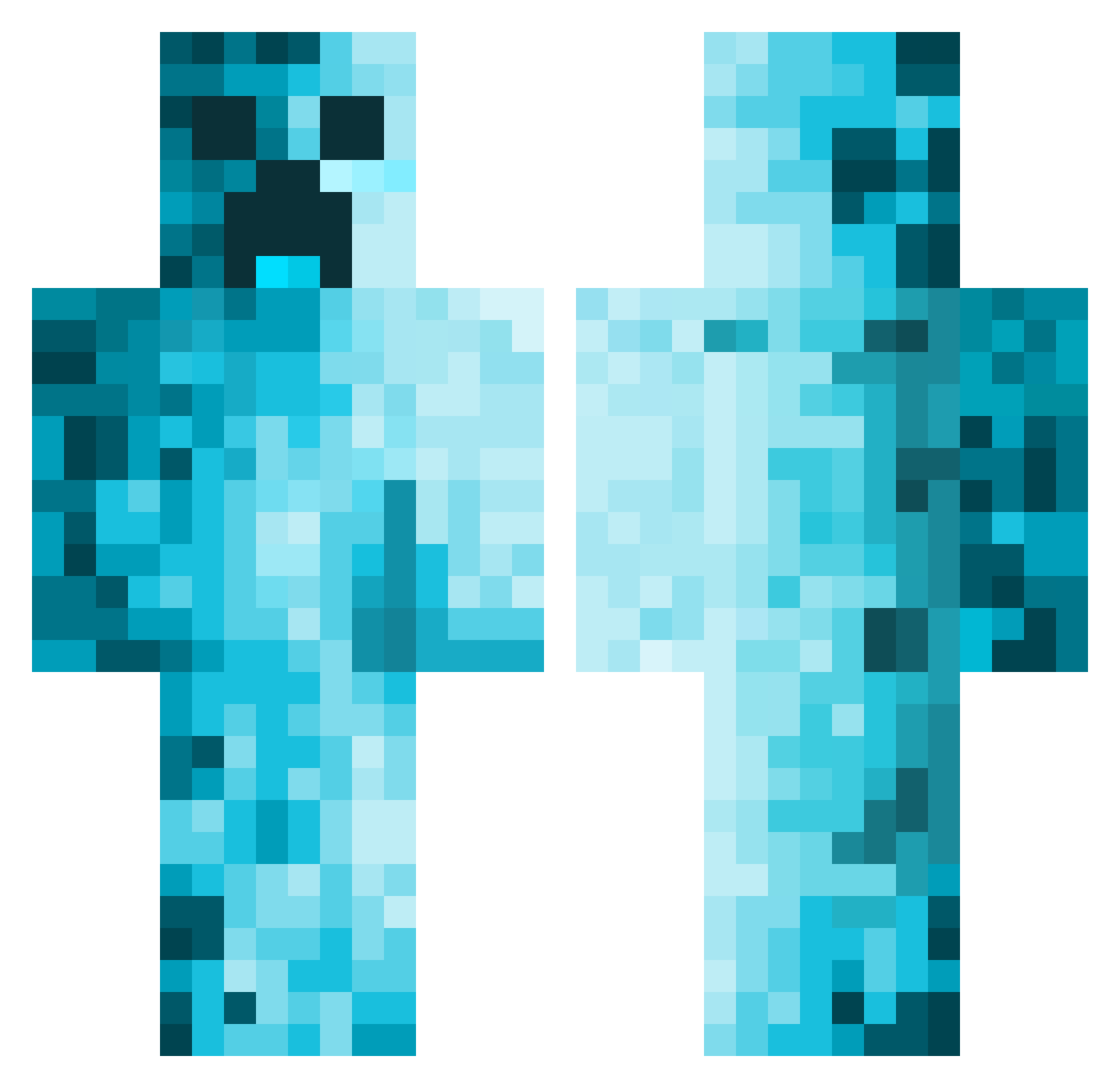
Current Minecraft skin of the player TulpeKarpfen23, loaded from the official Mojang API. Rotate the 3D model with your mouse or finger, then download the skin as a PNG file and use it in Minecraft: Bedrock Edition or Java Edition for free. When TulpeKarpfen23 changes their skin, this page updates automatically and the old skin stays in the history below.
Other players with this skin (613)
TulpeKarpfen23 was the 527th player we have seen with this skin, first spotted on 26.10.2026. The same skin was seen on these players. Open a nickname to see their current skin and skin history.
 ThanosWorld DerDonn1911 gijjles Kreecol BlockKirby8 WasErty NuK9 Cr0iX gordo233 kokeszka Ariliza NVh00e Lillegrabben dustmaster_3000 TNASCAR3 DarkStorm551 stefanacheto KmrnThe1st Raispher dillron nathowen11 Blacky85855 Efeyoruk56 NudlLuis ____JonE____ m0o0mAn Trojan5000 leowang373 6iles Niggo_Banane Ferrof Taranpreet FrannyO PeakTwo80393257 HaleCreature431 Nem4542 Forest_Camper Hartman2K FSD_502 FROTHyCHEESee GRAMSLEY10 Zueri 4ivk Firebreather5588 HolySleep98 Joshy_12 CypresFusee12237 Strozzi08 xxXChuckaXxx yGamerHD02 Zorrussems R3TR0GAM3R111 iceghostTV Rvw013nl Xarkanoth Pippin2010 BD3e Otitoto RS1ckle jerryroll
More Creeper Minecraft skins
How to install the TulpeKarpfen23 skin
- Press the Download button above to save the skin as a PNG file.
- Minecraft: Bedrock Edition (PE): open the Dressing Room from the main menu (or tap your character → Edit Character), go to Classic Skins → Owned, press the + (new skin) button, choose the downloaded PNG and pick the Classic (Steve) model. Works on PC and mobile; consoles cannot import custom skins.
- Minecraft: Java Edition: open the Minecraft Launcher, go to the Skins tab, click New Skin, load the PNG, pick the Classic (Steve) model and press Save & Use. You can also upload it at minecraft.net → Profile → Change Skin.
The skin does not show up after import - what should I do?
Restart Minecraft and open the Dressing Room again - imported skins sometimes appear only after a restart. Also make sure you selected the imported skin and picked the Classic (Steve) model.
Which model should I choose, Classic or Slim?
This skin is designed for the Classic (Steve) model. If you pick the wrong model, the arms of the skin will look stretched or squeezed.
Is the skin of TulpeKarpfen23 free to download?
Yes. Press Download, save the PNG file and use it in Minecraft: Bedrock Edition or Java Edition - no payment or registration needed. The skin also works on multiplayer servers and Realms.
More skins
Looking for more? Go back to all Minecraft skins and check the top skins of the week, month and all time, or find any player's skin by nickname.