
BD3e - Minecraft Skins & Skin History
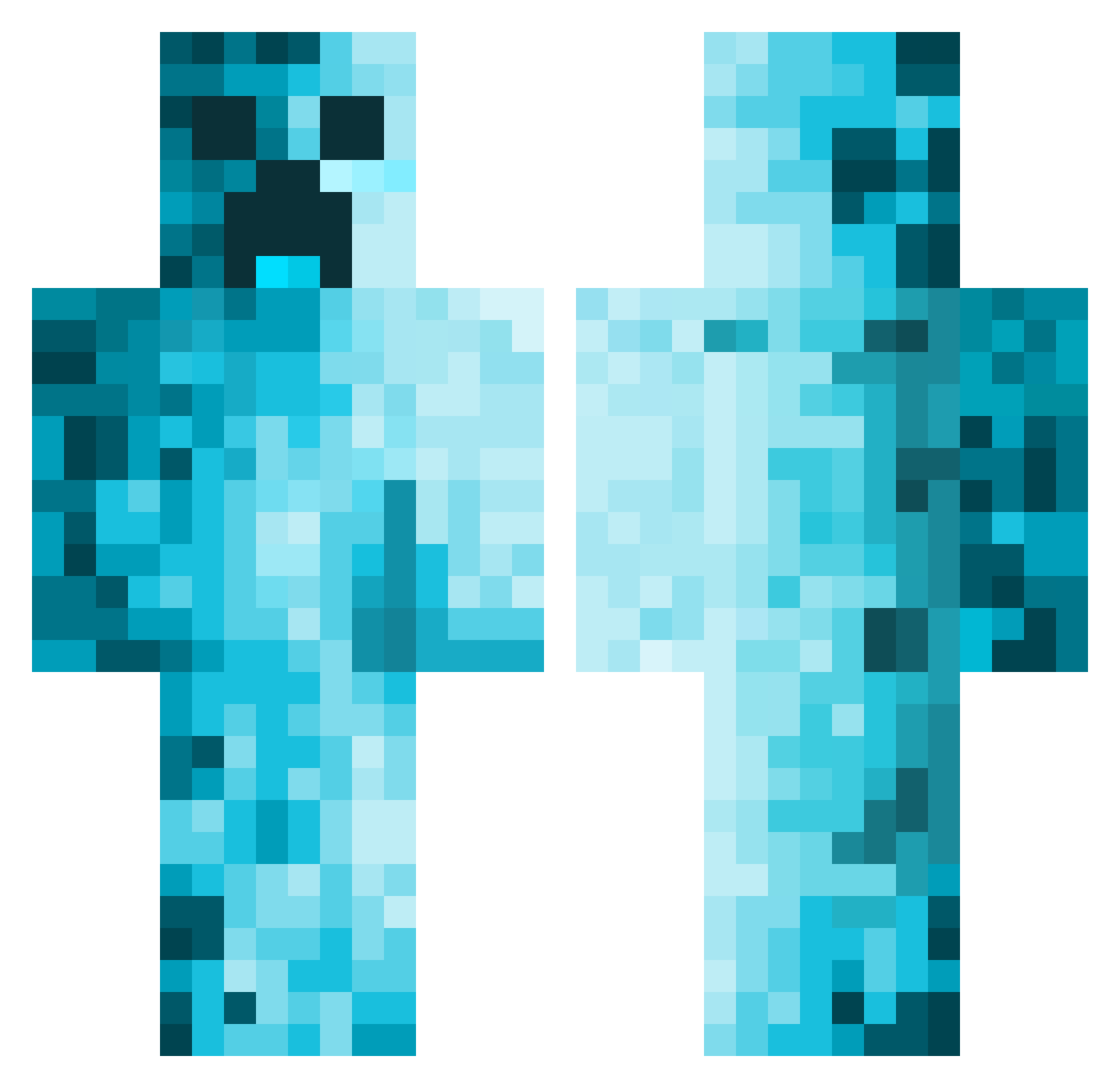
Current Minecraft skin of the player BD3e, loaded from the official Mojang API. Rotate the 3D model with your mouse or finger, then download the skin as a PNG file and use it in Minecraft: Bedrock Edition or Java Edition for free. When BD3e changes their skin, this page updates automatically and the old skin stays in the history below.
Other players with this skin (611)
BD3e was the 554th player we have seen with this skin, first spotted on 30.10.2026. The same skin was seen on these players. Open a nickname to see their current skin and skin history.
 Pippin2010 Otitoto Xarkanoth Rvw013nl OptimusSlime86 liim091 NEXUSTHEBOI xxXChuckaXxx CypresFusee12237 Joshy_12 _BlueBlaze Neurs94 Arab_KaNacks_51 CagiestSoup1972 LostusMaximus04 Kobee08 EvenGibbon33972 GRAMSLEY10 FROTHyCHEESee Hartman2K Nem4542 A4rxn1 leowang373 Trojan5000 pigfarmer003 m0o0mAn ____JonE____ NudlLuis Kuukuuchuu nathowen11 TurkeyMiester Raispher Tornad09 TNASCAR3 BiopticTulip707 Ariliza kokeszka gordo233 MuscledJester86 NuK9 Creeper_shhhhhh boomaster71 rubikscube69 BeheldPrism2822 mariovxrz Slenderac mcx521 BlockKirby8 Le_Macej gijjles DerDonn1911 ThanosWorld Thezombiegamer7 Trpezz TulpeKarpfen23 HVIK122 JordiDa Helmpje234 Kreecol JackEatsSnacks
More Creeper Minecraft skins
How to install the BD3e skin
- Press the Download button above to save the skin as a PNG file.
- Minecraft: Bedrock Edition (PE): open the Dressing Room from the main menu (or tap your character → Edit Character), go to Classic Skins → Owned, press the + (new skin) button, choose the downloaded PNG and pick the Classic (Steve) model. Works on PC and mobile; consoles cannot import custom skins.
- Minecraft: Java Edition: open the Minecraft Launcher, go to the Skins tab, click New Skin, load the PNG, pick the Classic (Steve) model and press Save & Use. You can also upload it at minecraft.net → Profile → Change Skin.
The skin does not show up after import - what should I do?
Restart Minecraft and open the Dressing Room again - imported skins sometimes appear only after a restart. Also make sure you selected the imported skin and picked the Classic (Steve) model.
Which model should I choose, Classic or Slim?
This skin is designed for the Classic (Steve) model. If you pick the wrong model, the arms of the skin will look stretched or squeezed.
Is the skin of BD3e free to download?
Yes. Press Download, save the PNG file and use it in Minecraft: Bedrock Edition or Java Edition - no payment or registration needed. The skin also works on multiplayer servers and Realms.
More skins
Looking for more? Go back to all Minecraft skins and check the top skins of the week, month and all time, or find any player's skin by nickname.