
Tryforce_ - Minecraft Skins & Skin History
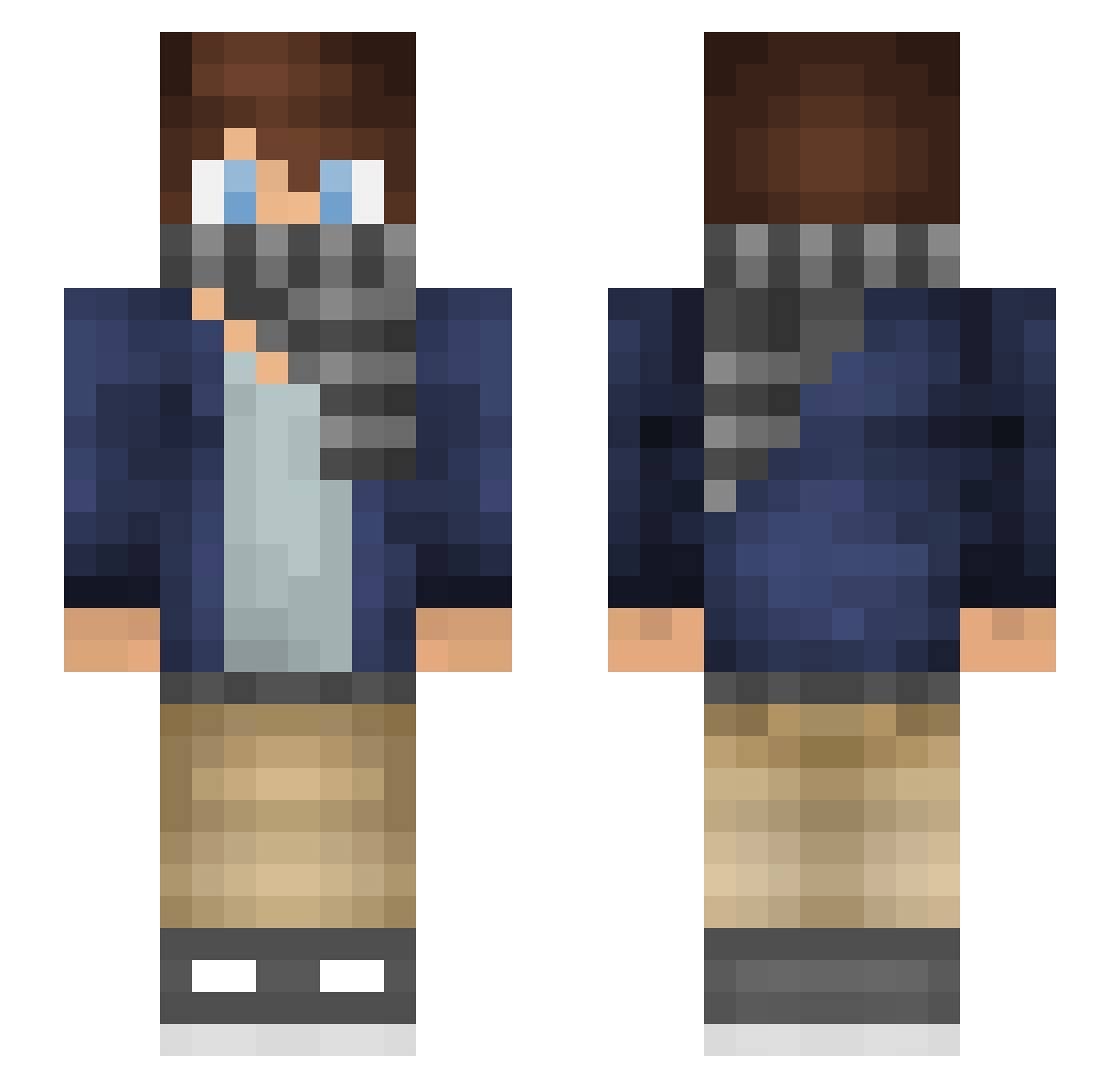
Current Minecraft skin of the player Tryforce_, loaded from the official Mojang API. Rotate the 3D model with your mouse or finger, then download the skin as a PNG file and use it in Minecraft: Bedrock Edition or Java Edition for free. When Tryforce_ changes their skin, this page updates automatically and the old skin stays in the history below.
Other players with this skin (221)
Tryforce_ was the 141st player we have seen with this skin, first spotted on 06.10.2026. The same skin was seen on these players. Open a nickname to see their current skin and skin history.
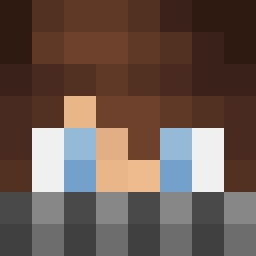 domiboy1000 Tutwig Voidrayy tommarp Joppe_14 AwkwardFinesser Magic_Is_Zlatan euro1 Zyx__ GetLeftShot_ frederiksog Trolleee SteamTrain bilbo_mlg RobinOttens kjm0409 MG_Dawn NoMoreBloxToGiv ZeroIga BayerSeth RealKamiii WakefulPower JS_Spark Jez_Dan MrBrentSke Deanjeans Legendary321 rubentewierik Letskleen wwwdavid03 BraeBrae24 alexninja21 TTJoey jakelino2121 mentalking SparkyTheLemon Breaker04 lYunnTl gumic Mayonnaise1995 cheeser_2077 xMax_x3 Phenome99 AskLH kmantorell ZoniK40 AriChokoBoko MANG0D0WN Samiammi BlackCyborg Colourblindkid IsakAnd sacharludvi lopje3455 legenden11 willirex_507 Kujira_4004 Auzcom syuririnn Germeron
How to install the Tryforce_ skin
- Press the Download button above to save the skin as a PNG file.
- Minecraft: Bedrock Edition (PE): open the Dressing Room from the main menu (or tap your character → Edit Character), go to Classic Skins → Owned, press the + (new skin) button, choose the downloaded PNG and pick the Slim (Alex) model. Works on PC and mobile; consoles cannot import custom skins.
- Minecraft: Java Edition: open the Minecraft Launcher, go to the Skins tab, click New Skin, load the PNG, pick the Slim (Alex) model and press Save & Use. You can also upload it at minecraft.net → Profile → Change Skin.
The skin does not show up after import - what should I do?
Restart Minecraft and open the Dressing Room again - imported skins sometimes appear only after a restart. Also make sure you selected the imported skin and picked the Slim (Alex) model.
Which model should I choose, Classic or Slim?
This skin is designed for the Slim (Alex) model. If you pick the wrong model, the arms of the skin will look stretched or squeezed.
Is the skin of Tryforce_ free to download?
Yes. Press Download, save the PNG file and use it in Minecraft: Bedrock Edition or Java Edition - no payment or registration needed. The skin also works on multiplayer servers and Realms.
More skins
Looking for more? Go back to all Minecraft skins and check the top skins of the week, month and all time, or find any player's skin by nickname.