
 PhineasJack67 ArkFlo02 I_Come_To_Win MajoraMask96 _xX_ben_Xx_ ruiba ZapCrusher Szczecinlive lilleman8rp DieAnotherDay_ CaliC4 xIErik XLGKlavgris Thibault_Mertens ItsPixel Exorphyxsun HonsaUnstable Toonzey centraldocs ElectroWhite SuperHjalti JacobWillz Dreamerj TrollMan1997 bluebananaa IaintheDevil C_Baske02 Kieeeeeee iSoZiaL xXDerPallefanXx MatrixGamesTV MrCastleGamer Tinkertots Der_PVP_Geret doggy364 RainbowEbola TurnedGamerBr WiredPlay AlexLumpi Clayman2005 Espoon99 oTav Nithiem JinKey_ h0909 PalmTreeLife Elvisjones DatRonnie TobinL MrGhost12 furkanyuksel moon3878 Directgene OhhDarksyy Gamewiz45 Trobsky Leon_Bauer Scaff alexkolarik2702 Dumidors
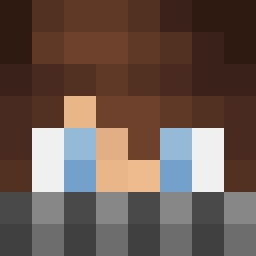
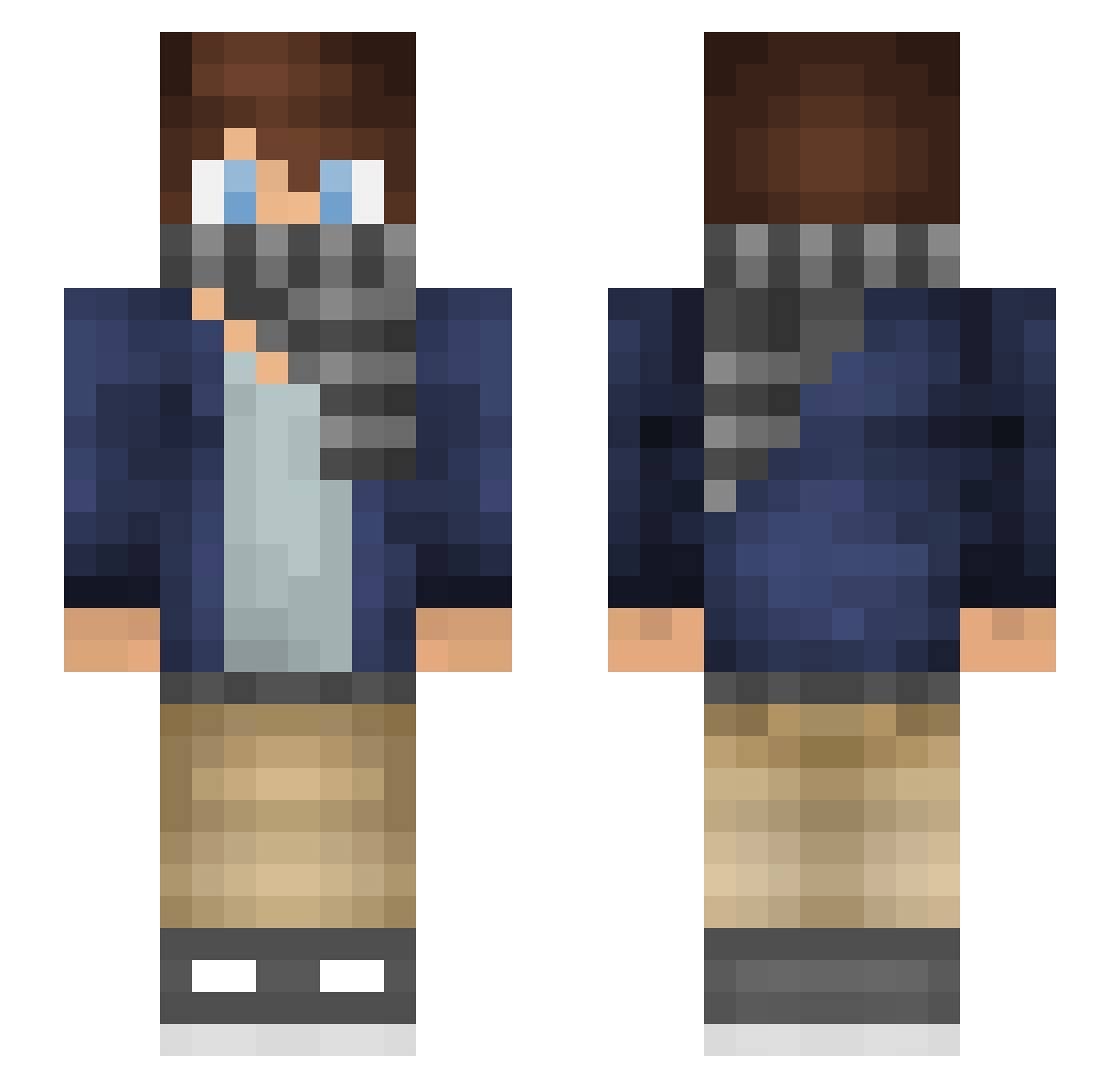
Minecraft skin of Lovingless. Rotate the 3D model with your mouse or finger to view the skin from every angle, then download it as a PNG file and use it in Minecraft: Bedrock Edition or Java Edition for free. Rate the skin with stars to help other players find the best skins in our collection.
How to install the Lovingless skin
- Press the Download button above to save the skin as a PNG file.
- Minecraft: Bedrock Edition (PE): open the Dressing Room from the main menu (or tap your character → Edit Character), go to Classic Skins → Owned, press the + (new skin) button, choose the downloaded PNG and pick the Slim (Alex) model. Works on PC and mobile; consoles cannot import custom skins.
- Minecraft: Java Edition: open the Minecraft Launcher, go to the Skins tab, click New Skin, load the PNG, pick the Slim (Alex) model and press Save & Use. You can also upload it at minecraft.net → Profile → Change Skin.
The skin does not show up after import - what should I do?
Restart Minecraft and open the Dressing Room again - imported skins sometimes appear only after a restart. Also make sure you selected the imported skin and picked the Slim (Alex) model.
Which model should I choose, Classic or Slim?
This skin is designed for the Slim (Alex) model. If you pick the wrong model, the arms of the skin will look stretched or squeezed.
Is this skin free to use?
Yes. Press Download, save the PNG file and use it in Minecraft: Bedrock Edition or Java Edition - no payment or registration needed. The skin also works on multiplayer servers and Realms.
More skins
Looking for more? Go back to all Minecraft skins and check the top skins of the week, month and all time, or find any player's skin by nickname.