
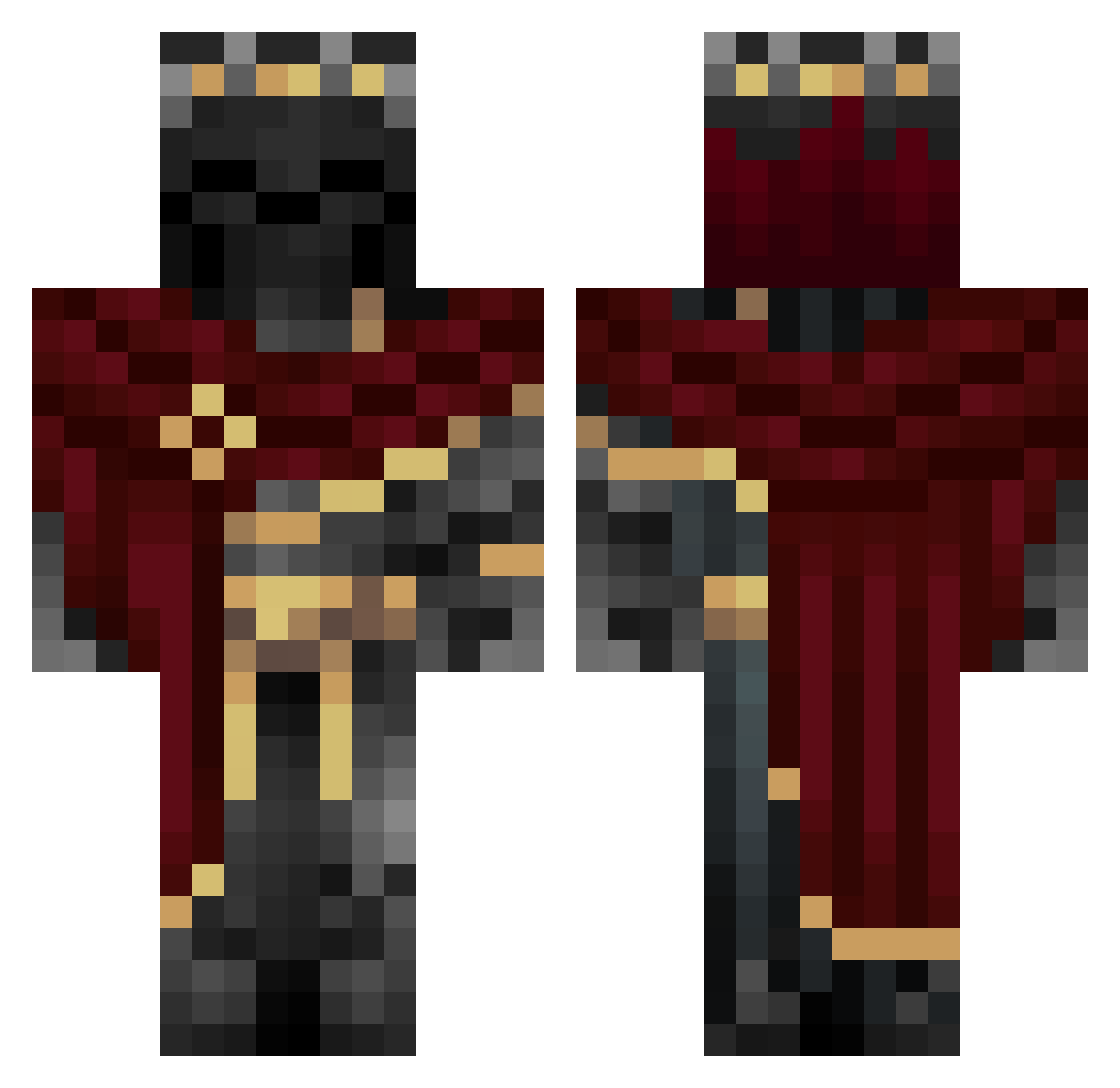
Current Minecraft skin of the player Trasmor, loaded from the official Mojang API. Rotate the 3D model with your mouse or finger, then download the skin as a PNG file and use it in Minecraft: Bedrock Edition or Java Edition for free. When Trasmor changes their skin, this page updates automatically and the old skin stays in the history below.
Other players with this skin (758)
Trasmor was the 657th player we have seen with this skin, first spotted on 02.10.2026. The same skin was seen on these players. Open a nickname to see their current skin and skin history.
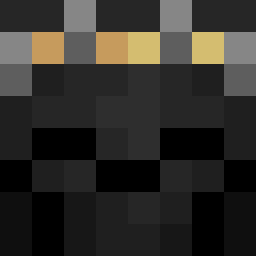 Not_Me_Tom Alpha_Zeda Perezinator Narutom2706 chily0000 RedKnight611 The_Saya Beryisme Kd_Midas Mirklek arrobic ReallyDJ N3GRON3 ibrahimAhmad Royal_f34r Gels_ktm DanielSlot2173 LordPringle823 ps_warrior OmniMoth MorningstarFury KARSLIBELA36 RD7HA ZertMaster ShaveTheWalruses xMoody0 sitdown_23 miol12345 BrandonA013 Johnthekiller KILLERGABRY ImFiddleStickS JudeBellingham10 MisterSensitive melo112 U3N0M Rihesss Amiuh Lukischluck pipthetroll Basti721 Nappquest Im_Jooosh Sa_Shao GrimmCaliburr _Kirito1 lars_11 HOFjerker GalaxyTyler M0BsterX OgKala mam7484 Panzer_4784 Unitpixel DeltaEcho63 Sam060905 Vormiir 1VasileVersace1 Becycle12 iTzUci
More King Minecraft skins
How to install the Trasmor skin
- Press the Download button above to save the skin as a PNG file.
- Minecraft: Bedrock Edition (PE): open the Dressing Room from the main menu (or tap your character → Edit Character), go to Classic Skins → Owned, press the + (new skin) button, choose the downloaded PNG and pick the Classic (Steve) model. Works on PC and mobile; consoles cannot import custom skins.
- Minecraft: Java Edition: open the Minecraft Launcher, go to the Skins tab, click New Skin, load the PNG, pick the Classic (Steve) model and press Save & Use. You can also upload it at minecraft.net → Profile → Change Skin.
The skin does not show up after import - what should I do?
Restart Minecraft and open the Dressing Room again - imported skins sometimes appear only after a restart. Also make sure you selected the imported skin and picked the Classic (Steve) model.
Which model should I choose, Classic or Slim?
This skin is designed for the Classic (Steve) model. If you pick the wrong model, the arms of the skin will look stretched or squeezed.
Is the skin of Trasmor free to download?
Yes. Press Download, save the PNG file and use it in Minecraft: Bedrock Edition or Java Edition - no payment or registration needed. The skin also works on multiplayer servers and Realms.
More skins
Looking for more? Go back to all Minecraft skins and check the top skins of the week, month and all time, or find any player's skin by nickname.