
Towerproblem - Minecraft Skins & Skin History
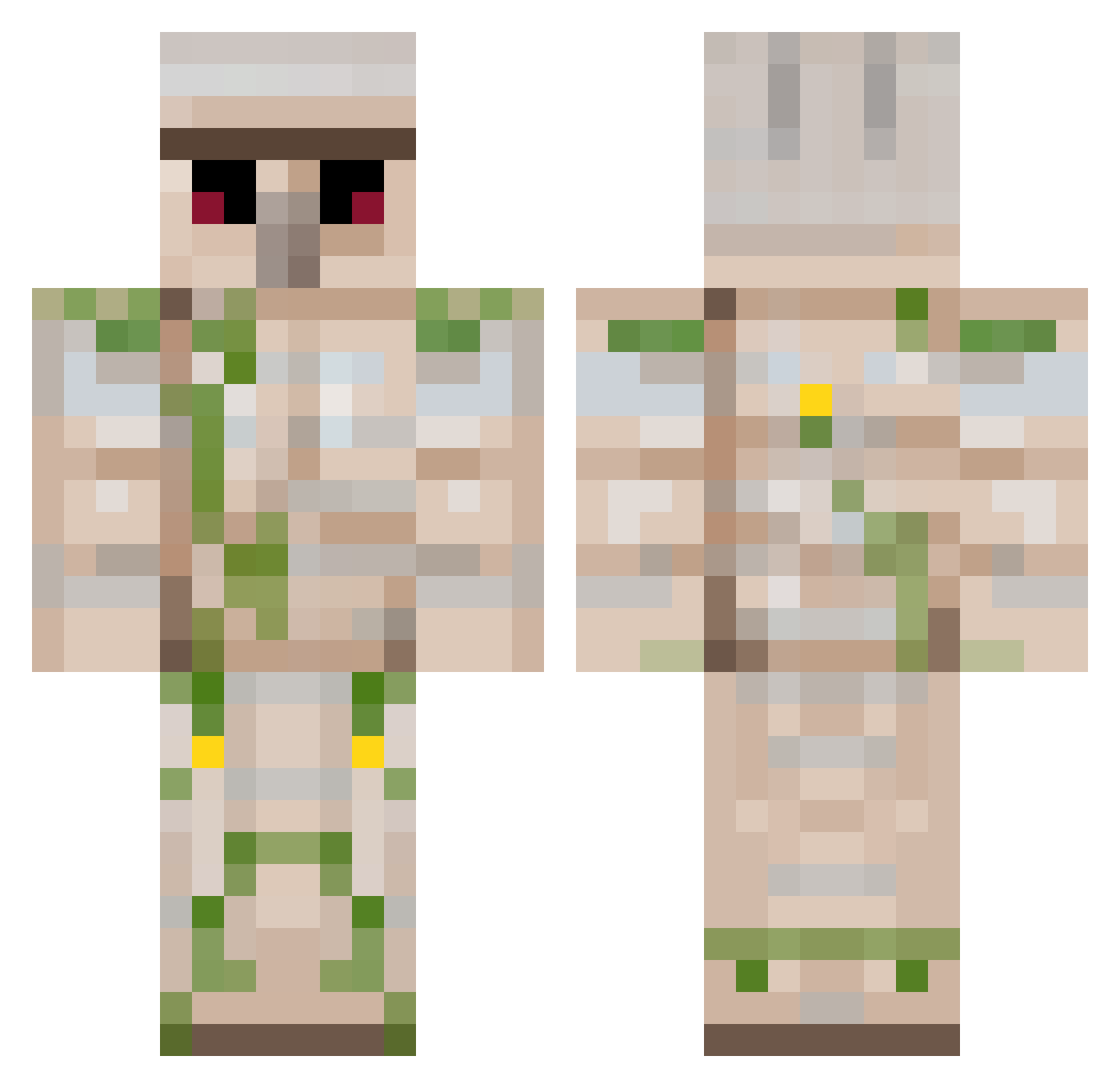
Current Minecraft skin of the player Towerproblem, loaded from the official Mojang API. Rotate the 3D model with your mouse or finger, then download the skin as a PNG file and use it in Minecraft: Bedrock Edition or Java Edition for free. When Towerproblem changes their skin, this page updates automatically and the old skin stays in the history below.
Other players with this skin (142)
Towerproblem was the 63rd player we have seen with this skin, first spotted on 04.09.2026. The same skin was seen on these players. Open a nickname to see their current skin and skin history.
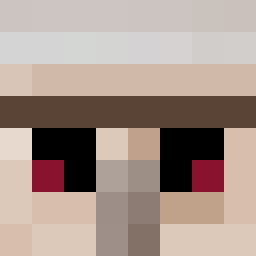 qqrwdaa Goat_Toes7
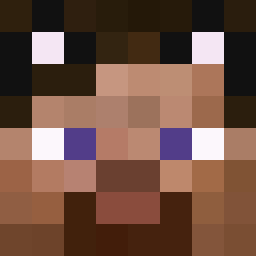 dzwigger Louuping X_SCB buzhi0505 meowmeowmeow345 zhaoxinrui Austin0813 Pipa_Dawn Traci850 falali3 Hutselflupje8888 beavise SaltTeam6 Xio96 Declear lixmz WolfWolf1001 Yetavox HollyOllie xHimeko Becaullcy Clebard_Humide Naolie zhan_jian villager_golem jiangyangdadao asssocker Ruoq1u Leep16 AQIQWQ iwaneke Einsteineray jhonnyll ChengJF_666 Ellocomaxi decsgr avispamarina Antiquorum LeGolem_Refugier ChickenSlayer421 Wenmuyu Coliblep HalkiasAgg LuigiEnderman Huazi_32 ChickenRipper422 lazycat114514 Schrodders Armaanvig dannylacroix Sivadnebe SH1_VA Kelty101 Ben_Durbin yancey00 TresorPublic ChickenDeath419 tagtraum
More Iron Golem Minecraft skins
How to install the Towerproblem skin
- Press the Download button above to save the skin as a PNG file.
- Minecraft: Bedrock Edition (PE): open the Dressing Room from the main menu (or tap your character → Edit Character), go to Classic Skins → Owned, press the + (new skin) button, choose the downloaded PNG and pick the Classic (Steve) model. Works on PC and mobile; consoles cannot import custom skins.
- Minecraft: Java Edition: open the Minecraft Launcher, go to the Skins tab, click New Skin, load the PNG, pick the Classic (Steve) model and press Save & Use. You can also upload it at minecraft.net → Profile → Change Skin.
The skin does not show up after import - what should I do?
Restart Minecraft and open the Dressing Room again - imported skins sometimes appear only after a restart. Also make sure you selected the imported skin and picked the Classic (Steve) model.
Which model should I choose, Classic or Slim?
This skin is designed for the Classic (Steve) model. If you pick the wrong model, the arms of the skin will look stretched or squeezed.
Is the skin of Towerproblem free to download?
Yes. Press Download, save the PNG file and use it in Minecraft: Bedrock Edition or Java Edition - no payment or registration needed. The skin also works on multiplayer servers and Realms.
More skins
Looking for more? Go back to all Minecraft skins and check the top skins of the week, month and all time, or find any player's skin by nickname.