
 GiusepMarine NBDWB Megasaurus13 Elecsk TakeTheField lrr_21c Crown_H BustyTrio deleike QQuinoa kotokotota Roberxtorxs davos60 hunterxa SrAlejandr0 perchikboi dllakame cyz000 BigPoppaDoor Leslie989 N4j44 MONIXII halo_s117 lbwz caubiy MyYunYan GioXT corncobb_ Mrkteam Hi_fr0sT YMX9 P1ayerE1even Wenmuyu HevenKin Kelty101 Traci850 JiaVerse Toshiroooooo ChengJF_666 decorminecraft iwaneke gangdie zhan_jian WolfWolf1001 Ben_Durbin AndyTheComic KAMI_GA asssocker kuweida xHimeko Carlospolledo234 avispamarina villager_golem pixel_riot zzplayer lisalean Cheemus77 mohrad brimoneyyy StarterLava
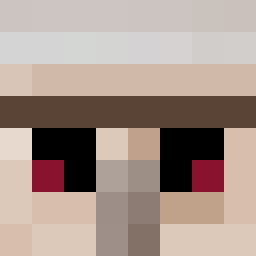
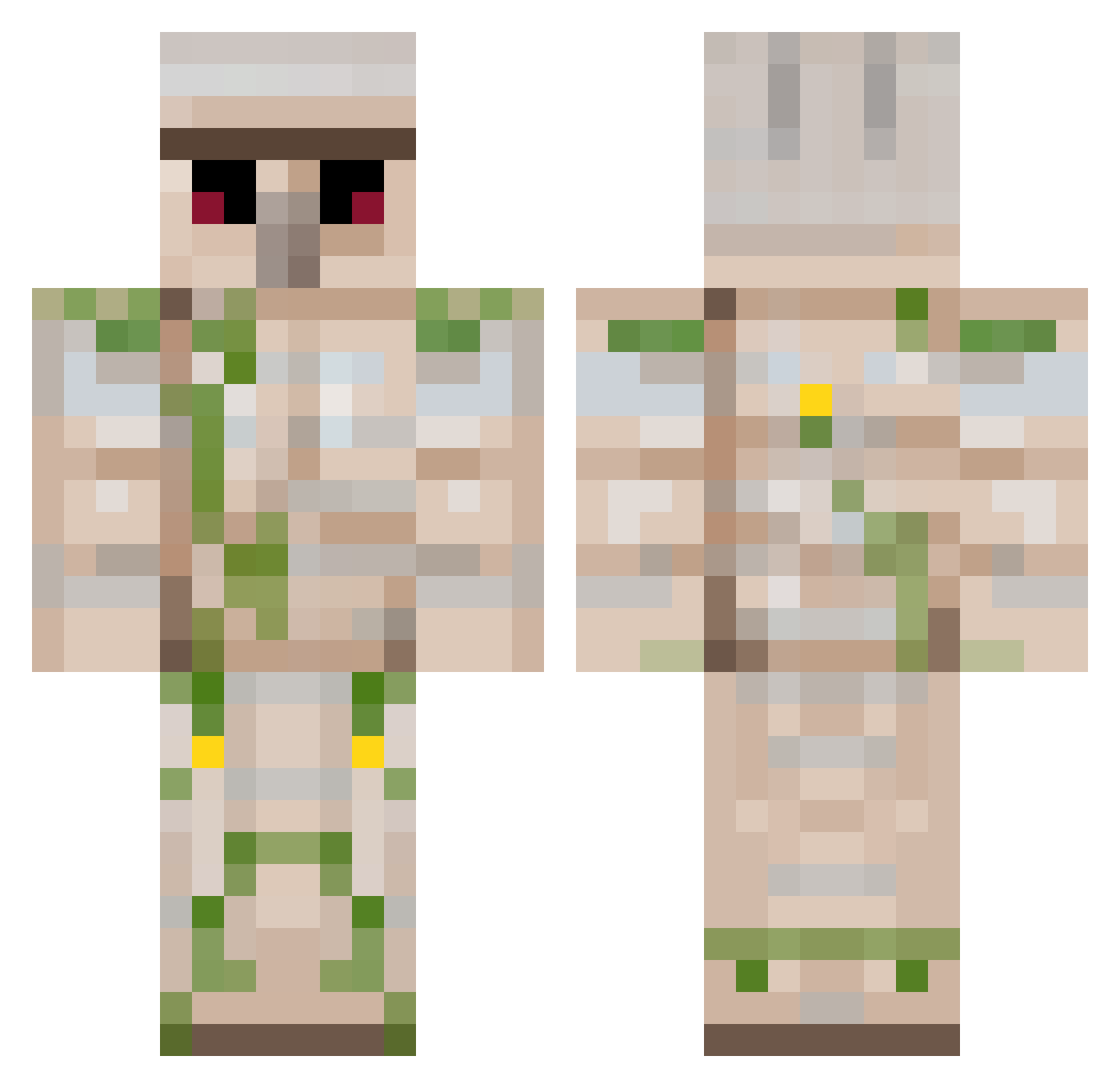
Minecraft skin of pixel_riot. Rotate the 3D model with your mouse or finger to view the skin from every angle, then download it as a PNG file and use it in Minecraft: Bedrock Edition or Java Edition for free. Rate the skin with stars to help other players find the best skins in our collection.
How to install the pixel_riot skin
- Press the Download button above to save the skin as a PNG file.
- Minecraft: Bedrock Edition (PE): open the Dressing Room from the main menu (or tap your character → Edit Character), go to Classic Skins → Owned, press the + (new skin) button, choose the downloaded PNG and pick the Classic (Steve) model. Works on PC and mobile; consoles cannot import custom skins.
- Minecraft: Java Edition: open the Minecraft Launcher, go to the Skins tab, click New Skin, load the PNG, pick the Classic (Steve) model and press Save & Use. You can also upload it at minecraft.net → Profile → Change Skin.
The skin does not show up after import - what should I do?
Restart Minecraft and open the Dressing Room again - imported skins sometimes appear only after a restart. Also make sure you selected the imported skin and picked the Classic (Steve) model.
Which model should I choose, Classic or Slim?
This skin is designed for the Classic (Steve) model. If you pick the wrong model, the arms of the skin will look stretched or squeezed.
Is this skin free to use?
Yes. Press Download, save the PNG file and use it in Minecraft: Bedrock Edition or Java Edition - no payment or registration needed. The skin also works on multiplayer servers and Realms.
More Iron Golem Minecraft skins
More skins
Looking for more? Go back to all Minecraft skins and check the top skins of the week, month and all time, or find any player's skin by nickname.