
Torbendaddy - Minecraft Skins & Skin History
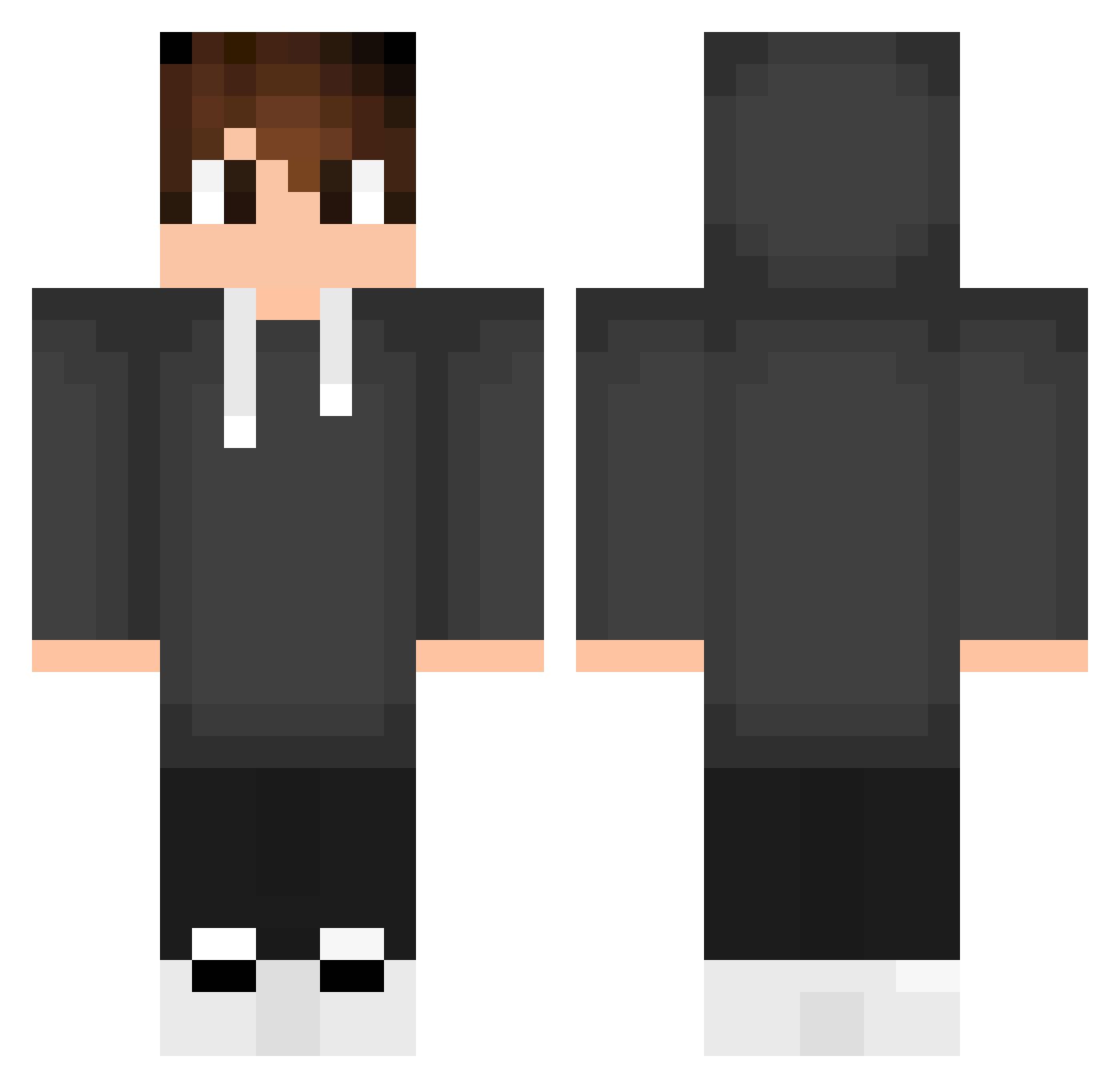
Current Minecraft skin of the player Torbendaddy, loaded from the official Mojang API. Rotate the 3D model with your mouse or finger, then download the skin as a PNG file and use it in Minecraft: Bedrock Edition or Java Edition for free. When Torbendaddy changes their skin, this page updates automatically and the old skin stays in the history below.
Other players with this skin (553)
Torbendaddy was the 498th player we have seen with this skin, first spotted on 25.10.2026. The same skin was seen on these players. Open a nickname to see their current skin and skin history.
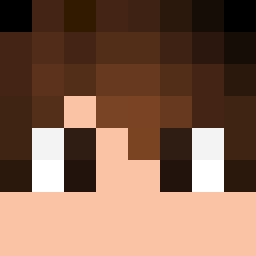 NxRdZaa JoueurLambda578 S4MU005 49o49o kaz_art Cameron5171 siLakembrek Mystic_Knight69 ismylzade NichtDerDenny Nama115 JarodKnight MrVilela Floppa69420 Tushargamer minnjji ZDKPLAY vortexTV Attesz_ everetwow kzlixi SlaynSin cleber_10 piethenkw Nimike2016 rauppvj Yoncers hugoinsider WayneLSR Bymael47 Chanitpruk biel5567 AngeloMT_10 pedromanicaca Angello6368 liavki r3SP4WN1 FabiFox300 Nikab RD_2D NotOppi RAFAELTA Plebeu0 Mark_401 BrLokin MinikAslan37 BteKS foltrek466 sSeiran PablitoCabrito Entoni_Limpurra PezaoM _Tuzzin giulianoVNL dellzin_ Marcojml Blobbin_ Rallitoflash Sukunaa9 Nicolas068
How to install the Torbendaddy skin
- Press the Download button above to save the skin as a PNG file.
- Minecraft: Bedrock Edition (PE): open the Dressing Room from the main menu (or tap your character → Edit Character), go to Classic Skins → Owned, press the + (new skin) button, choose the downloaded PNG and pick the Classic (Steve) model. Works on PC and mobile; consoles cannot import custom skins.
- Minecraft: Java Edition: open the Minecraft Launcher, go to the Skins tab, click New Skin, load the PNG, pick the Classic (Steve) model and press Save & Use. You can also upload it at minecraft.net → Profile → Change Skin.
The skin does not show up after import - what should I do?
Restart Minecraft and open the Dressing Room again - imported skins sometimes appear only after a restart. Also make sure you selected the imported skin and picked the Classic (Steve) model.
Which model should I choose, Classic or Slim?
This skin is designed for the Classic (Steve) model. If you pick the wrong model, the arms of the skin will look stretched or squeezed.
Is the skin of Torbendaddy free to download?
Yes. Press Download, save the PNG file and use it in Minecraft: Bedrock Edition or Java Edition - no payment or registration needed. The skin also works on multiplayer servers and Realms.
More skins
Looking for more? Go back to all Minecraft skins and check the top skins of the week, month and all time, or find any player's skin by nickname.