
Tonda2016 - Minecraft Skins & Skin History
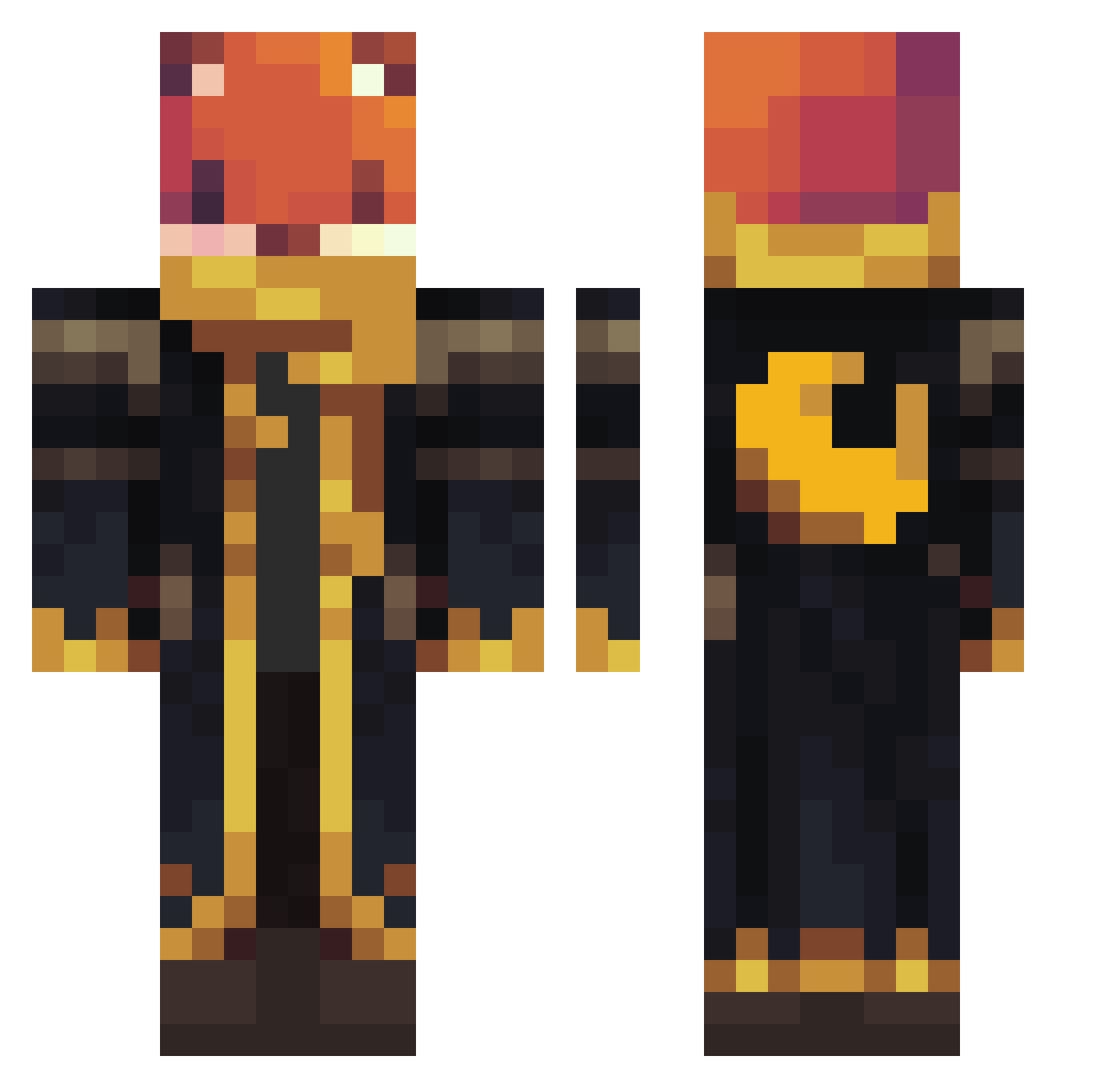
Current Minecraft skin of the player Tonda2016, loaded from the official Mojang API. Rotate the 3D model with your mouse or finger, then download the skin as a PNG file and use it in Minecraft: Bedrock Edition or Java Edition for free. When Tonda2016 changes their skin, this page updates automatically and the old skin stays in the history below.
Other players with this skin (1136)
Tonda2016 was the 179th player we have seen with this skin, first spotted on 13.08.2026. The same skin was seen on these players. Open a nickname to see their current skin and skin history.
 ChefBoyardeeIII 97ku yoshi_gamer80 shailambo_43210 Fritzi15 takutakukota TitoAdrix
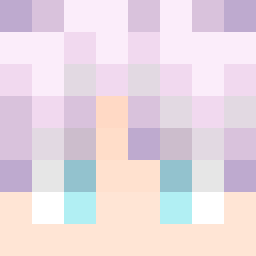 PTboy11 Bubs328 LoudPlatypus779 eeenzo42 Cipher_9 EJV1234 DanielMira17
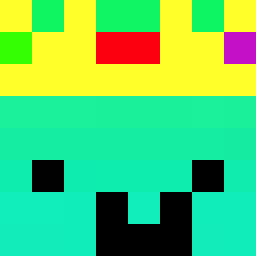 DraonBoy JULIANLOLXD luanzinhodograu0 Marissa_172_ ilegalpin cold_scupe echoslayer9
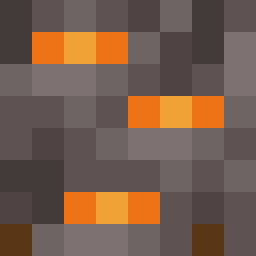 BeXavier03
 MasterCAP789 ruizu93
 zulivan11 SuperWJA
 gator_756 rottenjose GamerMikeVR Wanda2020PR yolollo Pumkinf_fighter Yo_Ragnar_oY BaldwinLeper Loulou2021Gamer OmegaGodGreyG ChillGorilla23 NaughtyNibbles rajwaz neflix2323
 neeyvie ShadowLight404 NUT7514
 Vexgamers maan2223 robloxpro8 SparkleCorn1599 Itsnotyoutube Atraxi15 CHEFFEHC Bakomarci13 Bubbasaurus06 MartinMan2014 titimien
 AliZeybek Gamer3078 Marcelo2332 ASTRO7314 Mel164
 LGBTMamaBear
More Crescent Moon Minecraft skins
See all 290 Crescent Moon skins
How to install the Tonda2016 skin
- Press the Download button above to save the skin as a PNG file.
- Minecraft: Bedrock Edition (PE): open the Dressing Room from the main menu (or tap your character → Edit Character), go to Classic Skins → Owned, press the + (new skin) button, choose the downloaded PNG and pick the Classic (Steve) model. Works on PC and mobile; consoles cannot import custom skins.
- Minecraft: Java Edition: open the Minecraft Launcher, go to the Skins tab, click New Skin, load the PNG, pick the Classic (Steve) model and press Save & Use. You can also upload it at minecraft.net → Profile → Change Skin.
The skin does not show up after import - what should I do?
Restart Minecraft and open the Dressing Room again - imported skins sometimes appear only after a restart. Also make sure you selected the imported skin and picked the Classic (Steve) model.
Which model should I choose, Classic or Slim?
This skin is designed for the Classic (Steve) model. If you pick the wrong model, the arms of the skin will look stretched or squeezed.
Is the skin of Tonda2016 free to download?
Yes. Press Download, save the PNG file and use it in Minecraft: Bedrock Edition or Java Edition - no payment or registration needed. The skin also works on multiplayer servers and Realms.
More skins
Looking for more? Go back to all Minecraft skins and check the top skins of the week, month and all time, or find any player's skin by nickname.