
TommyD123 - Minecraft Skins & Skin History
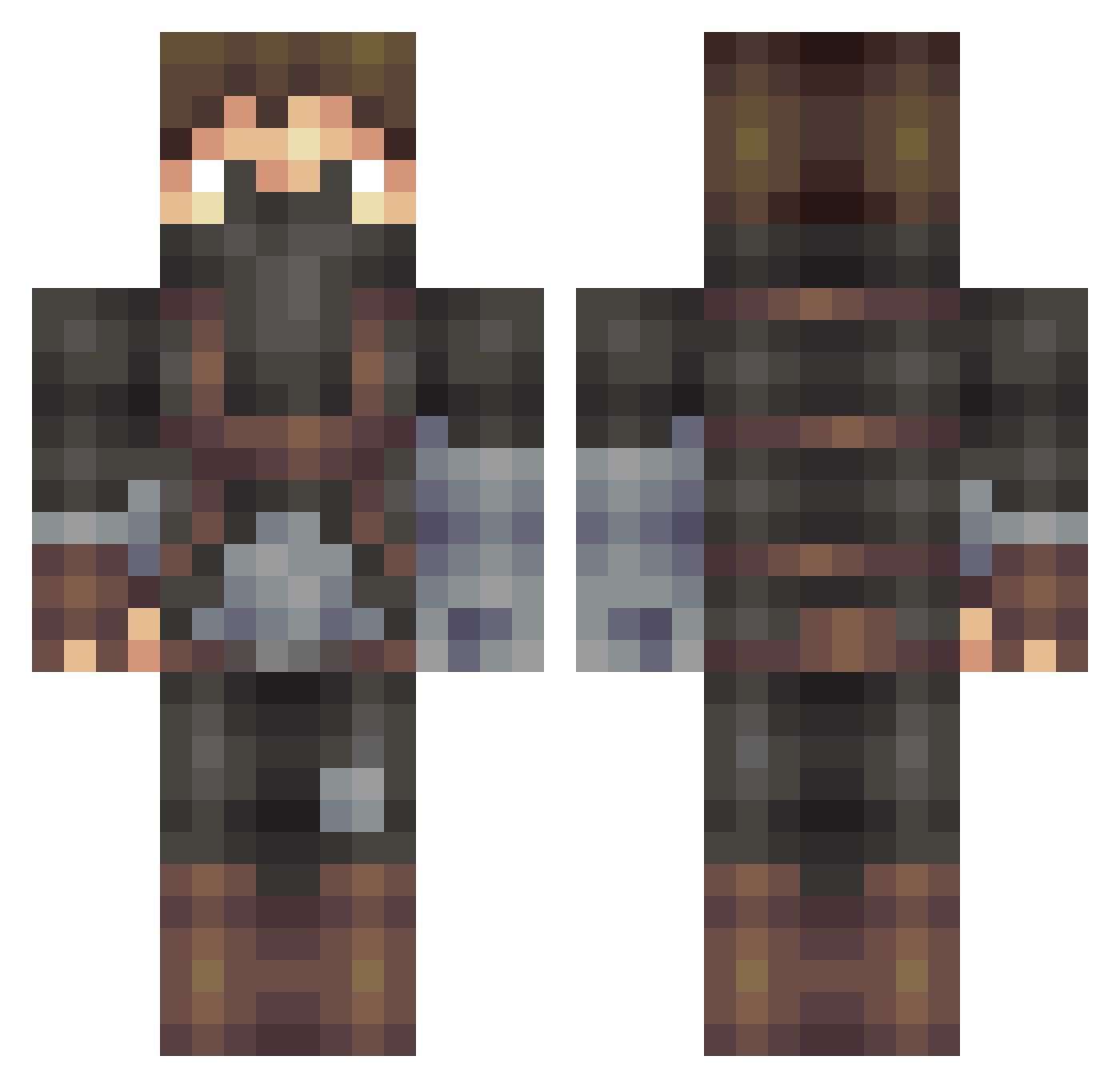
Current Minecraft skin of the player TommyD123, loaded from the official Mojang API. Rotate the 3D model with your mouse or finger, then download the skin as a PNG file and use it in Minecraft: Bedrock Edition or Java Edition for free. When TommyD123 changes their skin, this page updates automatically and the old skin stays in the history below.
Other players with this skin (509)
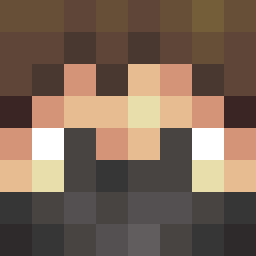
TommyD123 was the 382nd player we have seen with this skin, first spotted on 13.10.2026. The same skin was seen on these players. Open a nickname to see their current skin and skin history.
 Thor_Slow tutut_les_rageux randomninga av8r753 atr424 B1tzen ArmoHunter rishi852 Dake09 Wrath_of_Crow Morgfel Psycoticdog babystompers859 Will_Freddie cromagnon11 StrongRaven hurley636 __D_O_C__ SkyMC11 rotanovi crazymangamerman Spam_Feuerblitz kennynicolay Shadow1864 IsaacSanchez725 TePo2164 BlehGG Blxkey Jkasten27 BattlemasterWow StaRHunt3R101 Nibbiit Deathadder TrebleMuffin Frank_OwO PhantomXDC cvlang TheChrisList scp311 0jMofo44 BloodyGerry AggeAwesome EpicLauren lolguy323 MacKaarstad ZoroGameHG ironrover Adam_H_Twitch toijlkuk heatseeker006 JCA27 Petter91 Lone1177 CaptainCookie03 joaleo julianjrk Swarlee UncleMcdonald crispy_chris Jaseomace
More Assassin Minecraft skins
How to install the TommyD123 skin
- Press the Download button above to save the skin as a PNG file.
- Minecraft: Bedrock Edition (PE): open the Dressing Room from the main menu (or tap your character → Edit Character), go to Classic Skins → Owned, press the + (new skin) button, choose the downloaded PNG and pick the Classic (Steve) model. Works on PC and mobile; consoles cannot import custom skins.
- Minecraft: Java Edition: open the Minecraft Launcher, go to the Skins tab, click New Skin, load the PNG, pick the Classic (Steve) model and press Save & Use. You can also upload it at minecraft.net → Profile → Change Skin.
The skin does not show up after import - what should I do?
Restart Minecraft and open the Dressing Room again - imported skins sometimes appear only after a restart. Also make sure you selected the imported skin and picked the Classic (Steve) model.
Which model should I choose, Classic or Slim?
This skin is designed for the Classic (Steve) model. If you pick the wrong model, the arms of the skin will look stretched or squeezed.
Is the skin of TommyD123 free to download?
Yes. Press Download, save the PNG file and use it in Minecraft: Bedrock Edition or Java Edition - no payment or registration needed. The skin also works on multiplayer servers and Realms.
More skins
Looking for more? Go back to all Minecraft skins and check the top skins of the week, month and all time, or find any player's skin by nickname.