
Tomaato00 - Minecraft Skins & Skin History
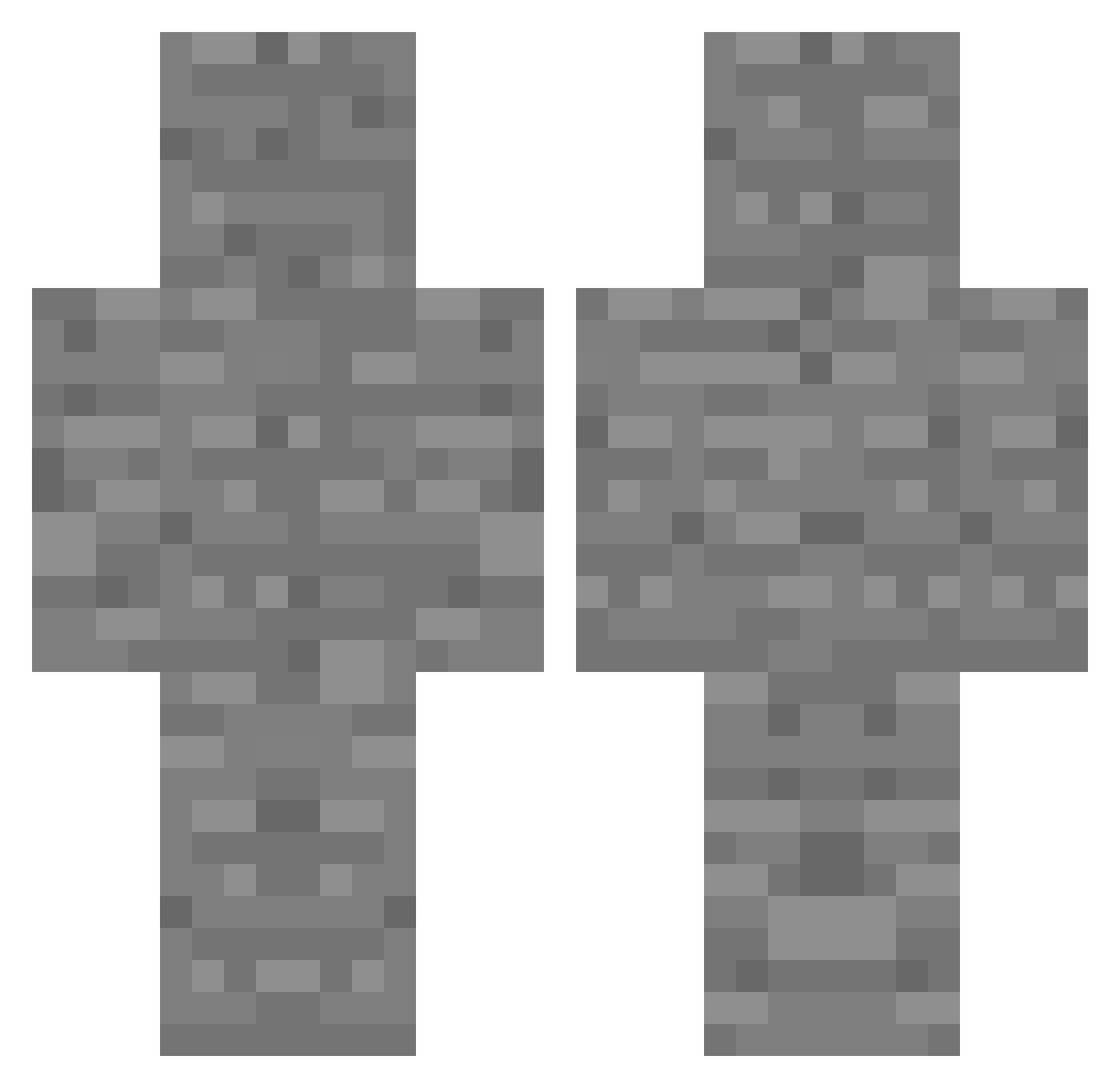
Current Minecraft skin of the player Tomaato00, loaded from the official Mojang API. Rotate the 3D model with your mouse or finger, then download the skin as a PNG file and use it in Minecraft: Bedrock Edition or Java Edition for free. When Tomaato00 changes their skin, this page updates automatically and the old skin stays in the history below.
Other players with this skin (115)
Tomaato00 was the 26th player we have seen with this skin, first spotted on 27.08.2026. The same skin was seen on these players. Open a nickname to see their current skin and skin history.
 Pullings Geraopa hoyeonpa zephan_ shdsge Matt_Ron_Jon HelpyDCE WFSA T6toprak Synhell taebo_j ironarse444 bcng
 seoha0612 ThundercloudForm Mr_Aussenrist TheEpicGamer999 nerine8990 k10iokenGIACOMO deathlol Ticlap Albino99 Donggyeom345 sx1rens editionpig asacredpeachtree lol4fear xDDamik Bawikx_Me squirtle0908 GChop pilkedz CNMG8 ZZ_isaaaaac RussIsABlackBrch William0724 6yaquza hapiru leah855x niemingcha FatedRival_N sp1nout L_Tia_ mn7672 Mudstone ninetyOone KR_SwordMaster tlqkf_369 kaytato18 simosGamer Trasher226 ELIASMAXIMUS
 TYNY1020 JohnBoy27 Namdds 69milano
 P1neAppleP1zza noticccc sou_ly
 XTC_2
XTC_2More Cobblestone Minecraft skins
How to install the Tomaato00 skin
- Press the Download button above to save the skin as a PNG file.
- Minecraft: Bedrock Edition (PE): open the Dressing Room from the main menu (or tap your character → Edit Character), go to Classic Skins → Owned, press the + (new skin) button, choose the downloaded PNG and pick the Classic (Steve) model. Works on PC and mobile; consoles cannot import custom skins.
- Minecraft: Java Edition: open the Minecraft Launcher, go to the Skins tab, click New Skin, load the PNG, pick the Classic (Steve) model and press Save & Use. You can also upload it at minecraft.net → Profile → Change Skin.
The skin does not show up after import - what should I do?
Restart Minecraft and open the Dressing Room again - imported skins sometimes appear only after a restart. Also make sure you selected the imported skin and picked the Classic (Steve) model.
Which model should I choose, Classic or Slim?
This skin is designed for the Classic (Steve) model. If you pick the wrong model, the arms of the skin will look stretched or squeezed.
Is the skin of Tomaato00 free to download?
Yes. Press Download, save the PNG file and use it in Minecraft: Bedrock Edition or Java Edition - no payment or registration needed. The skin also works on multiplayer servers and Realms.
More skins
Looking for more? Go back to all Minecraft skins and check the top skins of the week, month and all time, or find any player's skin by nickname.