
Tibike99 - Minecraft Skins & Skin History
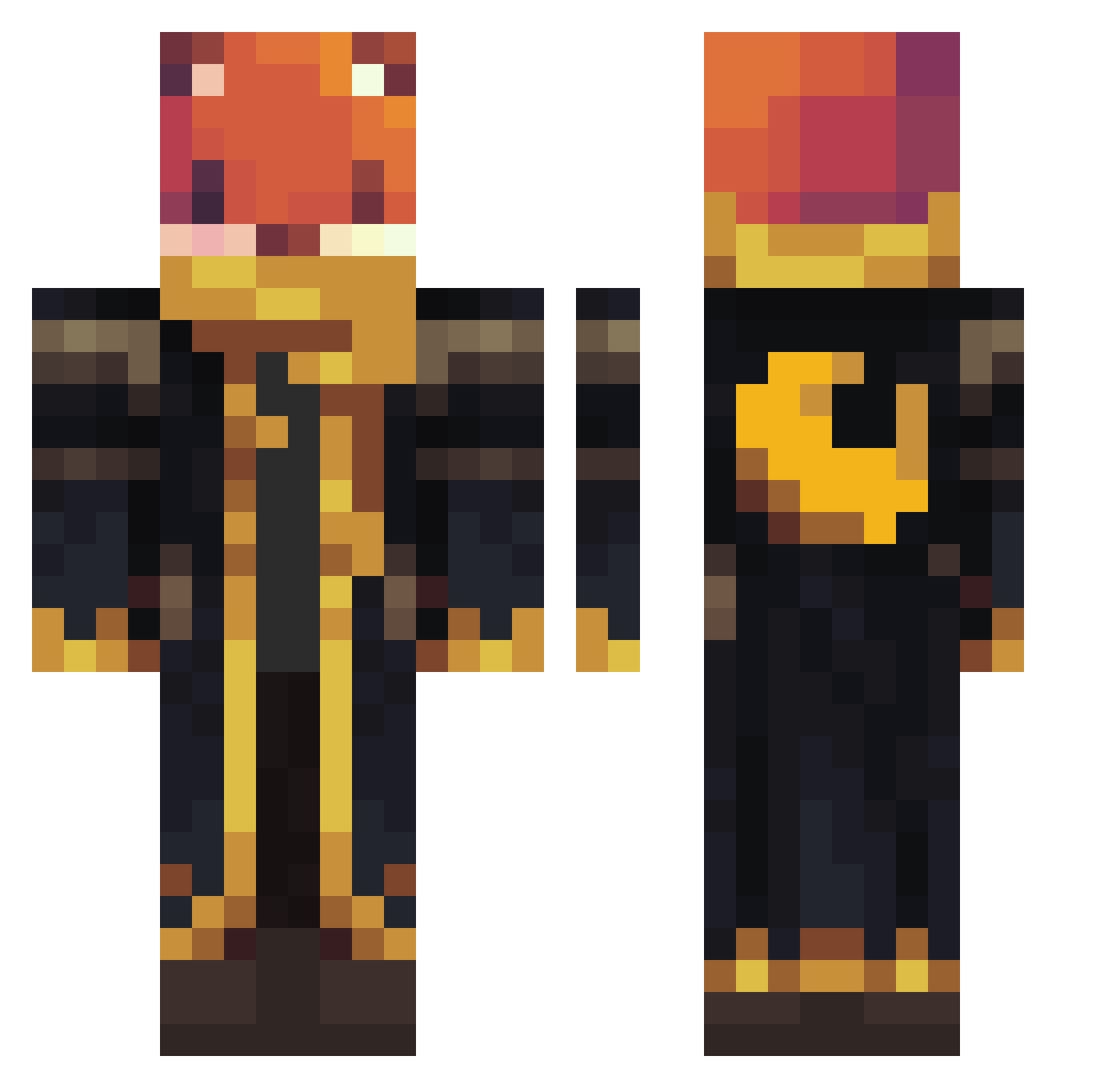
Current Minecraft skin of the player Tibike99, loaded from the official Mojang API. Rotate the 3D model with your mouse or finger, then download the skin as a PNG file and use it in Minecraft: Bedrock Edition or Java Edition for free. When Tibike99 changes their skin, this page updates automatically and the old skin stays in the history below.
Other players with this skin (1126)
Tibike99 was the 613th player we have seen with this skin, first spotted on 24.09.2026. The same skin was seen on these players. Open a nickname to see their current skin and skin history.
 Vertigoths m1tchp Tsuked kagayaakihiko JediNate1213 pengyy1 redsas geebesnupi guille332 2H29 Fernan_RD taloian miguelgut LUDI_2015 Bydan Mqqolf_ Nicholas333 Niss5639 luxelvix SixCape6 Rngisbeast Jakubx13pro 12312s Muratqun kei3452 Ruffles876 Ryoooooo05 Preston686 chunkyxch33se788 cccccccccxccccxc GUZMAN2501 ChipNdippp W1lshy jtmdragon weter1 UverenVRadiance tavindobujao SwinekWielki MARS3L0 Affenkoenig007 Fluffboll20 erkemil twotontank1 Bernardo2103 NovaPulse6 Amigosconpistola Humanzzzzz DarthValla littlesos01 seongmin33 ChezzyOak ConnTastic1053 diwanaa ramon489 kukislaw Del_MC Liamboy8787 gfigs911 Maniek202 minitrapper1
More Crescent Moon Minecraft skins
See all 287 Crescent Moon skins
How to install the Tibike99 skin
- Press the Download button above to save the skin as a PNG file.
- Minecraft: Bedrock Edition (PE): open the Dressing Room from the main menu (or tap your character → Edit Character), go to Classic Skins → Owned, press the + (new skin) button, choose the downloaded PNG and pick the Classic (Steve) model. Works on PC and mobile; consoles cannot import custom skins.
- Minecraft: Java Edition: open the Minecraft Launcher, go to the Skins tab, click New Skin, load the PNG, pick the Classic (Steve) model and press Save & Use. You can also upload it at minecraft.net → Profile → Change Skin.
The skin does not show up after import - what should I do?
Restart Minecraft and open the Dressing Room again - imported skins sometimes appear only after a restart. Also make sure you selected the imported skin and picked the Classic (Steve) model.
Which model should I choose, Classic or Slim?
This skin is designed for the Classic (Steve) model. If you pick the wrong model, the arms of the skin will look stretched or squeezed.
Is the skin of Tibike99 free to download?
Yes. Press Download, save the PNG file and use it in Minecraft: Bedrock Edition or Java Edition - no payment or registration needed. The skin also works on multiplayer servers and Realms.
More skins
Looking for more? Go back to all Minecraft skins and check the top skins of the week, month and all time, or find any player's skin by nickname.