
TheoVonSpurs2 - Minecraft Skins & Skin History
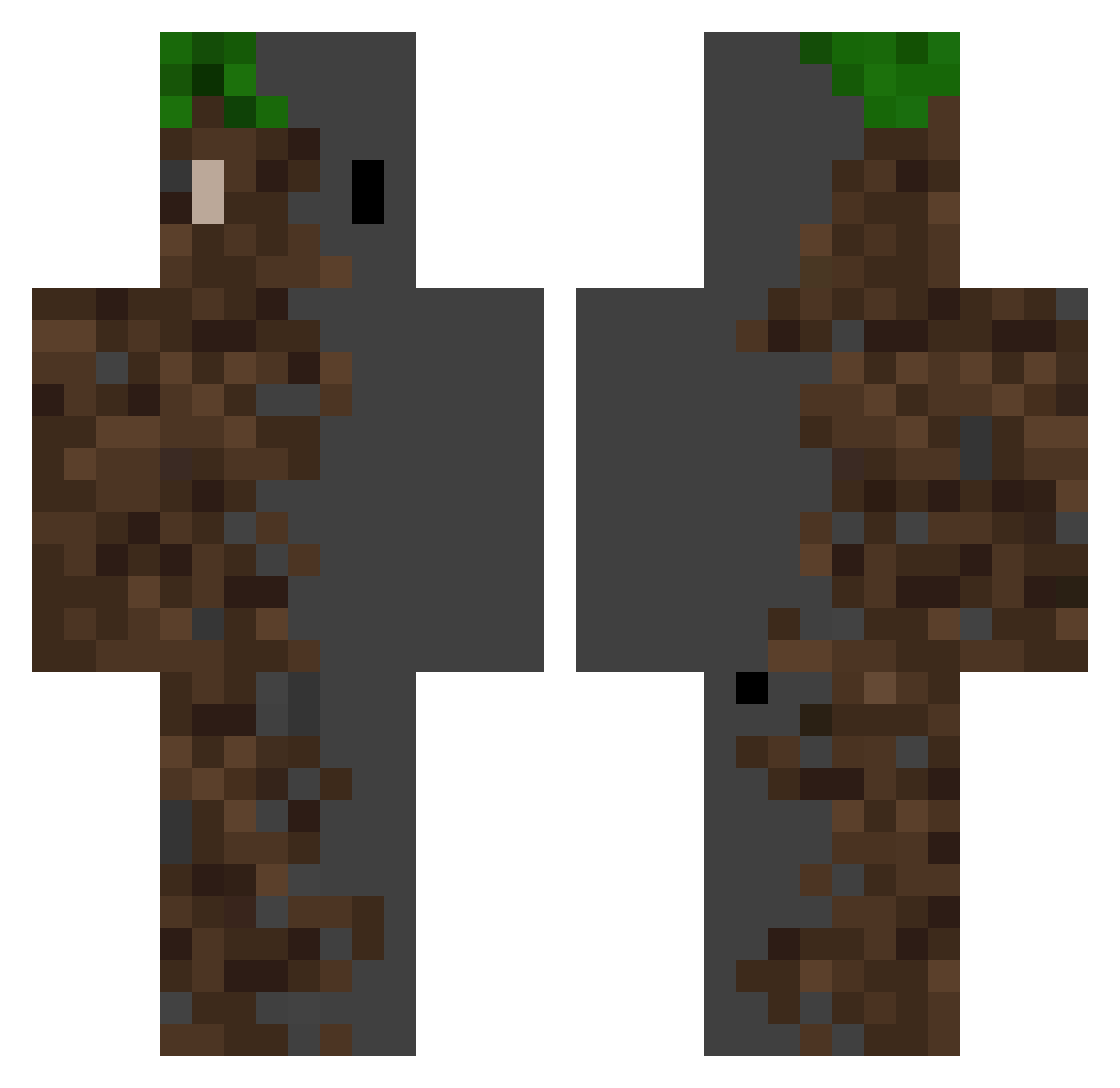
Current Minecraft skin of the player TheoVonSpurs2, loaded from the official Mojang API. Rotate the 3D model with your mouse or finger, then download the skin as a PNG file and use it in Minecraft: Bedrock Edition or Java Edition for free. When TheoVonSpurs2 changes their skin, this page updates automatically and the old skin stays in the history below.
Other players with this skin (467)
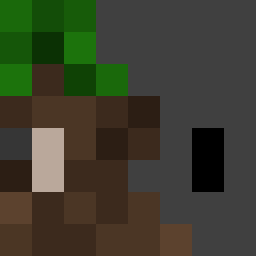
TheoVonSpurs2 was the 433rd player we have seen with this skin, first spotted on 20.10.2026. The same skin was seen on these players. Open a nickname to see their current skin and skin history.
 GrutteJonge feng000000 Koraah_ RadiatedNG vikinger666 white_y27 Politejupiter167 P4C0J4V0 AKIyama09 OhhhhMario KairosNox xiaoxiaoxian111 Supermarket113 Public_Paranoia DarKneSSooo Liamw_boss LMTQwQ still_high Jang9ho416 BarniKjellern ItsClipzy kv06_ Amsomedude Jsoan666 SlyBlaze11 ghb667 LiMing77 zuoyin9528 SpaaceBudy Botis9 DjCamelll KaiHow diradias83 Foxou708 HenryGauffrette EwaJony_ Grerdoco zaiwo ForgottenPro Juancho_X tomback123321 Forqen spiky8000 wsl061208 CorporalLSI NadaRAMA_ sasalegend RRRavens mao__bai _VenTa3ez_ Zyzotl Observer03 LocalPounder04 zeezf15 Foggiestbog7302 Paradisambulance InternalLimit minjae0713 ysl6666 yakataDX
More Dirt Block Minecraft skins
How to install the TheoVonSpurs2 skin
- Press the Download button above to save the skin as a PNG file.
- Minecraft: Bedrock Edition (PE): open the Dressing Room from the main menu (or tap your character → Edit Character), go to Classic Skins → Owned, press the + (new skin) button, choose the downloaded PNG and pick the Classic (Steve) model. Works on PC and mobile; consoles cannot import custom skins.
- Minecraft: Java Edition: open the Minecraft Launcher, go to the Skins tab, click New Skin, load the PNG, pick the Classic (Steve) model and press Save & Use. You can also upload it at minecraft.net → Profile → Change Skin.
The skin does not show up after import - what should I do?
Restart Minecraft and open the Dressing Room again - imported skins sometimes appear only after a restart. Also make sure you selected the imported skin and picked the Classic (Steve) model.
Which model should I choose, Classic or Slim?
This skin is designed for the Classic (Steve) model. If you pick the wrong model, the arms of the skin will look stretched or squeezed.
Is the skin of TheoVonSpurs2 free to download?
Yes. Press Download, save the PNG file and use it in Minecraft: Bedrock Edition or Java Edition - no payment or registration needed. The skin also works on multiplayer servers and Realms.
More skins
Looking for more? Go back to all Minecraft skins and check the top skins of the week, month and all time, or find any player's skin by nickname.